
Vandaag of morgen in huis

Kwaliteit gegarandeerd

Welkomstaanbiedingen ontgrendelen: GRATIS bezorging | Tot 80% korting | Gratis 30 dagen JoyPlus-proefperiode
Download de app
A desk cluttered with cables, a shortage of ports on your laptop, and constantly swapping chargers and adapters. For many professionals, this is a daily reality. A professional monitor with USB-C offers an elegant solution. With a single cable, you can connect your laptop for video, data, and power. This not only creates a clutter-free workspace but also significantly improves your workflow.
This guide is designed to help you choose a monitor that fits your professional needs, whether you're a graphic designer, video editor, or a heavy multitasker. We'll highlight some popular choices and give you practical tips on what to look for.
Monitor specifications can be overwhelming. We'll focus on three key factors that make a difference for professional use.
The right combination of screen size and resolution depends on your work.
For a graphic design monitor, color reproduction is crucial. Pay attention to the coverage of color spaces:
Not all USB-C ports are created equal. The monitor with power delivery (PD) feature determines how much power the monitor can supply to your laptop.
Based on specifications that meet the demands of professionals, we have selected a few models.
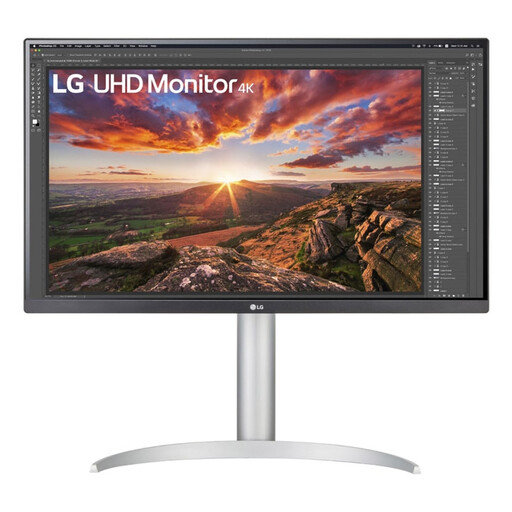
Why It Stands Out This LG monitor with USB-C combines a sharp 4K screen with a powerful power supply. The 27-inch size is a comfortable fit for most desks, while the high resolution provides impressive clarity and detail.
Key Features
Who Is It For? Ideal for all-around professionals and MacBook users who want to create a sharp, color-accurate, and streamlined workspace with a single cable.
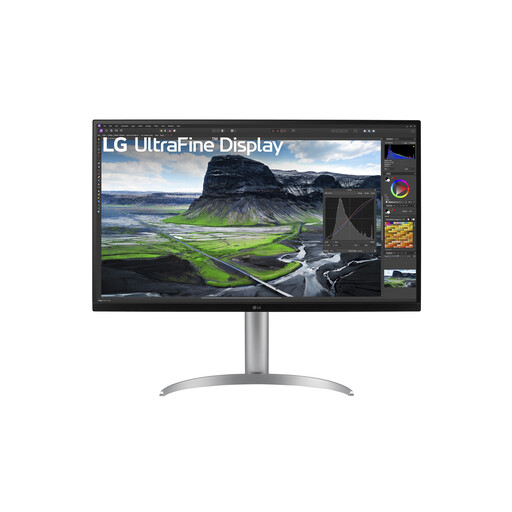
Why It Stands Out This 32-inch monitor takes image quality to the next level with its IPS Black panel, which LG claims offers significantly higher contrast than conventional IPS screens. Its wide color coverage makes it a serious contender for color-critical work.
Key Features
Who Is It For? The perfect choice for photographers, video editors, and designers who need a large, color-accurate screen and don't want to compromise on image quality.
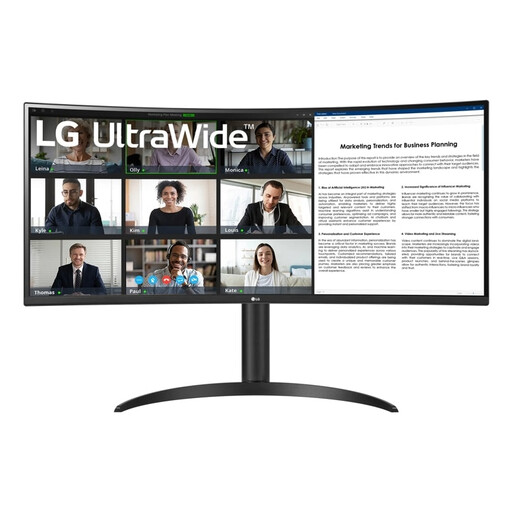
Why It Stands Out This ultrawide monitor offers an ocean of screen real estate. The 21:9 aspect ratio is ideal for running multiple applications side-by-side without constantly switching between windows. The gentle curve of the screen provides an immersive viewing experience.
Key Features
Who Is It For? Excellent for programmers, financial analysts, and multitaskers looking to optimize their workflow. The wide screen effectively replaces a dual-monitor setup.
The world of monitors is vast and diverse. You might be looking for a different size, a higher refresh rate, or a specific panel type. If these recommendations aren't exactly what you're looking for, check out our entire selection.
Discover more options in our Computer Monitors category
1. What is the advantage of a monitor with USB-C Power Delivery? The main advantage is convenience. With a single USB-C cable, you can simultaneously charge your laptop, transmit 4K video, and transfer data via the monitor's USB ports. This results in a minimalist and clutter-free workspace without a tangle of cables.
2. Is a 4K monitor necessary for photo editing? While not strictly necessary, a 4K monitor offers significant advantages for photo editing. The high resolution allows you to view your photos at 100% while keeping your editing panels in view. Details are much sharper, which helps in accurately assessing focus and making precise adjustments.
3. Does an LG monitor with USB-C work well with a MacBook? Yes, LG monitors with USB-C are generally designed for seamless compatibility with macOS. They offer a plug-and-play experience, where the monitor is instantly recognized, and the correct resolution and color profiles are applied. The combination of a 4K monitor for MacBook with high Power Delivery is a very popular and efficient setup for many Apple users.
