
Vandaag of morgen in huis

Kwaliteit gegarandeerd

Welkomstaanbiedingen ontgrendelen: GRATIS bezorging | Tot 80% korting | Gratis 30 dagen JoyPlus-proefperiode
Download de app
Do you often work in a coffee shop, on the train, or in an open-plan office? Then you'll recognise the feeling of prying eyes on your screen. Sensitive work documents, personal emails, or banking details are suddenly no longer private. On top of that, staring at a screen for hours can lead to eye strain from glare and blue light.
A privacy filter is a simple and effective solution to these problems. But with so many options on the market, choosing the right one can be tricky. This article will help you understand the specifications and find a model that fits your laptop or monitor, without the marketing fluff.
Before you make a choice, it's wise to consider a few key features. This ensures you buy a filter that perfectly matches your needs.
The way you attach the filter determines how flexibly you can use it. There are broadly two systems:
Modern privacy filters often do more than just shield your screen. Look out for these additional features that can significantly enhance your working comfort:
This may seem obvious, but it's crucial: measure your screen diagonal (in inches) and check the aspect ratio (such as 16:9 or 16:10) before buying a filter. A filter that doesn't fit perfectly can block the edges of your screen or let light seep through. Most privacy filters limit the viewing angle to +/- 30 degrees. This means only the person sitting directly in front of the screen can see the content. For onlookers, the screen appears dark or unreadable.
Based on clear specifications and functionality, we have curated a selection of options for you.
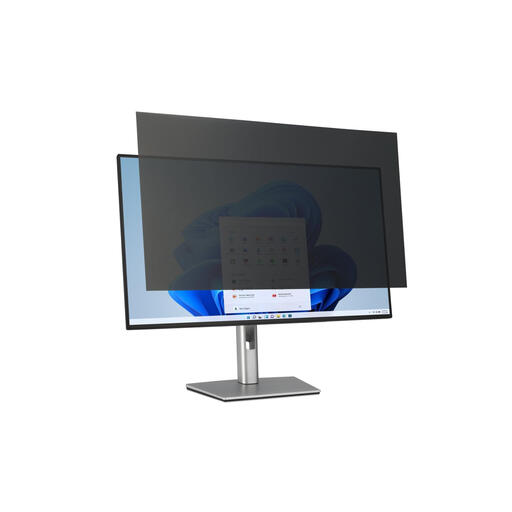
Why It Stands Out This filter is specifically designed for large 32-inch monitors, a size that is becoming increasingly popular in both office and home setups. The combination of privacy, eye comfort, and a removable design makes it a versatile choice for a fixed workstation.
Benefits
Who Is It For? Professionals who work on a large screen in an open office or co-working space and want to shield their sensitive information.
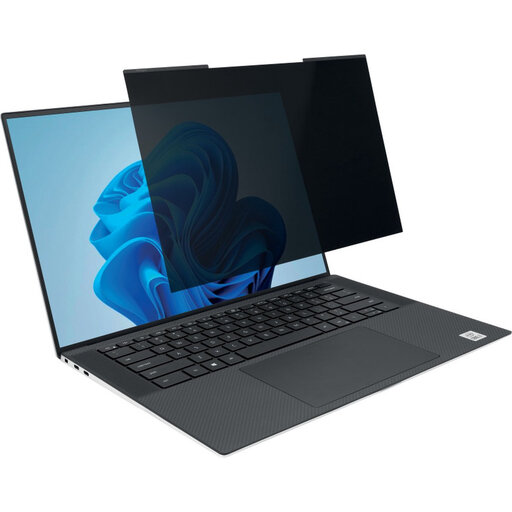
Why It Stands Out The magnetic attachment is this filter's key feature. It's designed for modern, thin laptops and can be attached or removed in an instant. You can even close your laptop with the filter still on.
Benefits
Who Is It For? The hybrid worker, student, or traveller who constantly changes environments and needs to switch quickly between private work and screen sharing.
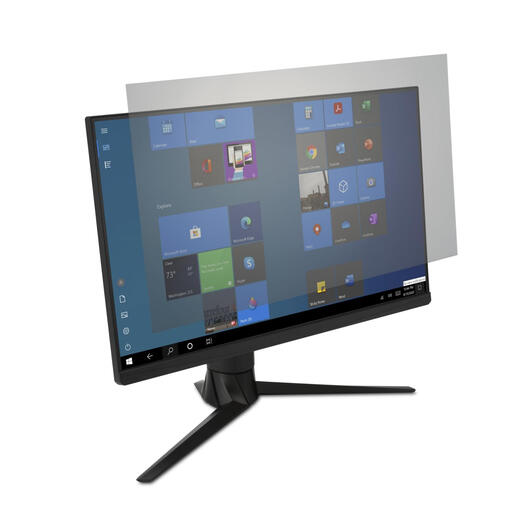
Why It Stands Out This filter focuses primarily on visual comfort and hygiene, rather than privacy. Its antimicrobial coating, which the manufacturer claims inhibits bacterial growth by up to 99%, is a unique feature for shared workstations.
Benefits
Who Is It For? Users of large (ultrawide) 34-inch monitors who primarily suffer from eye strain due to glare and blue light, and have less need for a strict privacy screen monitor.
The right choice depends on your device, your workspace, and your priorities. If the options above aren't exactly what you need, many more sizes and types are available.
View all our computer screen security protectors
1. How does a privacy filter work exactly? A privacy filter uses a technology called 'micro-louvre'. These are tiny, vertical blinds embedded within the filter. They block the view from an angle but allow light to pass straight through. As a result, only the person sitting directly in front of the screen can see the content.
2. Can a privacy filter damage my screen? No, when used correctly, a screen filter will not damage your screen. It is important to clean your screen thoroughly before applying a filter with adhesive strips to prevent dust particles from causing scratches. Magnetic filters and tab-held filters make minimal contact and pose no risk.
3. Does a screen filter really help with eye strain? Filters with an anti-glare coating and a blue light filter can certainly contribute to greater viewing comfort. The matte finish reduces distracting reflections, meaning your eyes don't have to work as hard to focus. The reduction in blue light can help lessen the strain on your eyes during long work sessions.
Joybuy Product Recommendation Officer
