What should you look for when buying?
These considerations are for consumers thinking about using powerline to make video calls from another floor.
| What to consider |
What to look for |
Who it matters to |
| Connection at your permanent workspace |
Check that your computer and the receiving adapter have Ethernet. Test the connection in the intended spot, including when other electrical appliances are switched on. |
If I hold meetings in one fixed spot, I want a reliable wired connection there without having to keep moving. Around 36% of consumers prioritise a permanent meeting connection. |
| Electrical route between floors |
Plug the adapters directly into the intended wall sockets and test the connection there. Different circuits or phases can have an effect, but they don’t automatically rule out powerline. |
If I want to avoid running cables, the connection through my electrical system still needs to work where I hold meetings. Around 29% of consumers give this route top priority. |
| Wi-Fi at your workspace |
Check whether the receiving adapter has Wi-Fi. If you want a mesh feature, also check that it works with your existing router and other devices. |
If I work with a wireless laptop on another floor, I need Wi-Fi there, not just an Ethernet port. Around 21% of consumers put wireless coverage first. |
| Kit and compatibility |
Check whether you’re buying a kit with two adapters or a separate expansion adapter. If you already have a network, compare the powerline technology and compatibility. |
If I want to expand my existing network, I want to avoid buying an adapter that won’t work with it. Around 14% of consumers prioritise compatible expansion. |
Powerline adapters at Joybuy
This selection includes Wi-Fi powerline kits for wireless devices and wired kits for a permanent workspace. Before buying, check the plug type, what’s included in the box and the CE marking on the specific product.
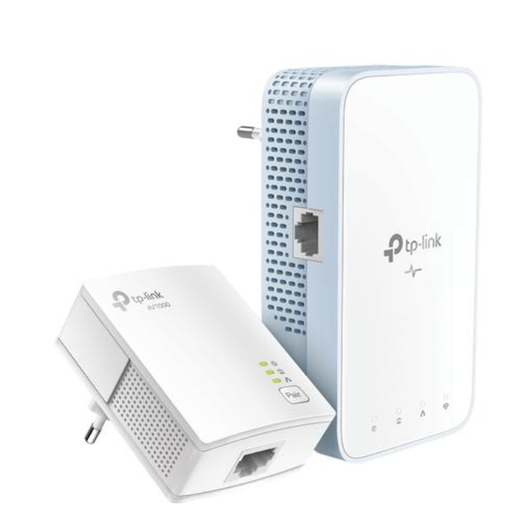 Image unavailable
TP-LINK TL-WPA7517 KIT
A good fit for a workspace where you need Wi-Fi for wireless devices as well as powerline.
The product description lists Wi-Fi and support for standards including IEEE 802.11ac.
View at Joybuy
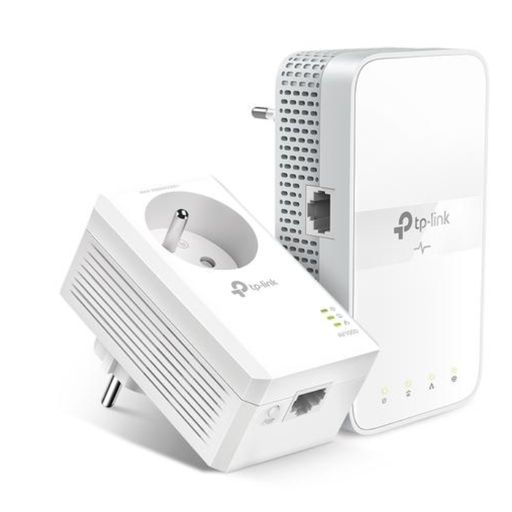 Image unavailable
TP-Link TL-WPA7617 KIT
An option to compare if you’re looking for a new powerline connection with Wi-Fi on another floor.
The product name lists Wi-Fi, Ethernet LAN, 1200 Mbit/s and a two-unit kit. The advertised speed doesn’t guarantee a particular call experience.
View at Joybuy
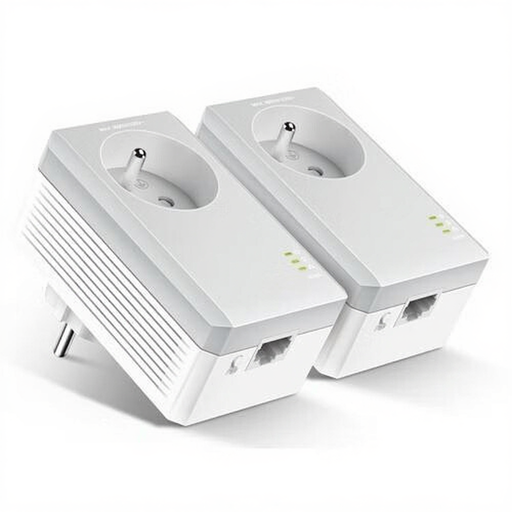 Image unavailable
TP-Link TL-PA4015P KIT
A good fit for a permanent workspace where you want a wired connection between the router and another floor.
The product information lists two adapters, Fast Ethernet and an integrated socket on each adapter. The product name lists 500 Mbit/s.
View at Joybuy
Frequently asked questions
Do you need advertised speeds of 1000 or 2400 Mbps for video calls?
No. These figures aren’t a general requirement for video calls, and they don’t guarantee the actual speed or stability in your home. For group video in 720p, Zoom lists 2,6 Mbit/s upload and 1,8 Mbit/s download under its specific conditions; the key thing is to test the connection at your workspace.
Does powerline work across different circuits or phases?
There’s no way to guarantee this in advance. TP-Link explains that a connection across different circuit breakers may be possible, while separate panels or phases can weaken or block the signal. Test the adapters in the sockets you plan to use for meetings.
Do the adapters need to be plugged directly into a socket?
For everyday use, devolo recommends plugging powerline adapters directly into wall sockets rather than into a multi-socket extension or extension lead. devolo does describe using a multi-socket extension as a temporary way to test two adapters close together; that’s different from the recommended final set-up.
What can I do if a kit doesn’t work well in my home?
Try different wall sockets and check whether electrical appliances are affecting the connection. For an online consumer purchase in the Netherlands, ACM ConsuWijzer says there is usually a statutory 14-day cooling-off period after delivery; check the terms and any exceptions that apply to your purchase.
What should I look for when it comes to product safety in the Netherlands?
Check the CE marking on the specific version and make sure it meets the applicable product requirements. The Dutch Authority for Digital Infrastructure (RDI) states that equipment meeting the applicable European requirements carries a CE marking, and that only products with a CE marking may be sold in Europe. A model name or online listing alone doesn’t confirm the compliance of the specific version.


