
Travellers with one USB lantern
You want to match the right cable and output without carrying a larger power bank than you need.


First, choose a power bank with an output and cable that match your USB lantern’s charging port. Then work out how much usable energy you’ll need for your journey and any other devices. For a lantern with a low power draw, a confirmed low-current mode may matter more than a high wattage rating, while a larger capacity can mean extra weight. NS says charging points vary by train type, so don’t assume one will be available without checking.
You want to match the right cable and output without carrying a larger power bank than you need.
You want to check whether a lantern with a low power draw will stay connected while charging.
You want to share power between your lantern and, for example, a phone, so you also need to consider usable capacity and simultaneous outputs.
First, check that the connection works. Then compare the energy you need, how the lantern charges and what else you want to take with you.
| What to consider | What should you check? | Who is this most important for? |
|---|---|---|
| Connection and cable | Check the lantern’s charging port, the power bank’s actual outputs and whether the cable fits. | When I want to connect my lantern, the cable needs to fit both the lantern and an output. Around 40% of consumers make a working connection their top priority when buying. |
| Usable energy | Find out how much power the lantern needs and compare capacities on the same voltage basis. | For a longer train journey, I want enough energy to recharge my lantern. Around 30% of consumers prioritise the amount of use they need from a charge. |
| Charging at low power draw | Check whether the exact model has a low-current mode, then test it with your lantern. | If my lantern has a low power draw, I want to know whether charging will continue. Around 20% of consumers say continuous charging at low power draw is their main concern. |
| Size and extra devices | Compare the stated weight and check whether there are enough suitable outputs for the devices you want to connect at the same time. | I don’t want to weigh down my bag unnecessarily, but I sometimes want to connect a second device too. Around 10% of consumers give portability or room for an extra device their top priority. |
Battery cell capacity and rated capacity at the USB output may be given on different voltage bases. This means the mAh figure alone doesn’t give you a complete comparison.
Compare capacities on the same voltage basis and take your lantern’s charging requirements into account.
A USB-C port may be intended for charging the power bank itself. On the Anker 313 Power Bank (PowerCore 10K, A1229), Anker EU says the USB-C port is an input only, not an output.
Check which ports are outputs on the exact model and connect the right cable to one of them.
The NVWA warning issued on 15 July 2025 names specific Anker models, including A1257, A1647, A1681 and A1689. A warning for certain model numbers does not automatically apply to every power bank from the same brand.
Before buying, check the exact model and, where applicable, the batch number against current safety warnings. Do not use a product that has been recalled.
The Anker 313 Power Bank (PowerCore 10K, A1229) is worth considering if a low-current mode is important for your small USB device.
The Energy Powerbank 10,000, type 57976, is worth comparing if you want to connect different cables.
The Primo Ultra-thin Power Bank 10,000 mAh, model 24678, offers ports you can compare for connecting different cables.
The Go2 Supercharge PDXG2103FE is worth comparing if you want both a USB-A and a USB-C output.
The Powerbank 12000 mAh, variant 2PB12100SG, is worth comparing if you want to connect another device as well as your lantern.
These power banks are options to compare for travel, with a focus on stated capacity, connections and charging multiple devices. Always check that the output and cable are suitable for your lantern.
 No image available
An option to compare if you want to connect several devices as well as your lantern.
The product description lists 20,000 mAh, three USB-C ports and simultaneous charging for up to three devices.
 No image available
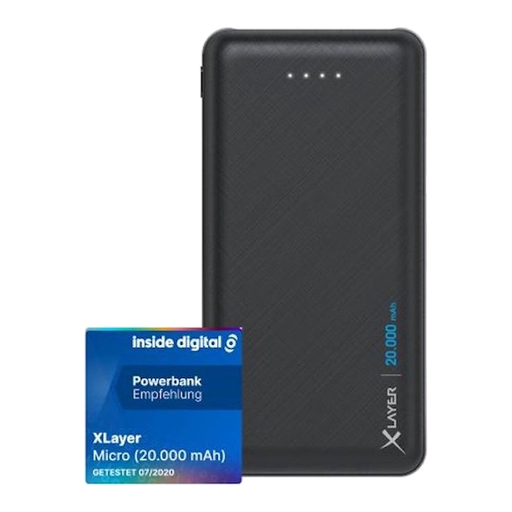
Worth comparing if you want to take more stated capacity and two USB outputs with you.
The product description lists 20,000 mAh, two USB outputs and a weight of 420 g. According to the product information, USB-C is an input.
 No image available
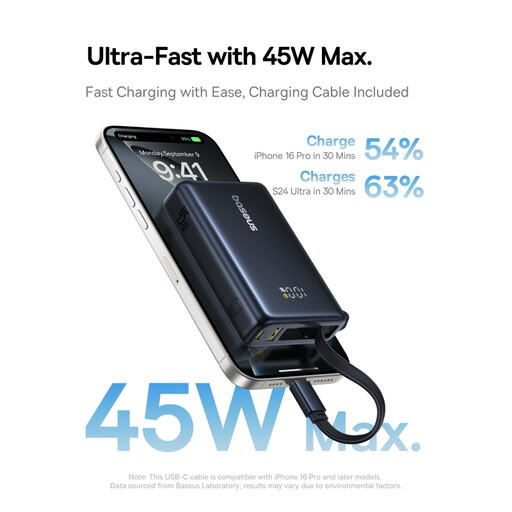
An option to consider if you need both a USB-A and a USB-C connection.
The product description lists 10,000 mAh, USB-A and USB-C outputs, and up to 45 W via USB-C.
 No image available
Worth comparing if you’re looking for a power bank with a stated capacity for travel and want to charge two devices at once.
The product description lists 10,000 mAh, up to 25 W and simultaneous charging for two devices. It also gives a weight of 210 g.
 No image available
An option to compare if you’re looking for a 10,000 mAh power bank for travel.
The product information lists a USB-C connection for charging USB-C devices and a colour display.
No, check before you travel. NS says power sockets or USB charging points are available on many Intercity and Sprinter trains, depending on the train type. Set off with a charged power bank if you don’t want to rely on a charging point on the train.
Use a cable that fits the lantern’s charging port and an output on the power bank. A USB-C port isn’t automatically an output: Anker EU says the USB-C port on the Anker 313 Power Bank (PowerCore 10K, A1229) is for input only.
First check the cable and lantern, then see whether the exact power bank model supports a low-current mode. Anker Support describes this mode for supported models; check how to activate it and test the combination before you leave.
Compare the figures on the same voltage basis and check whether they refer to cell capacity or rated capacity at the output. For the Energy Powerbank 10,000, type 57976, VARTA lists 10,000 mAh at 3.7 V and a rated capacity of 5,920 mAh at 5 V.
Check the exact model and, where applicable, the batch number against the warning. The NVWA warning issued on 15 July 2025 names specific Anker models, including A1257, A1647, A1681 and A1689; don’t assume it applies to other models without checking.