What should you look for?
First, check whether you need a power bank in your hotel room and whether it can connect to your charging case. Then choose one based on its charging performance, portability and whether you want to connect any other devices.
| What to consider |
What to look for |
Who is this most relevant to? |
| Port and cable |
Check the input on your charging case, the power bank’s output and which cable is included. |
If I want to connect my charging case without a separate adapter, I’ll first check that the connector and cable fit. Around 29% of consumers prioritise the port and cable. |
| Low-current charging |
Look in the manual for the exact model to see whether it has a mode for small devices, and check the conditions. |
If my case stops charging sooner than expected, I want to know whether the power bank can handle its low power draw. Around 23% of consumers prioritise this charging feature. |
| Portability and capacity |
Compare the size and weight of the models; a capacity in mAh doesn’t guarantee a set number of charges for your case. |
If I’m mainly taking earbuds, I don’t want to carry anything bulkier than I need. Around 18% of consumers make portability their main consideration. |
| Connecting several devices |
Check the ports and output specifications if you want to charge devices at the same time. |
If I also want to charge my phone, I’ll look for enough suitable ports for both devices. Around 18% of consumers prioritise being able to share the power bank between devices. |
| Wireless charging |
Check that both your charging case and the power bank support the same wireless charging standard. |
If I don’t want to use a cable with my case, I’ll first confirm that my specific case supports wireless charging. Around 12% of consumers prioritise the convenience of wireless charging. |
Power banks at Joybuy
These products offer different ways to charge your earbuds: wired via USB-C, wirelessly if your charging case supports it, or with extra ports for other devices. Check that the charging method works with your specific case for each model.
 No image available
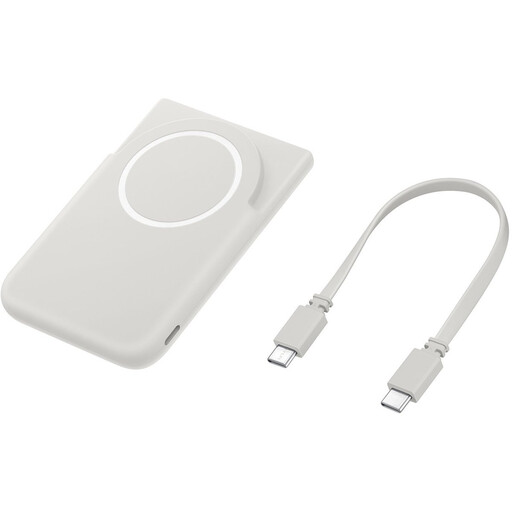
Samsung Magnet Battery Pack, 5,000 mAh, USB-C
Wireless charging is only an option if your charging case supports it; the stated magnetic compatibility applies to compatible Galaxy smartphones.
Specifications: 5,000 mAh and USB-C. The product description also mentions an included USB-C cable.
View at Joybuy
 No image available
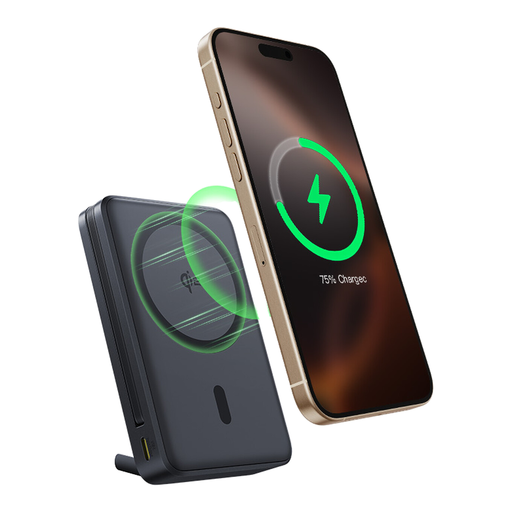
Baseus Nomos Qi2, 10,000 mAh, 45 W
The built-in USB-C cable gives you a wired charging option if it fits your charging case; Qi2 alone doesn’t confirm that the case supports wireless charging.
Specifications in the product title: 10,000 mAh, 45 W, Qi2 and a built-in USB-C cable.
View at Joybuy
 No image available
Samsung Fast Charge Duo Power Bank, 10,000 mAh, 25 W
A wired option if you’re looking for a suitable USB-C connection and may also want to charge a second device.
The product information lists 10,000 mAh, 25 W, two USB-C ports, an included USB-C cable and the ability to charge two devices at once. The stated weight is 210 g.
View at Joybuy
 No image available
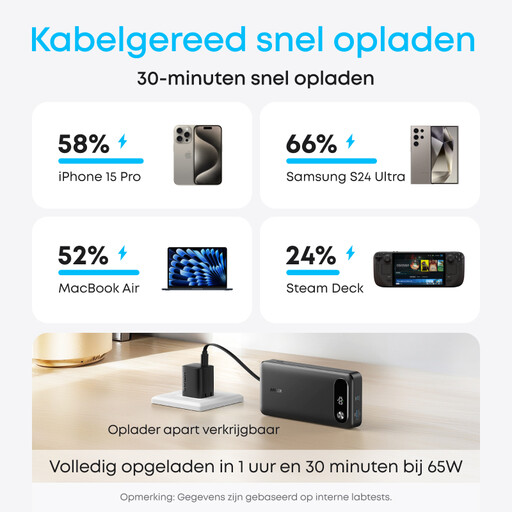
Anker Power Bank 20K, 87 W, with built-in USB-C cable
The built-in USB-C cable can mean one less cable to pack if it fits your charging case; check separately whether the model supports low-current charging.
The product information lists 20,000 mAh, 87 W, a built-in USB-C cable and the ability to charge three devices at once.
View at Joybuy
 No image available
Anker MagGo Power Bank 10K, magnetic wireless charging
Choose wireless charging only if your charging case is compatible. The product description says it’s optimised for iPhone models; for Android phones, it notes lower efficiency and no magnetic alignment.
The product information lists a Qi pad rated at up to 15 W, a USB-C port rated at up to 30 W and an included USB-C cable.
View at Joybuy
Frequently asked questions
How do I charge my earbuds in a hotel room?
Connect the charging case to the right output using a suitable cable, and follow the instructions for your model. Samsung says that Galaxy Buds charge along with their case when the case is connected to a power source. Leave charging equipment uncovered, not under a pillow or duvet, as advised by the fire service.
What can I do if the power bank stops before the case is charged?
First, check the cable and connection, then look in the manual for your exact power bank to see whether it supports devices with a low power draw. Anker describes a trickle-charging mode for model A1367, but also says that a minimum power draw is still required; don’t assume every model has this feature.
Do I need a wireless power bank for my earbuds?
No. Choose wireless charging only if your specific charging case supports it and is compatible with the power bank. Specifications for wireless or magnetic phone charging don’t, by themselves, confirm that every charging case will work with it.
Do I need a power bank if my hotel already has a charger?
Not necessarily: if a suitable mains charger is available and you can use it to charge your case, you may not need a power bank. It’s mainly worth choosing one if you also want to charge on the go or don’t have access to a suitable mains charger.
Can I take a power bank with me when I fly to the hotel?
The Netherlands Human Environment and Transport Inspectorate says that power banks must be carried in hand luggage and not in checked baggage. Check your airline’s requirements before you travel, too.


