
People with a tricky-to-charge case
If charging a small earbuds case stops early, you may want to look for a power bank with a stated low-current mode. Anker Support describes this feature for devices including earbuds.


Start by checking the connector and charging options on your earbuds case. A compatible cable is the straightforward choice, while wireless charging only works with a compatible case. If charging stops early because the power draw is low, check whether the manual for that exact power bank describes a low-current mode. Set up your charging spot on a dry, clear worktop with a hard surface.
If charging a small earbuds case stops early, you may want to look for a power bank with a stated low-current mode. Anker Support describes this feature for devices including earbuds.
If you want to keep your charging spot simple and tidy, you can compare a built-in USB-C cable with a separate, replaceable cable. Belkin Netherlands describes both options on different BoostCharge models.
If you want to put your case down without a cable, first check that the exact version supports wireless charging. For example, Apple Support Netherlands lists Qi support for AirPods 4 with Active Noise Cancellation.
Start with the charging method supported by your exact case. Then check whether the power bank can handle the low charging load and whether any extra ports would be useful for you.
| What to consider | What should you check? | Who is this important for? |
|---|---|---|
| Will charging continue? | Look in the manual for a low-current mode and check how to switch it on. Anker Support describes this mode for the A1680; it is not automatically available on other models. | If your small case stops charging early during normal charging, you’ll want to know whether the power bank has a suitable mode. Around 36% of consumers prioritise continuous charging. |
| Is the cable compatible with your case? | Check the connector and whether the cable is built in or replaceable. Belkin Netherlands describes a built-in USB-C cable on the BPB021hqPK and a removable cable on the BPB027hqBK. | If you want a tidy wired charging set-up, look for a compatible cable without loose parts. Around 29% of consumers prioritise this practical wired set-up. |
| Can your case charge wirelessly? | Check the specifications of the exact case and the power bank. Apple Support Netherlands lists Qi support for AirPods 4 with Active Noise Cancellation, but not for standard AirPods 4. | If you want to put your case down without a cable, that specific version must support wireless charging. Around 21% of consumers prioritise being able to charge wirelessly. |
| Can it charge more than one device at a time? | Check the stated output per port and when charging multiple devices at once. Belkin lists a maximum of 20 W through one port and 15 W total when both ports on the BPB027hqBK are in use. | If you also need the same power bank to charge other devices, the number of ports and shared output both matter. Around 14% of consumers prioritise charging multiple devices. |
The wireless connection between your earbuds and phone doesn’t tell you whether the case itself can charge wirelessly. Apple lists Qi support for AirPods 4 with Active Noise Cancellation, but not for standard AirPods 4.
Before buying, check the specifications for the exact version of your charging case.
A high stated wattage alone doesn’t tell you whether a power bank will keep charging with the low power draw of an earbuds case. The available output may also be shared when you use multiple ports.
Check separately whether there’s a low-current mode, which connector is compatible and what the stated output is when charging multiple devices at once.
Moisture and a lack of space for heat to dissipate can pose risks when using charging equipment.
The Fire Service advises choosing a dry, clear spot on a hard surface. Where possible, charge while you’re nearby.
Worth considering if you need a power bank with a stated mode for a low charging load.
The BoostCharge models mentioned offer different wired options for USB-C cases.
Worth considering if your case can charge wirelessly or if you’re looking for a wired USB-C option.
The Fiera 25880 is a wired option with a built-in USB-C cable.
This selection includes wired power banks for compatible USB-C cases and a wireless charging option for cases that support wireless charging. Check the connector and compatibility of your exact version.
 No image available
A wired option for an earbuds case with USB-C; check that the cable is compatible with your case.
The product name lists 5.000 mAh and USB-C.
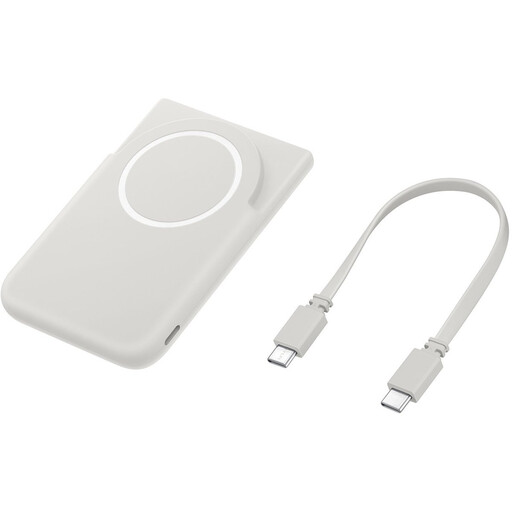
 No image available
Only a suitable option if your charging case supports wireless charging; check compatibility with the exact version.
The product name lists 10,000 mAh and wireless charging.
 No image available
The three USB-C ports may be useful if you also want to charge other devices by cable alongside your earbuds case.
The product name lists 45 W, three USB-C ports and 20.000 mAh.
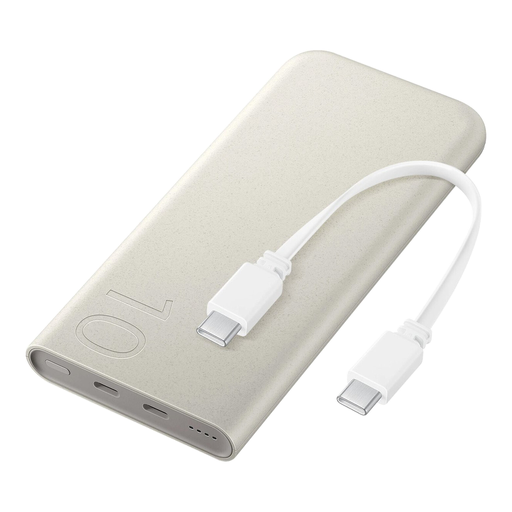
 No image available
A wired option to consider for an earbuds case with USB-C; check that the cable you choose is compatible.
The product name lists 25W USB-C and 10,000 mAh.
For the Galaxy Buds described by Samsung, put the earbuds in the charging case first, then charge the case by cable or, if supported, wirelessly. For other models, follow the instructions in their own manuals.
Remove the case from the wireless charger and let it cool down before using it again. Samsung gives this advice for Galaxy Buds that get warm during wireless charging.
Choose a dry, clear spot on a hard surface where heat can dissipate. The Fire Service recommends charging during the day where possible, so you can stay nearby; this is safety advice, not a specific legal requirement about where to place it.
No. Don’t assess a specific model on the basis of a logo alone. The Netherlands Food and Consumer Product Safety Authority describes voltage limits under the Low Voltage Directive and notes that electrical equipment outside the scope of that directive may be covered by general product safety rules or other specific legislation.