
Traveller with one charging case
Wants a suitable cable and a small reserve of power for their earbuds, without carrying a large power bank.


First, choose a power bank with a port and cable that match your charging case; wireless charging only works if that specific case supports it. A compact model may be enough if you only need to charge your earbuds, while charging extra devices calls for enough ports and capacity. If your case stops charging, check whether the instructions for the exact power bank model mention a low-current mode for earbuds, such as the one Anker describes for the A1388.
Wants a suitable cable and a small reserve of power for their earbuds, without carrying a large power bank.
Wants to check whether the power bank will keep charging a low-power device.
Wants to connect a phone or a second device as well as their earbuds.
| What to consider | What to look for | Who this matters to |
|---|---|---|
| Port and cable | Check the port on the case and make sure you have a matching cable. Apple Support notes that the cable you need varies by AirPods model. | If I only want to connect my charging case while travelling, I first check that the cable and port are compatible. Around 33% of consumers put this first. |
| Charging small devices | Check the instructions for the exact model for an earbuds or low-power mode; after connecting the case, check that it continues to charge. | If my case sometimes stops charging, I look for small-device support on the specific model. Around 27% of consumers prioritise reliable charging. |
| Size and capacity | Compare the weight, dimensions and stated capacity with what you want to carry. An mAh rating does not guarantee a fixed number of charges for your case. | If travelling light is my main priority, I weigh up the size against the reserve capacity I want. Around 20% of consumers put portability first. |
| Multiple devices | Check the number of outputs and the stated power when charging multiple devices at once; also consider which cables you will need. | If I also want to connect my phone while travelling, I check that there are enough compatible outputs. Around 20% of consumers prioritise sharing charging capacity. |
The cable needs to match the port on your charging case; otherwise, you will not be able to connect it directly.
Check the exact port on your case before choosing a power bank with a fixed cable.
The stated capacity alone does not tell you how many times your charging case can actually be recharged.
Use mAh to compare capacity ranges, not as a promise of a specific number of charges.
Some power banks may stop charging a low-power device.
Check the instructions for the exact model and test that your case keeps charging before you set off. Anker describes a separate earbuds mode for the A1388.
The examples below refer to specific models and features, not every product from a brand.
Worth considering if support for low-power devices is important to you.
The Go2 5,000 mAh is an example of a compact, wired option.
The BPB021 is designed for anyone looking for an integrated USB-C cable and an extra port.
The Primo 25029 has multiple ports for wired devices.
This selection includes power banks with USB-C ports or cables, as well as models with wireless charging. Only use wireless charging for a charging case if that specific case is compatible.
 No image available
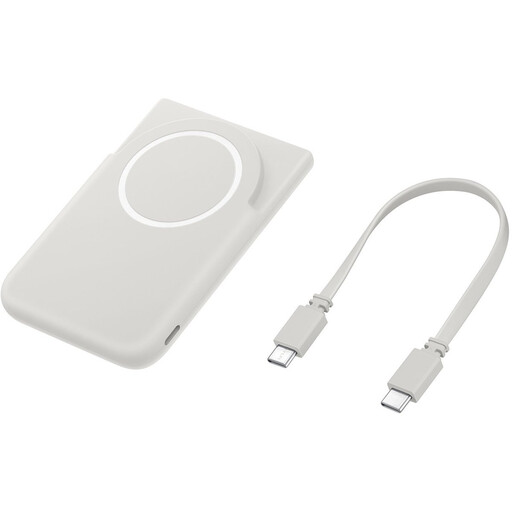
For anyone looking for a power bank with USB-C; wireless charging for an earbuds case only works if the case is compatible.
The product information lists 5,000 mAh, USB-C and wireless charging for compatible Galaxy smartphones. This does not confirm that an earbuds case can charge wirelessly.
 No image available
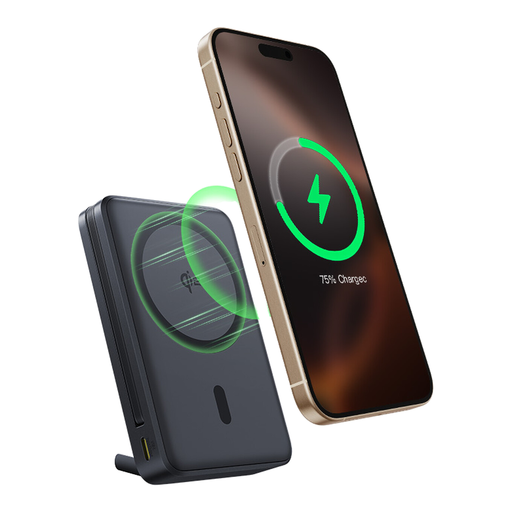
An option for anyone looking for an integrated USB-C cable and wireless charging; check whether your charging case supports wireless charging.
The product information lists 10,000 mAh, 45 W, Qi2 wireless charging and a built-in stand.
 No image available
Suitable for anyone who wants to connect a second device as well as their charging case and needs a USB-C cable.
The product information lists 10,000 mAh, 25 W, a USB-C cable included and the ability to charge two devices at once. The stated weight is 210 g.
 No image available
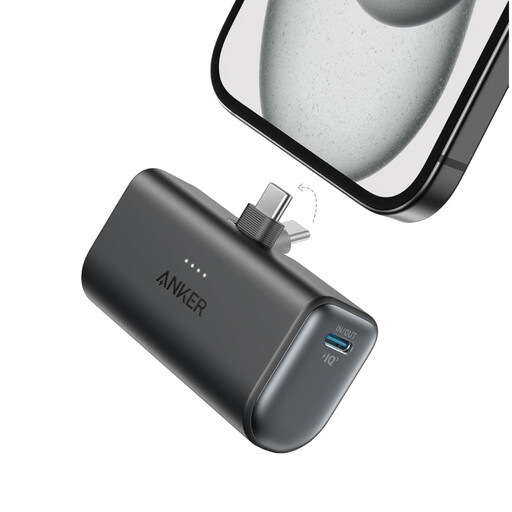
A wired option for anyone looking for a USB-C output and a low stated weight.
The product information lists one USB-C output, a total output power of 22.5 W and a weight of 100 g. According to this information, the product is intended for indoor use in a dry environment; check the instructions before using it in a car.
 No image available
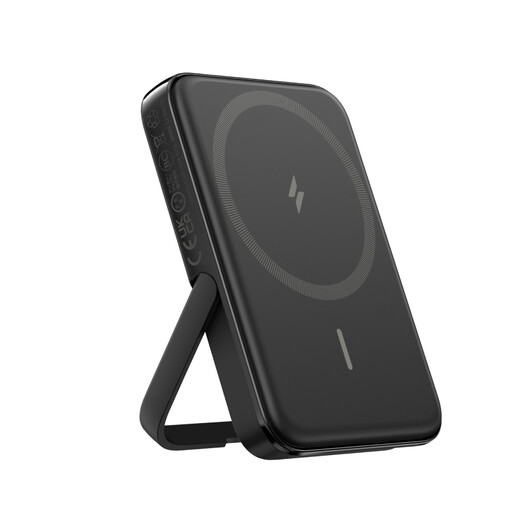
For anyone looking for wireless charging; only use it for earbuds if the charging case is compatible.
The product information lists 5,000 mAh, wireless charging, a total output power of 12 W and a USB-C cable included. According to this information, the product is intended for indoor use in a dry environment; check the instructions before using it in a car.
No. This only works if that specific case supports wireless charging and the charging solution is compatible. Apple Support distinguishes between wired charging and the wireless charging options available with different AirPods cases.
First, check the cable and connections, then consult the instructions for the exact power bank model. Anker describes a separate earbuds mode for the A1388; do not assume that other models have the same feature.
Do not use damaged cables, and leave space around the charger so heat can escape. The Fire Service warns of risks from damage, short circuits and incorrect charging; also check the power bank’s instructions.
According to ACM ConsuWijzer, if a product does not meet what you could reasonably expect, the seller must put things right free of charge under the applicable terms, for example by repairing or replacing it. This is separate from any manufacturer’s warranty.
No. The NVWA explains that CE is the manufacturer’s declaration that the product complies with the EU rules that apply to it; the mark is not proof of an independent assessment. The rules that apply to a power bank and any mains adapter supplied with it depend on the product configuration.