Which buying concerns matter?
Start by checking the radio’s power input and finding a compatible cable. Then check whether the power bank stays on when power consumption is low, and whether its runtime suits your listening habits.
| Buying concern |
What should you look for? |
Who is this important for? |
| Compatible power connection |
Check the radio manual for the port’s function, the required input and the cable. Compare these with the power bank’s output. |
If I want to use the radio by my bed, I first need to know whether its USB port accepts power and whether the plugs fit; around 31% of consumers say this connection is their top priority. |
| Safe use by the bed |
Before you start, make sure there’s a clear, stable space on a hard surface. Follow the Dutch Fire Service’s charging advice. |
I want to use my equipment by the bed without leaving it on the bedding while it charges; around 25% of consumers prioritise safe positioning and charging. |
| Power at low consumption |
Check whether the exact model has a low-current mode and how long it stays active. Test it with your radio. |
If my radio draws very little power, I want to avoid the output switching off unexpectedly; around 25% of consumers put uninterrupted power at low consumption first. |
| Actual runtime |
Where possible, compare the radio’s power consumption with information about the available USB output. Don’t treat the stated mAh as a direct indication of listening time. |
If I want to listen for longer without a mains socket, I need to weigh the usable reserve against size and weight; around 19% of consumers care most about getting enough actual runtime. |
Power banks on Joybuy
The Joybuy options below are power banks. Before choosing a model, make sure its output and cable are compatible with your radio’s power input.
 No image available
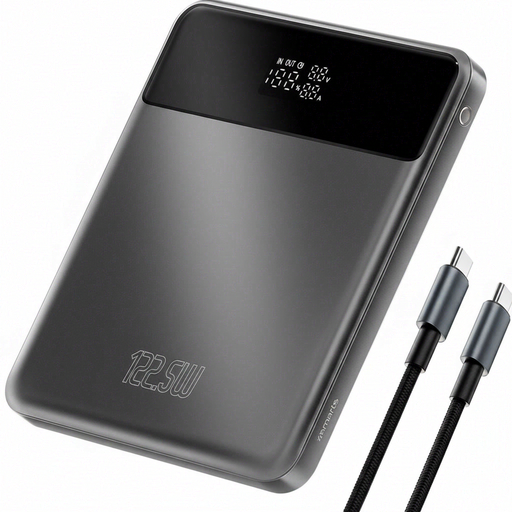
4smarts Enterprise Compact Power Bank 122.5 W 20000 mAh Space Grey
An option to compare if you want to take the stated capacity into account; check separately that the output and cable are compatible with your radio.
Stated capacity: 20.000 mAh. Power according to the product name: 122,5 W.
View on Joybuy
 No image available
MOMAX 1-Power F.Pass+ Ultra-Slim Power Bank 10000mAh
The built-in cable may be convenient if its plug fits your radio; check the connection type in the manual.
Stated capacity: 10.000 mAh. The product name specifies a built-in cable.
View on Joybuy
 No image available
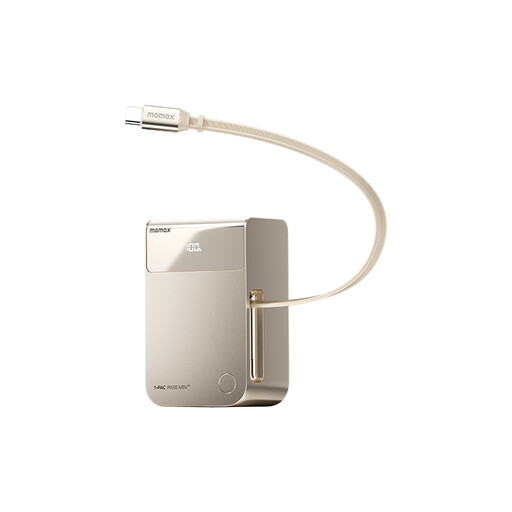
MOMAX 1-PAC Pass Mini 2-in-1 Power Bank 10000mAh
The built-in retractable cable could save you carrying a separate one if it’s compatible with your radio; check this before buying.
Stated capacity: 10.000 mAh. The product name specifies a built-in retractable cable.
View on Joybuy
 No image available
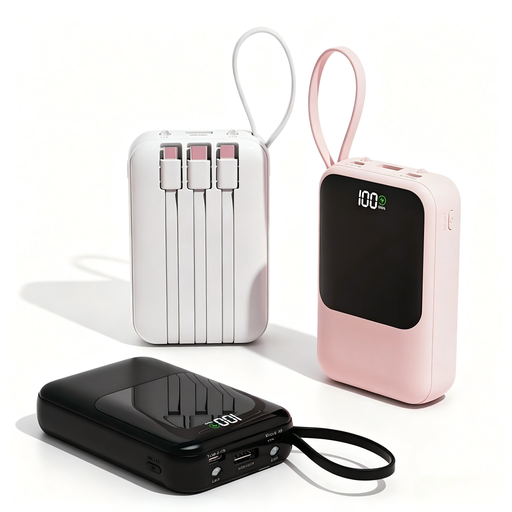
XBJ Power Bank 10.000mAh 22.5W Integrated Cables Black
A model with integrated cables to compare if a built-in connection is compatible with your radio; check which plugs are included.
Stated capacity: 10.000 mAh. Power according to the product name: 22,5 W.
View on Joybuy
 No image available
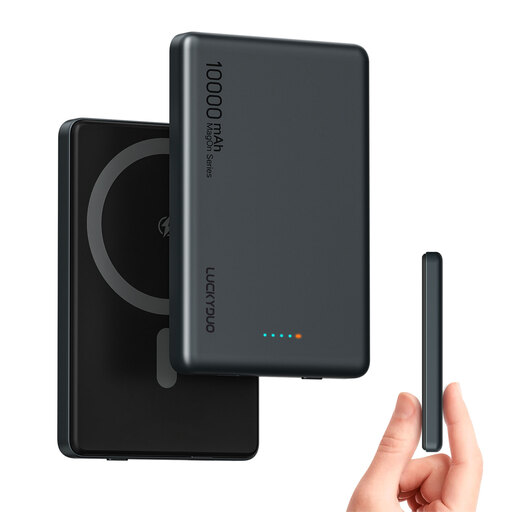
Magnetic Wireless Power Bank Dual USB-C PD 20W 10000mAh
The product name specifies wired USB-C charging; compare the connection and input with your radio’s requirements.
Stated capacity: 10.000 mAh. The product name specifies Dual USB-C PD 20W and wireless charging.
View on Joybuy
Frequently asked questions
Can I power my radio through any USB port?
No. Don’t rely on the shape of the connection alone. Check the manual for your radio model to see whether its USB port is designed to accept power, and which cable and input are required.
What can I do if the radio switches off while the power bank still has charge?
Check whether the power bank switches off automatically when the current draw is low. Some models have a low-current mode; check the instructions for the exact model to find out how to activate it and how long it lasts. Anker Support says the mode described may switch off automatically after two hours without interaction.
Can I charge a power bank on the bed or under a pillow overnight?
The Dutch Fire Service recommends charging devices during the day, when you’re nearby, and placing them on a hard surface while charging. So make space on a hard surface; this is safety advice, not a product specification for any particular power bank.
How can I tell whether the power bank will last long enough?
Compare your radio’s power consumption with information about the power bank’s usable USB output, if available. The stated mAh isn’t a direct indication of listening time; the Consumers’ Association tests how much power power banks actually deliver in different situations.
Will I need a separate cable?
That depends on your radio’s connection and whether a cable is included with or built into the power bank. Check the radio manual to find out which plug and power input are required, then compare these with the exact version of the power bank.


