
Travellers who want to be sure they can top up
You don’t want to rely on a charging point during your train journey. Start by checking the charging instructions for your camera model; GoPro, DJI and Insta360 offer model-specific advice.


To charge an action camera on the train, choose a power bank that suits your exact camera model, the required USB output and the right cable. A higher wattage alone doesn’t guarantee the right charging mode. GoPro, DJI and Insta360 provide model-specific charging advice, while NS says that charging points can vary by train type. Choose a compact model if you mainly want to top up your battery during the journey, or more capacity if you’ll also need power after you arrive.
You don’t want to rely on a charging point during your train journey. Start by checking the charging instructions for your camera model; GoPro, DJI and Insta360 offer model-specific advice.
You want to keep filming after your journey and need to weigh up extra power against the added weight and space in your luggage. In its power bank tests, the Consumers’ Association measures how much power each model actually delivers.
You want a charging solution that’s easy to take with you, perhaps with a built-in cable. Check that the connection and cable length suit your camera and your seat.
First, check your camera’s charging requirements and the power bank’s connections. Then compare its available capacity with what you want to carry, and consider whether you need a second output or a built-in cable.
| What to consider | What to look for | Who is this important for? |
|---|---|---|
| Connection and charging compatibility | Check the manual for your exact camera model, the power bank’s USB output and the cable you need. | If I want to be sure my camera will charge using the chosen output and cable. Around 33% of consumers prioritise compatibility. |
| Available power | Compare capacity and check test results if the amount of power actually delivered is crucial; don’t convert mAh into a fixed number of camera charges. | If I want to keep filming after my train journey, I weigh up extra capacity against carrying more weight. Around 25% of consumers put available power first. |
| Portability | Compare the stated dimensions and weight of the specific model, and check whether its ports are easy to reach. | If I want to travel light, the space and weight the power bank takes up in my bag matter. Around 25% of consumers prioritise portability. |
| Charging multiple devices and cable convenience | Check the number of outputs, the power available when charging multiple devices at once, and whether the supplied or built-in cable suits your camera. | If I also want to charge a second device or avoid carrying a separate cable, I’ll look at the outputs and cable. Around 17% of consumers prioritise this convenience. |
Charging advice varies by camera model, so a high wattage rating alone doesn’t tell you whether the charging mode is right for your camera.
Before choosing a model based on wattage, compare its output and cable with your camera’s manual.
The stated capacity alone doesn’t tell you how much usable power your camera will receive. In its tests, the Consumers’ Association measures how much power power banks actually deliver and whether it differs from the manufacturer’s claim.
Use capacity for an initial comparison, and look for test results if the number of top-ups matters to you.
NS says that charging facilities vary between Sprinter train types, so you can’t necessarily rely on having a charging point during your journey.
Take a fully charged power bank with you if you don’t want to depend on facilities on board.
The BoostCharge BPB021hqPK is a 10.000mAh model with an integrated USB-C cable, ideal if you’d rather leave a separate cable at home.
The Fuel Series 5 FS5103U is a 10.000mAh model with several wired outputs.
The Avala 25883 is a 20.000mAh model for those considering extra power and multiple connections.
These Joybuy products are power banks for use on the go. Before buying, check that the output and cable meet your action camera’s charging requirements.
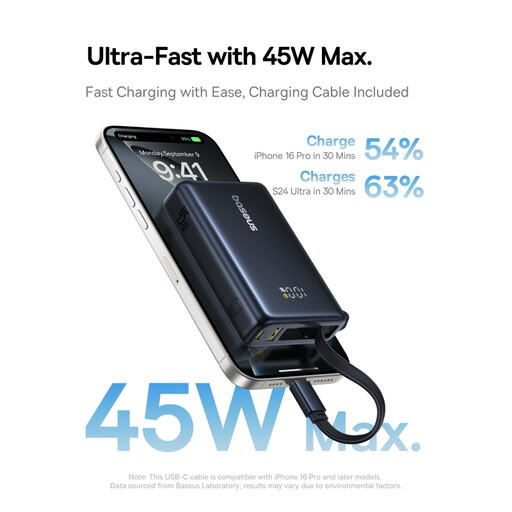 Image unavailable
A power bank to take with you when you want to top up on the go.
The name lists 10.000 mAh, 45 W and a digital display.
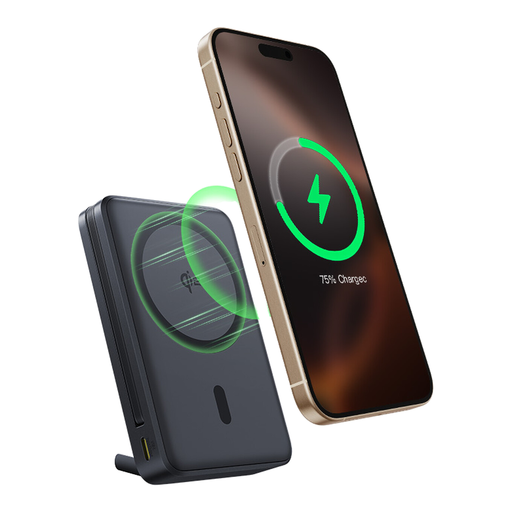 Image unavailable
An option if you’d rather not carry a separate USB-C cable.
The name lists a built-in USB-C cable, 10.000 mAh and 45 W.
 Image unavailable
A power bank to take with you when you want to charge on the go.
The name lists USB-C, 25 W and 10.000 mAh.
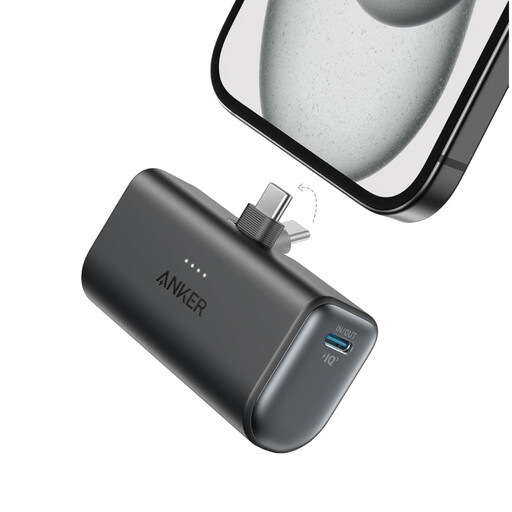 Image unavailable
A compact capacity option to take with you when travelling.
The product name lists a capacity of 5.000 mAh.
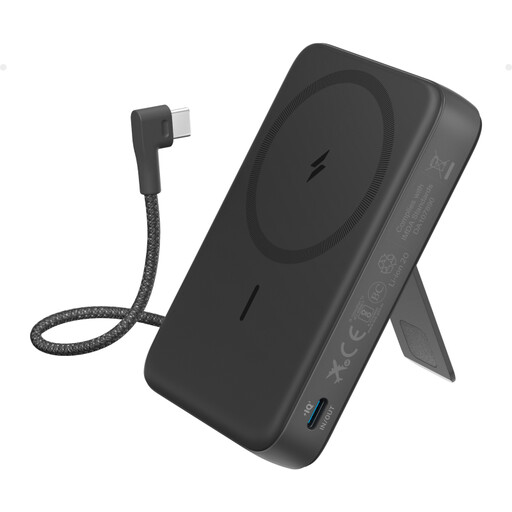 Image unavailable
An option if you don’t want to carry a separate USB-C cable while travelling.
The product name lists a built-in USB-C cable and the 10K capacity rating.
Not on every journey or at every seat. NS says that charging facilities vary by train type; check your journey if you’re relying on a charging point.
Follow the charging instructions for your exact camera model and use the right cable. For example, DJI recommends USB-C charging with PD or PPS for the Osmo Action 5 Pro; this isn’t a general requirement for all action cameras.
Check the power bank and cable for damage, keep them away from moisture, and leave equipment uncovered while charging so heat can escape. This safety advice comes from the Fire Service and isn’t a specific train rule.
If a faulty product breaks during normal use, contact the seller about your statutory guarantee. According to ACM ConsuWijzer, the appropriate solution depends on the circumstances; your statutory guarantee is separate from any manufacturer’s warranty.
In the Netherlands, purchases made online from a business are generally covered by a 14-day cooling-off period. The Dutch Government also describes exceptions, so check which terms apply to your purchase.