Choose a monitor based on what you need to do on screen. For catalogue fields, results and photos viewed side by side, screen layout and readability matter. If you’re assessing glaze colours, colour management also comes into play. A monitor won’t add advanced search features: those need to be built into your catalogue software, and the connections must be compatible with your computer.
Who is this guide for?
Cataloguer working with lots of search fields
You want to view object details, filters, search results and a photo all at once. The Beazley Archive Pottery Database from the Classical Art Research Centre, University of Oxford, includes search fields such as shape, technique, provenance and date.
Collector comparing glaze colours
You assess the colour in photos and want to take the camera, monitor profiles and lighting into account. EIZO describes profiling and calibration as part of colour management.
Laptop user who spends long hours at the screen
You’re looking for an adjustable workstation and want to check whether a single USB-C connection can provide video, data and enough power to charge your laptop. BenQ and Philips describe USB-C capabilities for compatible devices; check your laptop’s port and requirements too.
What should you look for when buying?
QHD work monitor
A good fit if: you mainly enter catalogue records, read results and view photos alongside them.
Trade-off: the QHD models listed have fewer pixels than the 4K models listed. BenQ specifies an sRGB mode and factory calibration report, while Philips describes USB-C for compatible devices.
4K for photos and catalogue windows
A good fit if: you want more pixels for photos and detailed viewing on a screen of around 27 inches; LG lists 4K, USB-C and an adjustable stand for the 27UP850K-W.
Trade-off: check that text remains comfortable to read at your chosen display scaling. A stated colour gamut alone doesn’t prove that glaze colours will be displayed accurately.
Colour management for photo reproduction
A good fit if: colour comparison or reproduction is a key task and you want to manage the entire photography workflow. EIZO specifies hardware calibration for the ColorEdge CS2740.
Trade-off: EIZO lists a measuring device as an optional accessory. A wide colour gamut doesn’t replace suitable profiles, calibration and lighting.
| What to consider |
What should you check? |
Who should prioritise this? |
| Colour assessment |
Check the colour space, colour mode and calibration method; find out whether you need a measuring device. |
If I compare glaze and decoration using photos, I also want to take the camera, profiles and lighting into account. Around 36% of consumers put colour assessment first. |
| Workspace and readability |
View your own catalogue at the intended resolution and text scaling; compare QHD and 4K at the same screen size. |
When I want to see fields, filters, results and an object photo side by side, I consider both the layout and text readability. Around 29% of consumers prioritise workspace and readability. |
| Adjustability |
Check how adjustable the stand is and whether the monitor will suit your desk and lighting. |
During long cataloguing sessions, I want to be able to adjust the screen position to suit my workstation. Around 21% of consumers prioritise adjustability. |
| Computer connection |
Compare your computer’s video output and required charging power with the specifications of the exact monitor model. |
If I want to connect my laptop with a single cable, that connection needs to support both video output and charging requirements. Around 14% of consumers make connectivity their top consideration. |
Buying pitfalls
-
Confusing a monitor with catalogue software
Search fields and filters are part of the database or catalogue software; a different screen won’t add these features.
Before buying, check that your software supports the object fields, filters and photo display you need.
You may need suitable catalogue software or a customised workflow.
-
Assuming a wide colour gamut means accurate glaze colours
Display accuracy also depends on how the photo was taken, profiles, calibration and lighting. A measuring device is listed as an optional accessory for the EIZO CS2740.
Decide whether you only want to organise photos or compare colours, then make sure your entire photography workflow is set up accordingly.
A managed colour workflow may require a separate measuring device.
-
Assuming every USB-C port can do everything over one cable
Video, data and laptop power will work together only if the ports and power output of both devices are compatible.
Compare the specifications of the exact laptop and monitor before relying on a one-cable setup.
If the connections aren’t compatible, you may need a separate power adapter or a different video connection.
Relevant brands to consider
BenQ
The PD2705Q is a QHD option for a catalogue workstation that also needs a stated sRGB mode and USB-C.
- BenQ says this model has a 27-inch screen, 2560 × 1440 pixels, 100% sRGB, a factory calibration report and 65 W USB-C power delivery.
- These model specifications don’t show the colour deviation of an individual unit; its resolution is lower than that of the 4K models listed.
EIZO
The ColorEdge CS2740 is worth considering if colour management for object photos is a key task.
- EIZO specifies 4K, wide Adobe RGB coverage and hardware calibration for the CS2740.
- EIZO lists a measuring device as an optional accessory. These specifications don’t automatically apply to other EIZO monitors.
LG
According to LG, the UltraFine 27UP850K-W combines a 27-inch 4K screen with USB-C and an adjustable stand.
- LG gives a typical value of 95% DCI-P3 for this model.
- This stated figure isn’t a measurement of the colour accuracy of an individual unit. Colour workflow checks are still needed for reproduction work.
Philips
The 27E1N5600AE/00 is a QHD and USB-C option for catalogue windows and a compatible laptop.
- Philips lists a 27-inch screen with 2560 × 1440 pixels, and video, data and power over USB-C for a compatible device.
- The specifications listed don’t indicate any special colour calibration for this model.
Dell
The UltraSharp U2724D is a useful point of comparison for an adjustable 27-inch QHD work monitor.
- Dell lists 2560 × 1440 pixels, 120 Hz and IPS Black for this model.
- The Joybuy listing we found for the U2724D was no longer available. This says nothing about availability from other sellers or the rest of the UltraSharp range.
Joybuy products
This selection focuses on 4K monitors for catalogue windows and object photos, including models with additional colour management or laptop connectivity features.
 No image available
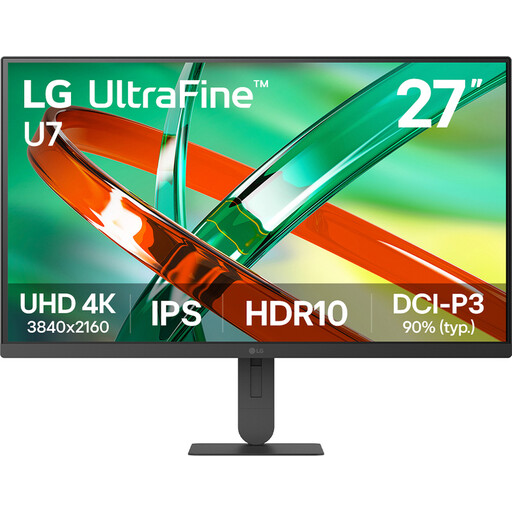
LG UltraFine 27U711B-B 27-inch 4K IPS monitor
Suitable for viewing catalogue windows and object photos on the same screen.
27 inches, 4K, IPS.
View at Joybuy
 No image available
Dell UltraSharp U3226Q 32-inch 4K UHD 120Hz QD-OLED monitor
Suitable for a workstation where you want to view catalogue details and photos on one screen, with colour management in mind.
32 inches, 4K UHD, 120 Hz, QD-OLED. The product description mentions an integrated automated colorimeter.
View at Joybuy
 No image available
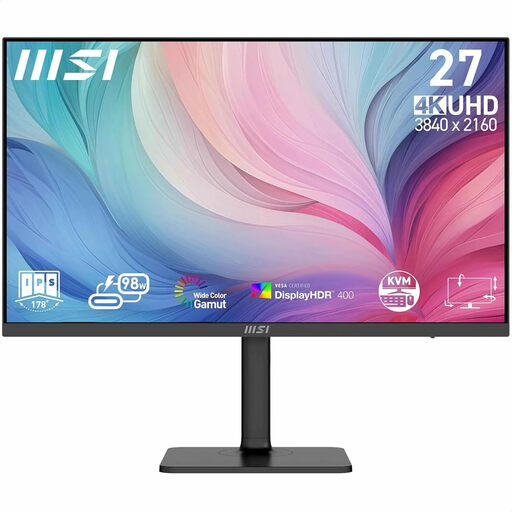
MSI Modern MD272UPHG 27-inch 4K monitor
Suitable for viewing catalogue fields and object photos, with stated colour features.
27 inches, 3840 × 2160 pixels. The product description mentions factory calibration, colour modes and an adjustable stand.
View at Joybuy
 No image available
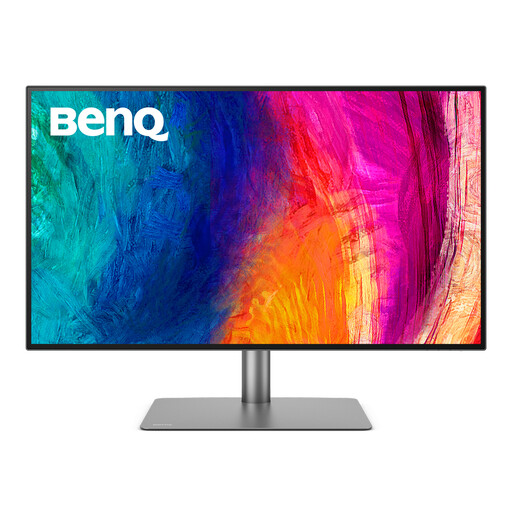
BenQ PD3225U 32-inch 4K monitor
Suitable for viewing catalogue windows and photos, with connectivity and colour validation features.
32 inches, 3840 × 2160 pixels. The product description mentions Thunderbolt 3, KVM, and Calman and Pantone colour validation.
View at Joybuy
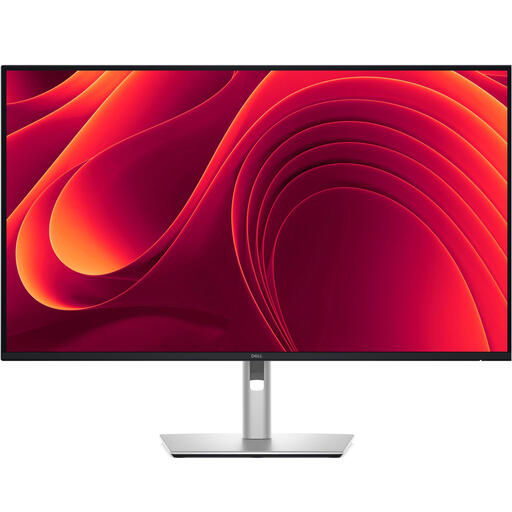 No image available
Dell Pro Plus P3225QE 31.5-inch 4K monitor
Suitable for viewing catalogue windows and object photos, and connecting a laptop via USB-C.
31.5 inches, 3840 × 2160 pixels. The product description mentions USB-C with 90 W Power Delivery and an RJ45 connection.
View at Joybuy
Frequently asked questions
Will buying a different monitor give you advanced search?
No. Advanced search is a feature of the database or catalogue software. Search fields such as shape, technique, provenance and date are provided there, so first check that your software includes the fields you need.
How do you assess the colours in pottery photos?
If colour comparison matters, make sure the photography, monitor profiles and lighting work together. EIZO describes profiling and calibration as separate steps; a stated colour gamut alone doesn’t guarantee a match with the object.
Should you choose QHD or 4K for a catalogue workstation?
Choose the layout and text scaling you find comfortable. QHD and 4K have different numbers of pixels, but that doesn’t automatically determine how large or readable text will be. Compare your own catalogue windows and photos at the intended screen size and scaling.
What should you check before connecting a USB-C monitor to your laptop?
Check whether the relevant USB-C port on your laptop supports video output and how much charging power your computer needs. BenQ lists DisplayPort Alt Mode and 65 W Power Delivery for the PD2705Q; Philips describes charging for compatible devices.
What compliance rules apply to a monitor sold in the Netherlands?
According to Business.gov.nl, electrical equipment must meet the applicable European requirements. After the required conformity assessment, the manufacturer affixes the CE marking and draws up an EU Declaration of Conformity. Check the documentation for the exact model you’re considering; private individuals aren’t required to draw up a declaration themselves.


