
Photo cataloguer
You enter details about pottery and compare photos. A clear, easy-to-read workspace and an adjustable screen setup could be important.


Choose an adjustable monitor with plenty of workspace if you mainly enter catalogue details and view photos. Compare QHD with 4K if you want to inspect fine details. For colour-critical assessment, such as preparing images for print, colour mode and a managed workflow matter more than resolution or HDR alone. A monitor doesn’t make backups: arrange separate copies of your photos and catalogue files on your computer and storage device.
You enter details about pottery and compare photos. A clear, easy-to-read workspace and an adjustable screen setup could be important.
You want to assess differences in glaze colour or prepare photos for print. Look at the colour mode, calibration options and the rest of your imaging workflow.
You store collection images and catalogue details on your own equipment. Consider the monitor’s connections and your separate backup process as two distinct choices.
First decide whether you mainly want to view details and photos side by side, inspect fine details or assess colours for print. Also choose separate storage and set up a routine for local backups; the monitor itself won’t make copies.
| What to consider | What to check | Who this matters most to |
|---|---|---|
| Photo colour | Check the colour mode of the exact model and decide whether you’ll only work digitally or also assess prints. | If I’m comparing glaze colours or preparing photos for print, I want to know which colour settings and workflow are suitable. Around 29% of consumers put colour assessment first. |
| Viewing details and photos together | Compare screen size, QHD or 4K, height adjustment and readability at your chosen scaling setting. | For entering object details alongside photos, I want a clear, adjustable workspace. Around 22% of consumers prioritise an overview of their catalogue. |
| Local backups | If needed, check the connections and arrange separate storage and a regular backup routine. | I want to be able to restore collection images and records locally, so I treat storage and backups separately from my screen choice. Around 21% of consumers prioritise keeping files locally. |
| Fine photo details | Compare the resolution of the exact model and check that magnification and text scaling work well in your catalogue software. | If small features such as decoration or signatures matter, I want to examine them more closely in photos. For around 14% of consumers, inspecting details is the main reason. |
| Laptop connection | Compare your laptop’s video output and power requirements with the monitor’s listed ports and charging capacity. | I want to connect my laptop and peripherals appropriately, without assuming that another model has USB-C features. Around 14% of consumers start with their connection requirements. |
A monitor can connect devices, but that doesn’t mean it makes copies of your collection files.
Plan and check separate, recent local backups of both your photos and catalogue files.
Resolution, colour gamut and colour consistency answer different questions. Your photography and print workflow also affect colour assessment.
Decide whether you’re viewing digital inventory images or preparing colour-critical work for print, then compare the colour features of the exact model.
A compatible connection alone doesn’t confirm that your laptop can output video through that port or receive enough power to charge.
Before buying, check the full model code, port specifications and your laptop’s requirements.
The PD2705Q is a QHD option to consider for a digital photo catalogue with USB-C.
The 27E1N1800AE/00 is a 27-inch 4K model to compare if photo detail and adjustability matter to you.
The ColorEdge CS2740 and CG2700X are models to consider if colour management is a priority for image editing or print.
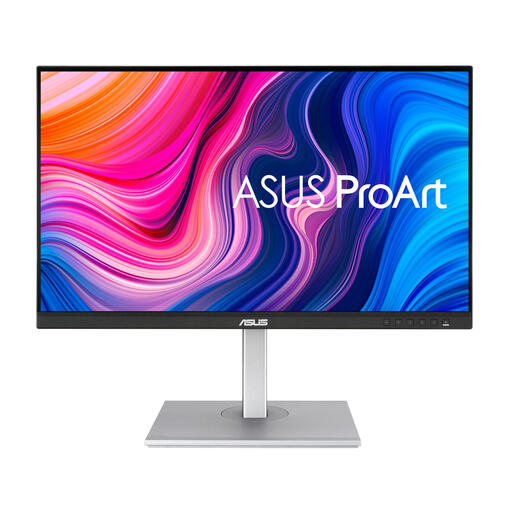
The ProArt PA278QV is a QHD model to compare if documented sRGB coverage and an adjustable stand matter to you.
According to LG, the 27UP850K-W combines a 27-inch 4K IPS screen with USB-C and an adjustable stand.
This Joybuy selection includes QHD and 4K monitors for inventory work and viewing pottery photos. Arrange local backups separately from your monitor.
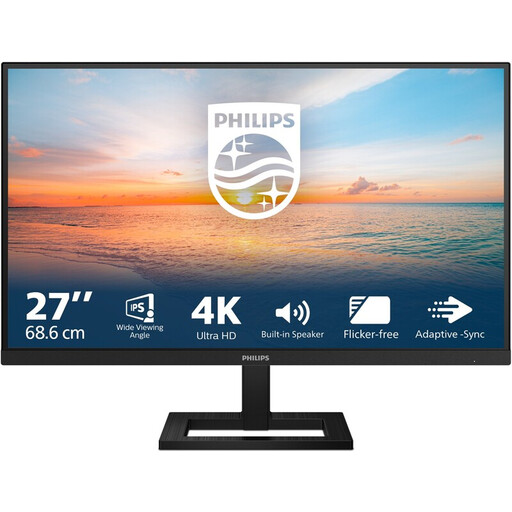 No image available
A 27-inch 4K model to consider if you want to inspect fine details in collection images.
27 inches; IPS; 3840 × 2160 pixels; 60 Hz; 4 ms; HDMI and DisplayPort; height-adjustable stand.
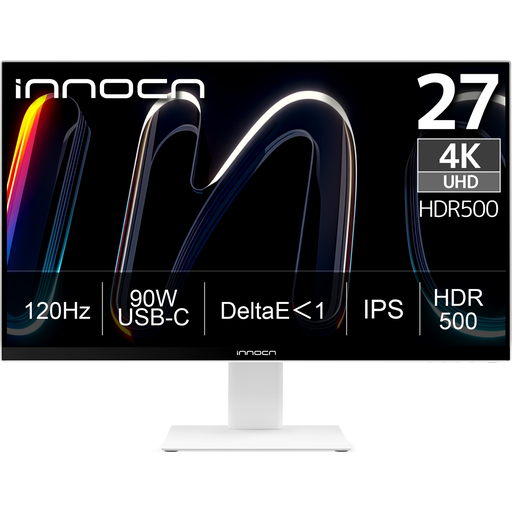 No image available
This 27-inch 4K monitor is an option to compare if you want to inspect photo details.
3840 × 2160 pixels; IPS; 120 Hz; HDR500; USB-C with 90 W Power Delivery.
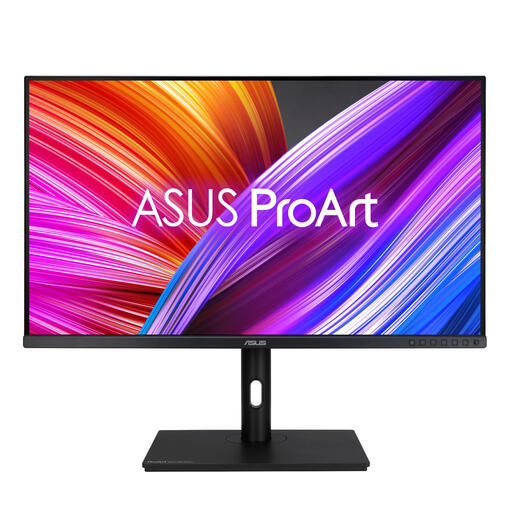 No image available
The 31.5-inch screen is an option to compare if you want to view details and photos together in one workspace.
31.5 inches; 2560 × 1440 pixels; Quad HD.
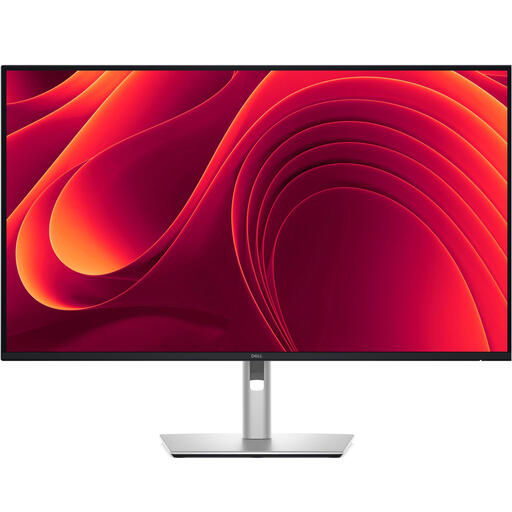 No image available
A 31.5-inch 4K model to compare if you want more pixels for viewing collection images.
3840 × 2160 pixels; 4K Ultra HD.
 No image available
A 27-inch QHD model to compare if you want to view object details alongside photos.
2560 × 1440 pixels; Quad HD.
No. A backup is a separate copy of your files. Set up copying on your computer or do it manually, keep a recent copy on separate storage and check that you can retrieve your catalogue files.
Not for that alone: 4K describes pixel resolution, while colour assessment also depends on the colour mode and imaging workflow. Consider the extra resolution for inspecting details, and look separately at colour management if colour accuracy for print matters.
Compare your laptop’s video connection and charging capacity with the listed USB-C features of the exact monitor. BenQ lists DisplayPort Alt Mode, data and 65 W Power Delivery for the PD2705Q; that doesn’t automatically mean every laptop can output video through that port and receive enough power to charge.
According to the Dutch government, you should contact the seller to resolve the issue. The Netherlands doesn’t have a fixed statutory two-year warranty period; what you can expect from a product depends, among other things, on the product and the information provided. A manufacturer’s warranty is separate from your statutory rights.
The Dutch Data Protection Authority describes an exception for personal or household use when photos remain private or are shared with a very limited group. If identifiable people appear in photos and you use the images for business or share them more widely, the GDPR may apply and you may need an appropriate legal basis. Buying a monitor doesn’t change how these rules apply.