
Portrait retoucher working beside a window
You want to assess shadow detail and skin tones as daylight changes or reflects on your screen. NIDF highlights the importance of calibration so you can trust how images are displayed.


Start by positioning your screen and managing the light from the window. Calibration only helps once you assess colours in the conditions you work in, as NIDF also explains. Then choose an anti-glare screen. For prints, calibration and the colour space you need are key, while resolution and screen space help you inspect small imperfections. Maximum brightness alone won’t solve reflections or changing daylight.
You want to assess shadow detail and skin tones as daylight changes or reflects on your screen. NIDF highlights the importance of calibration so you can trust how images are displayed.
You’re restoring an old portrait with a print in mind, and want to set colour and brightness deliberately. Calibration and the colour space your workflow needs are therefore important considerations; BenQ and EIZO list these features for specific models.
You want to inspect scratches and small imperfections in a scan accurately, while leaving room for your editing tools. The specifications of models such as the EIZO CS2740 and ASUS PA279CRV give you a starting point for comparing resolution and screen size.
Best for: colour-critical work or assessing a portrait for print. BenQ lists hardware calibration and 99% Adobe RGB for the SW272U; EIZO lists hardware calibration and more than 99% AdobeRGB for the CS2740.
Bear in mind: check which sensor and software you need, and whether a monitor hood will fit on your desk.
Best for: retouching alongside general computing; according to ASUS, the PA279CRV combines a 27-inch screen, 4K resolution and an anti-glare surface.
Bear in mind: anti-glare doesn’t mean direct sunlight or a bright window won’t cause reflections. Consider the screen position in your workspace.
Best for: when your current screen shows enough detail, but light from the window interferes with your assessment. Try adjusting the screen position and incoming light, then calibrate the screen for those conditions.
Bear in mind: a different setup won’t automatically overcome limitations in your existing screen’s resolution, colour space or calibration options.
For shoppers looking for a monitor to retouch an old portrait beside a bright window, these are four different buying priorities.
| Concern | What to look for when buying | Who is this important to? |
|---|---|---|
| Window light and reflections | Check for a matt or anti-glare finish and whether a monitor hood, if included, will fit on your desk. Also consider where you can position the screen. | If I work beside a bright window, I want to reduce reflections before assessing skin tones. Around 33% of shoppers give managing window light top priority. |
| Reliable colour for a print | Check which colour space your print workflow uses and what calibration options the exact model offers. | For a portrait print, I want to assess colours using settings that suit my workspace and workflow. Around 27% of shoppers prioritise colour assessment for a print. |
| Small imperfections | Compare resolution and screen size together; check that text and tools remain easy to read on your computer. | If I want to remove small scratches from a scan, I need enough detail and room for my tools. Around 27% of shoppers prioritise these fine details. |
| Versatility and connectivity | Check the ports, the USB-C power delivery your laptop needs, and the adjustability of the exact model. | When I also use the same monitor for everyday computing, I want its ports to suit my computer. Around 13% of shoppers prioritise versatility and connectivity. |
A high brightness specification doesn’t tell you how reflections or changing daylight will affect your assessment.
First, position the screen and manage the light. Then calibrate it for the conditions in which you assess the portrait.
Colour coverage and calibration describe different qualities. A wide colour space alone doesn’t prove that the display is set up correctly.
Check the colour space you need, the calibration options and your print workflow separately. Also check which sensor and software you need.
A wider screen can give you extra room for windows, but it doesn’t have the same pixel dimensions as a 4K screen.
Compare the stated pixel dimensions and screen size with the way you work with a scan and tools side by side.
The PhotoVue SW range is worth considering for photographic colour work; the SW272U is a specific model to compare.
The ColorEdge CS2740 is a 27-inch 4K model for a colour-managed workflow.
The ProArt PA279CRV is a 27-inch 4K model to compare if you combine retouching with general computer use.
The UltraSharp U2723QE is a specific model to consider when image editing and workspace connectivity go hand in hand.
The 34WQ73A-B is an UltraWide model for anyone looking to combine extra screen width with retouching.
These Joybuy products are 4K monitors to compare for portrait retouching, viewing fine detail and computer use. Check that the features and connections listed for each exact model suit your workspace.
 No image available
The title lists 4K UHD on a 32-inch screen, a combination to compare if you want to view a portrait scan and editing tools on screen.
The title also lists 120Hz and a QD-OLED panel.
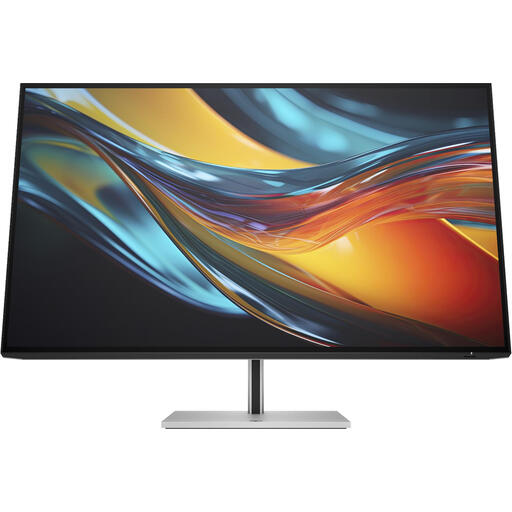 No image available
The title lists 4K and Thunderbolt 4; check that the connection suits your computer and retouching workflow.
The charger isn’t included as standard.
 No image available
The title lists 4K UHD on a 32-inch screen, making this model worth comparing with other screen sizes for retouching.
The title also lists LED and the colour black.
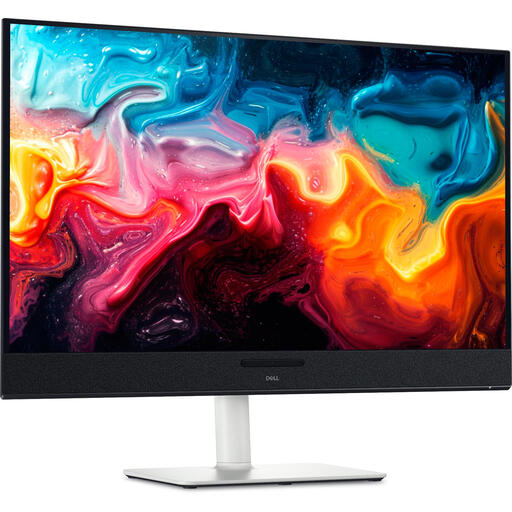 No image available
The title lists a 4K resolution of 3840 × 2160 and a 31.6-inch screen size to consider when comparing monitors for scans.
The title lists a QD-OLED panel and the colours black and silver.
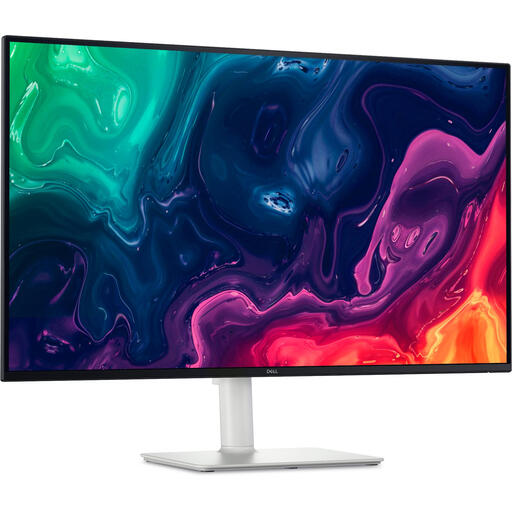 No image available
The title lists a 4K resolution of 3840 × 2160 on a 31.5-inch screen; compare the screen size and resolution with how you view scans.
The title lists an LCD panel and the colour silver.
No, not as a fixed rule for assessing colour. First manage the light in your workspace, then calibrate the screen for those conditions. NIDF discusses screen brightness in relation to workspace lighting.
A suitable workspace and calibration are important. Check which sensor and software are compatible with your monitor and computer; stated colour coverage is no substitute for setting brightness, gamma curve and white point.
According to ACM ConsuWijzer, the seller is responsible for the legal guarantee if a consumer product doesn’t meet the expectations you were entitled to have. A manufacturer’s guarantee doesn’t replace it.
For a qualifying distance purchase by a consumer, you generally have a 14-day cooling-off period from delivery, according to the European Union’s Your Europe website. Check which terms apply to your purchase before ordering.
Yes. The European Commission includes computer monitors among the electronic displays that require energy labelling. The label helps you compare energy use, but it doesn’t tell you whether a monitor is suitable for assessing the colour of your portrait.