
For anyone who wants to hear the news live straight away
You want to find your preferred news station quickly when you start working on your hobby. The right type of reception depends on the station and the signal in the room.


First, choose a radio that can receive your news station where you work and makes spoken news easy to follow. A simple FM radio may be all you need if your station is available on FM. DAB+/FM also gives you access to DAB+ stations, while Bluetooth or internet radio is useful mainly if you want to play audio from your phone or online. Then check the controls, power supply and reception in your hobby room.
You want to find your preferred news station quickly when you start working on your hobby. The right type of reception depends on the station and the signal in the room.
You want to follow the news and operate the radio easily while keeping your hands busy. Think about the buttons, tuning and where you’ll place the radio.
You want to listen to audio from your phone or online as well as live radio. Check which Bluetooth or internet features the specific model offers.
| What to consider | What should you check? | Who is this important for? |
|---|---|---|
| Reception of your preferred station | Check whether the station broadcasts on FM, DAB+ or both. Test the radio where you plan to use it and, if necessary, try a different aerial position. | If I want to hear my regular news station as soon as I start working on my hobby, reception in that spot is my main priority. Around 36% of consumers put access to their preferred station first. |
| Following the news and ease of use | Check whether the buttons and display are easy to use. If possible, listen to speech at the volume and from the distance you’ll be working at. | When I’m busy with my hobby, I want to follow what’s being said without having to search for the controls all the time. Around 29% of consumers give top priority to clear speech and easy operation. |
| Portability and power supply | Check which power supply comes with the model and what’s included. Also consider how often you’ll want to move the radio. | If I want to use the radio in different places or don’t want to stay near a power socket, I look at the power supply. Around 21% of consumers prioritise portability and power. |
| Additional audio sources | Check whether the model has Bluetooth audio or internet radio, and whether the clip you want is available from that source. | If I want to play a clip or podcast as well as live news, the available source is key. Around 14% of consumers prioritise catch-up listening or additional audio sources. |
A station may come through clearly in one part of the house but less well in another. Having more stations to choose from won’t help if you can’t receive the one you want there.
Check your preferred station where you plan to listen. Try adjusting the aerial or moving the radio, then tune in again; keep FM in mind as an alternative.
Bluetooth can play audio from another device, but it doesn’t automatically mean the radio can receive online broadcasts or play missed clips.
Choose based on the source you want to use: live radio, audio from a phone or online stations. Check the features of the specific model.
Power options vary by model. Pure describes the battery for the Evoke Play as an optional extra.
Check which power supply the version you’ve chosen needs and what’s included.
To use the Evoke Play without a power socket, you may need to buy a separate battery. Check this for the version you’re considering.
Consumentenbond reported that extra charging features disappointed in a test of emergency radios. This doesn’t mean all emergency radios perform the same way.
For everyday listening, compare reception, ease of use and power supply first. Consider emergency features separately if you need them too.
The models described from Philips include a simple FM/AM radio and a portable DAB+/FM radio with Bluetooth.
The Play 11 is an example of a portable DAB+/FM radio with preset stations.
The RF-D15 is an example of a compact DAB+/FM radio with dedicated preset buttons.
The Evoke Play offers a more feature-rich option, with FM, DAB+, internet radio and Bluetooth.
These product picks focus on portable radios for FM news, alongside a portable CD player with a built-in FM radio.
 No image available
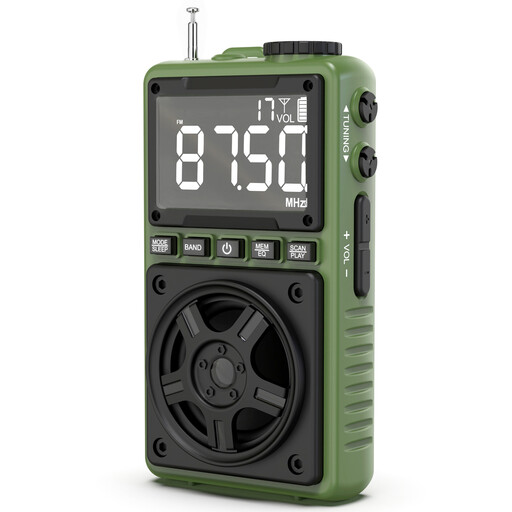
A good fit if you want to play audio from a phone or TF card as well as listen to the radio.
The product name lists Bluetooth, a speaker, LED lighting, a rechargeable battery, USB-C charging and TF card playback.
 No image available
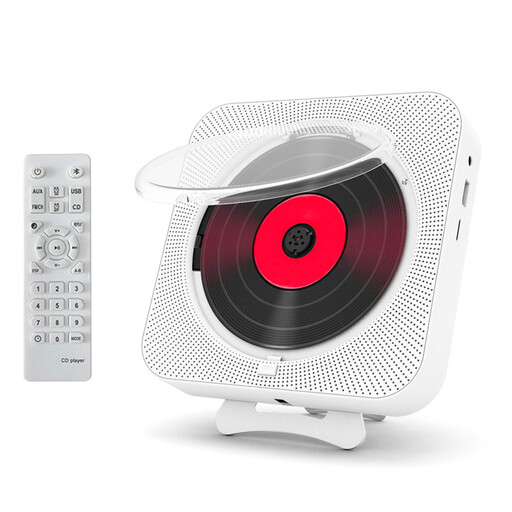
An option if you want to combine live FM radio with CD playback.
The product name lists a built-in speaker, headphone socket, remote control, wall mounting and an automatic protective CD cover.
 No image available
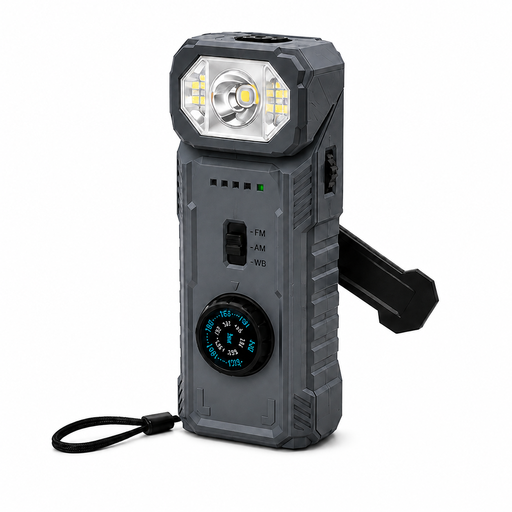
A good fit if you want AM/FM reception alongside the emergency features listed in the product name. If you only need the morning news, those extra features may not be a priority.
The product name lists a hand crank, USB power, power bank function, SOS alarm, magnetic base and an LED lamp that rotates 180°.
 No image available
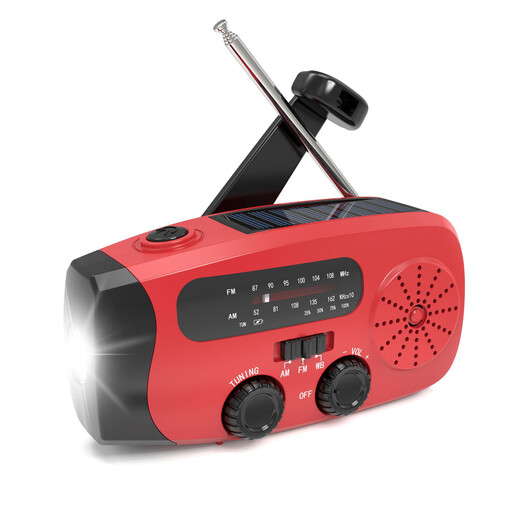
A good fit if you’re looking for AM/FM reception and want to use the listed charging and emergency features too.
The product name lists hand-crank and solar charging, an LED torch, a power bank function and IPX-3 water resistance.
 No image available
An option if you want to combine AM/FM radio with the outdoor features listed in the product name.
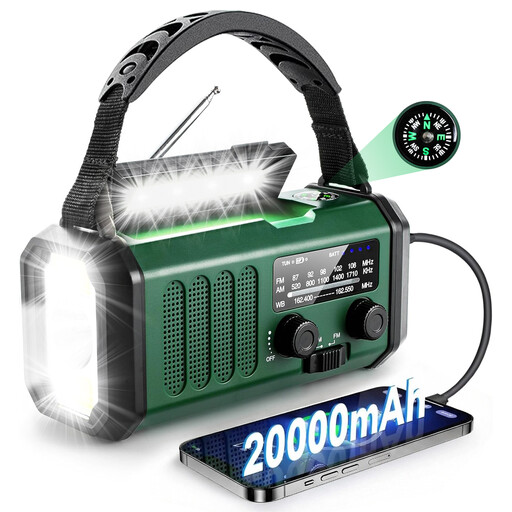
The product name lists a hand crank, solar and USB-C charging, NOAA reception, an SOS alarm and a compass.
Extend the aerial, move the radio and tune in again. Roberts recommends these steps if you’re having reception problems, but they can’t guarantee that a station will be available indoors.
No. Check whether the specific model supports Bluetooth audio and whether the clip is available on your phone. Philips lists Bluetooth for the TAR5505/10; the TAR2509/10 is described as an FM/AM radio.
If a product is faulty, the seller must provide a solution. According to the Dutch government, there is no fixed two-year statutory guarantee period for every product in the Netherlands.
No. The licensing information from the Dutch Authority for Digital Infrastructure concerns public and commercial broadcasters that transmit signals, not consumers who receive radio broadcasts. Don’t assume that the expiry date of a broadcaster’s licence means you can no longer use an FM receiver.