Start with a controller that’s confirmed to work with your console or PC. If you don’t want to use an extra socket, compare a USB-powered wired model, a controller with replaceable batteries, and a rechargeable model that can be charged through a suitable port on equipment you already own. Then consider the d-pad, the features your games need and whether you can route a cable safely to where you sit.
Who is this choice relevant to?
Player with limited charging space
Wants to play platform games without setting aside an extra socket for the controller, and is comparing USB power, batteries and charging through existing equipment. For example, Nintendo says the original Switch Pro Controller can be charged through an available USB port on the dock.
Console owner looking for a compatible controller
Wants to check first whether the controller works with their Switch, Switch 2, Xbox or PS5. Nintendo says the Switch 2 Pro Controller does not work with the original Switch.
Player who uses the d-pad
Prefers to use the directional buttons in platform games and wants to weigh up their layout against the freedom of a cable-free setup and the features the game needs. A model specification for the d-pad alone won’t tell you which controls will feel most comfortable.
What should you consider when choosing?
First, check that the full controller model is compatible with your system. Then decide how you’ll power it, and only after that compare the controls and the space a cable will take up.
| What to consider |
What should you check? |
Who is this important to? |
| Power without an extra socket |
Check whether you can use a suitable USB port, whether a cable is included, and whether you’d rather replace batteries or recharge a battery pack. |
I don’t want to keep a separate adapter free for my controller. Around 29% of consumers put power options first. |
| Compatibility with your system and game |
Compare the full model name with your console or PC version, and check which connection and features your game requires. |
I want to avoid choosing a controller that won’t work with my console. Around 29% of consumers prioritise system compatibility. |
| Directional controls |
Compare the position and shape of the d-pad, and check whether the game requires motion controls, NFC or other specific features. |
If I mainly use the directional buttons to play platform games, I want to compare the controls carefully. Around 24% of consumers put directional controls first. |
| Cable route and room to move |
Measure the distance from the USB port to where you sit and keep the cable out of walkways. Otherwise, choose a wireless model that works with your system. |
I want to move freely without running a cable across a walkway. Around 18% of consumers prioritise a clear, safe cable route. |
Common buying mistakes
-
Assuming wireless play needs no power source
A wireless controller still needs batteries or a rechargeable battery. For example, the standard Xbox Wireless Controller doesn’t have a built-in rechargeable battery like the Elite Series 2.
Before you buy, check which type of battery or battery pack the model uses, what’s included and which existing USB port you could use.
With a model that uses replaceable batteries, you’ll need to factor in replacements or a separate charging solution.
-
Mixing up the two generations of Nintendo Pro Controller
Nintendo says the Switch 2 Pro Controller works only with Switch 2, not the original Switch.
Compare the controller’s full name with the exact model of your console before choosing.
-
Choosing a wired controller based on cable length alone
A cable needs to reach from the USB port to where you sit, and the controller may lack features your game requires. For example, the PowerA Spectra mentioned here is designed for use while the Switch is docked and doesn’t support motion controls.
Check both the cable route and the features your game needs. Only use the controller if you can position the cable safely.
Brands to compare
Nintendo
Nintendo offers an original Switch Pro Controller and a separate Switch 2 Pro Controller.
- For the original Pro Controller, Nintendo specifies USB-C charging through the dock and an estimated battery life of around 40 hours, depending on use.
- Nintendo says the Switch 2 Pro Controller doesn’t work with the original Switch. Battery life alone won’t tell you which d-pad will feel most comfortable for you.
Microsoft Xbox
The Xbox Wireless Controller is designed for compatible Xbox consoles and Windows PCs; the Elite Series 2 is a separate model with a built-in battery.
- Microsoft specifies a hybrid d-pad for the Wireless Controller. The USB-C version can be used wirelessly or with the included cable.
- The standard Wireless Controller doesn’t have the built-in rechargeable battery found in the Elite Series 2. Check which model and power solution best suit your preferences.
8BitDo
The SN30 Pro USB is a wired option for compatible systems, including Switch and Windows.
- 8BitDo specifies a 1.8-metre cable and positions this model for d-pad use.
- According to 8BitDo, the SN30 Pro USB doesn’t have motion controls. Don’t confuse this wired model with the separate SN30 Pro Bluetooth.
PowerA
The Spectra Enhanced Wired Controller is a wired Switch option for use with a docked console.
- PowerA says this model doesn’t need batteries and has a detachable 3-metre cable.
- PowerA lists limitations for this model, including no motion controls or NFC. These specifications apply to this controller, not all PowerA models.
PlayStation
DualSense is the PS5 controller. According to PlayStation, it can connect to other compatible devices via Bluetooth or USB-C.
- The controller has a built-in battery and can be used and charged via USB-C.
- PlayStation says haptic feedback on PC requires both support from the game and a USB connection. Check that your game and device meet these requirements.
Joybuy controller selection
This selection includes wireless controllers for a range of Switch, PlayStation and PC setups. Check the stated system compatibility for each model and consider how you’d like to charge the controller.
 No image available
KONIX JoyPad Controller Pair, Blue and Red
The product name lists Switch, Switch OLED and Switch 2. If you want to play wirelessly, check that this version works with your system.
The product name lists an 8-hour battery life and a vibration function.
View at Joybuy
 No image available
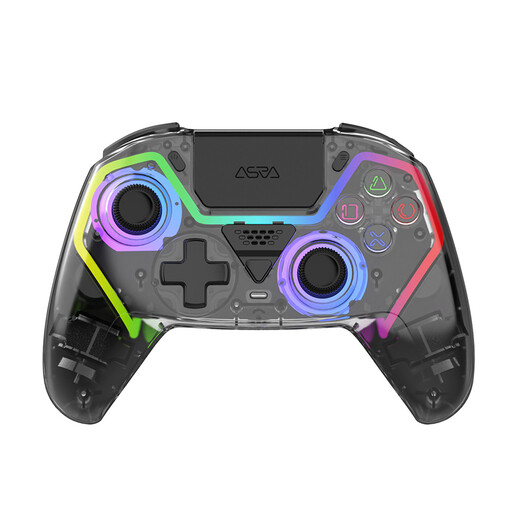
NAXSIR Wireless PS5 Controller, Hall Effect Joysticks
The product name lists a wireless controller for PS5. Check that it’s compatible with your system and consider how you’d like to charge the battery.
The product name lists programmable buttons, RGB lighting and a 1000 mAh battery.
View at Joybuy
 No image available
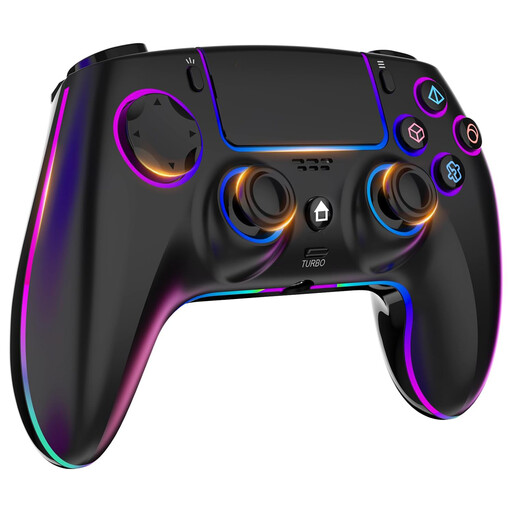
Wireless Controller for PS4/PC, 1000 mAh
The product name lists PS4 and PC. Check that the connection and controls suit your system and game.
The product name lists dual vibration, a touchpad, a headphone jack and a 1000 mAh battery.
View at Joybuy
 No image available
Gaming Controller with Dual Vibration & Gyro for Switch & PC
The product name lists Switch and PC. Check the full compatibility details and the features your system and game require.
The product name lists dual vibration and a gyroscope.
View at Joybuy
 No image available
VIELLAN Wireless Gaming Controller for PC, 1000 mAh
The product name lists PC and a PS5-style layout. That layout alone doesn’t confirm compatibility with a PS5 console.
The product name lists Hall Effect sticks, 255-level Hall triggers, programmable rear buttons and USB-C.
View at Joybuy
Frequently asked questions
Do you need a separate socket for a Switch Pro Controller?
Not necessarily for the original Switch Pro Controller: Nintendo describes charging it through an available USB port on the Switch dock using the included cable. The dock itself still needs a suitable power supply, so check your existing setup.
Can you use a Switch 2 Pro Controller with your original Switch?
No. Nintendo says the Switch 2 Pro Controller works only with Switch 2. Nintendo provides pairing instructions for the original Switch Pro Controller with both Switch and Switch 2.
Do all DualSense features work on PC?
That depends in part on the game and connection. PlayStation lists Bluetooth or USB-C for connecting to compatible PCs. For haptic feedback on PC, PlayStation says the game must support it and the controller must be connected via USB.


