
Listener with a regular listening spot
You want clear left-to-right imaging in stereo recordings and can position two speakers in the same room.


If you listen in different parts of your living room, start by comparing one larger speaker with a stereo pair that you can position in two suitable spots. If you usually listen from one place and stereo imaging matters to you, focus on a pair. Also check that your music service, phone, speaker placement and any extra equipment suit your choice.
You want clear left-to-right imaging in stereo recordings and can position two speakers in the same room.
You want to hear piano as you move around a large living room, so you’re comparing one larger speaker with a pair.
You want to start playing music from your current phone, app or voice assistant, so you check installation and streaming support in advance.
Best for: listening from different spots, especially if you don’t have two suitable places for speakers.
Bear in mind: a test of one model won’t tell you exactly how piano will sound in your living room.
Best for: a regular listening spot with room to position the speakers on the left and right.
Bear in mind: you’ll need two suitable speakers and should check that they can be paired for stereo.
| What to consider | What should you check? | Who should pay particular attention? |
|---|---|---|
| Stereo imaging and placement | Work out where you usually sit, whether there are two suitable spots and whether the models you choose can be paired for stereo. Sonos recommends leaving around 61 cm of clear space above the Era 300. | If I usually listen from one spot, I want to know whether I can position two speakers on the left and right. Around 36% of consumers give stereo imaging and placement top priority. |
| Piano sound | If possible, listen to a familiar piano recording from your usual spot and at your normal volume. A review of one model isn’t a measurement of your room. | If piano is the music I listen to most, I want to judge how my recordings sound in my own listening space. Around 29% of consumers choose piano sound as their top consideration. |
| Streaming and controls | Check that your app and music service work, which device is needed for setup, whether Wi-Fi is available and whether you need a physical audio input. For HomePod (2nd generation), Apple lists compatible iPhone or iPad models and Wi-Fi as setup requirements. | If I want to keep using my current phone and music service, I want to know in advance whether playback and controls will work for me. Around 21% of consumers put compatibility first. |
| Complete setup | Compare what you’ll need for the complete setup, such as a second speaker or an adapter if you want to connect a wired source. | If I’m mainly concerned about the cost of the complete setup, I don’t want to look at just one device. Around 14% of consumers say total cost is their top priority. |
Your preferred setup may need two speakers. If you want to connect a wired source to the Sonos Era 300, you may also need a separate line-in adapter.
First decide whether you want one speaker, a pair or an external audio source, then compare the cost of the complete setup.
A second suitable speaker or a required adapter can mean extra purchases and connection work.
Spatial music content isn’t the same as a stereo recording made specifically for spatial playback.
Check which recording and streaming service you’re using, and assess stereo playback and spatial content separately.
Apple lists compatible devices for setting up HomePod (2nd generation). The Netherlands Authority for Consumers and Markets points out that information about updates and compatibility with other devices matters for smart products.
Before buying, check that your phone is compatible and ask about update information for the exact model.
The Authentics 500 is worth comparing if you’re looking for one larger speaker with Wi-Fi, Bluetooth and voice assistants.
The Era 100 is an option if you want to pair two speakers; the Era 300 has different placement and connection requirements.
HomePod (2nd generation) is worth considering if you use a compatible Apple device and may want to pair two HomePods in the same room.
The Google Home Speaker is worth a look if control through Google Home and connection to existing Google devices matter to you.
This selection includes Wi-Fi and Bluetooth speakers, a standalone Bluetooth speaker set and soundbars to compare for listening to music in your living room. For each model, check that the connections, controls and placement suit your preferred piano setup.
 No image available
Worth comparing if you’re looking for a standalone speaker for music over Wi-Fi or Bluetooth, with app control.
The product information lists Wi-Fi, Bluetooth and multi-room capability.
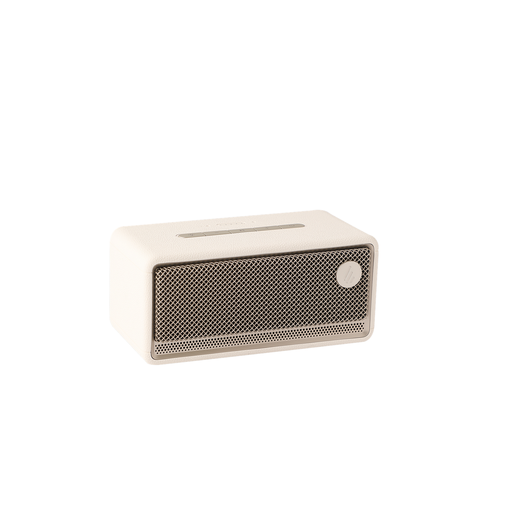 No image available
An option to compare if you’re looking for Wi-Fi and Bluetooth playback with app control.
The product name lists 60 W, AirPlay 2, LDAC, 12-hour battery life, multi-room, USB and AUX.
 No image available
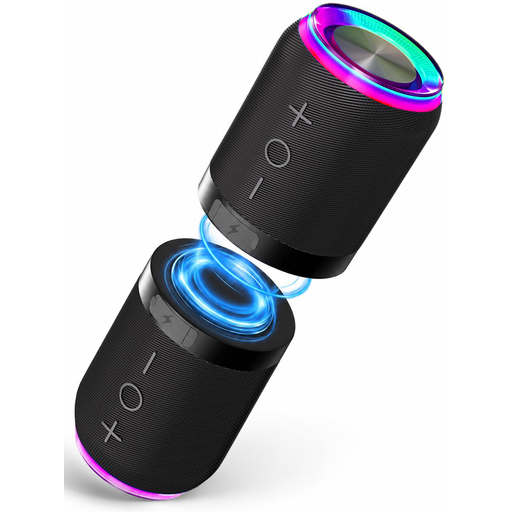
Worth comparing if you want to position two units separately for a left-right setup; check that the Bluetooth connection suits your playback source.
The set consists of two detachable units and lists Bluetooth and an AUX input. The product information describes it as a Bluetooth speaker set, not a smart speaker.
 No image available
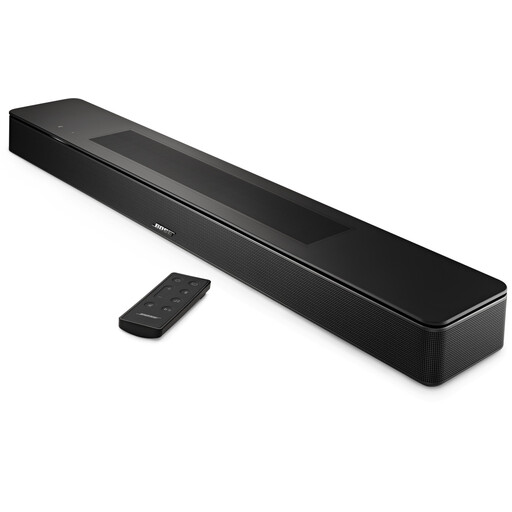
A soundbar to compare if you’re considering one for music as well as standalone speakers.
The product name identifies this as a smart soundbar; check that its size and placement suit your living room.
 No image available
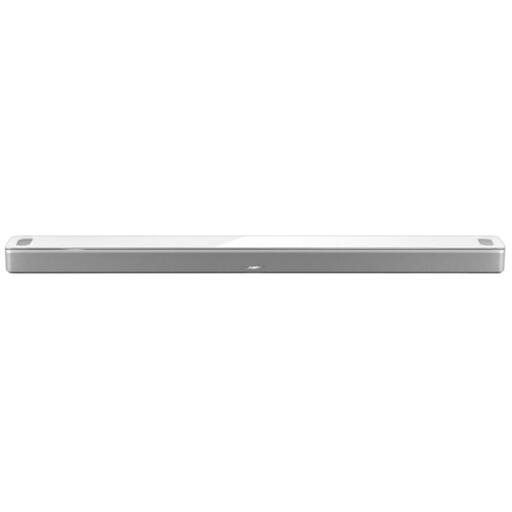
A soundbar to compare if you’re also considering one for music in your living room.
The product name identifies this as a smart soundbar; check that the controls and placement suit your setup.
Start with the spot where you usually listen and check the guidance for the exact model. Sonos recommends leaving around 61 cm of clear space above the Era 300. According to Sonos, quick Trueplay tuning for the Era 100 and Era 300 works on iOS and Android; advanced tuning is available on iOS only.
It depends on the model. According to Sonos, the USB-C port on the Sonos Era 300 can be used as a line-in with a separate Sonos adapter; don’t assume USB-C works as a direct audio input without an adapter.
For online consumer purchases from a business, you generally have a 14-day cooling-off period; the Dutch government lists some exceptions. The Netherlands Authority for Consumers and Markets also says that the seller is responsible for the statutory guarantee if a product is faulty. That responsibility isn’t automatically limited to a fixed two-year manufacturer’s guarantee.
For the exact model, check the safety and conformity information, and ask what information is available about software updates, compatibility with other devices and any services you may need. Dutch government information explains the responsibilities relating to CE marking and an EU Declaration of Conformity; the Netherlands Authority for Consumers and Markets highlights the importance of information about updates and compatibility for smart devices.