
Desk worker
Wants to direct and adjust the airflow where they sit. The Consumers’ Association describes measuring airflow at different distances and settings.


Choose a pedestal fan that you can direct towards your desk; if you also want it to reach other seating areas, oscillation is useful. Compare airflow and noise at the setting and distance you’ll actually use: the number of speed settings or an advertised minimum figure won’t, on its own, tell you how comfortable the fan will be at your desk. Also check the available floor space, the controls and the CE marking on the exact model. The Consumers’ Association describes measuring airflow at different distances and settings, while the Government of the Netherlands explains that electrical appliances sold on the EU market need a CE marking.
Wants to direct and adjust the airflow where they sit. The Consumers’ Association describes measuring airflow at different distances and settings.
Wants to spread the airflow between the desk and other seating areas, rather than blowing directly at everyone all the time. The Consumers’ Association highlights oscillation as an important feature to consider in a fan.
Is looking for a setting that provides useful airflow at a noise level suited to focused work. So compare noise and airflow at the relevant setting and distance.
First compare how the airflow is distributed and how noisy the fan is at your desk. Then check that the height, direction, base and controls suit your living room layout.
| What to consider | What should you check? | Which consumers is this for? |
|---|---|---|
| Airflow distribution | Compare the airflow at different distances and settings. Check whether the fan oscillates and whether a fixed direction will reach your desk. | If I’m at my desk and also want the fan to reach other seating areas, I look for useful range and oscillation. Around 36% of consumers make airflow distribution their top priority. |
| Noise while working | Compare noise and airflow at the same setting and distance. Don’t assume a manufacturer’s dB figure is an independent measurement taken at your desk. | When I’m concentrating on work, I want low noise without airflow that’s too weak to be useful. Around 29% of consumers prioritise noise while working. |
| Direction and floor space | Measure the available space and check the height adjustment, tilt, base and cable routing on the exact model. | If my desk and fan are at different heights, I want to direct the airflow where I need it without losing walking space. Around 21% of consumers prioritise positioning and adjustability. |
| Energy use and controls | Check the power rating at the setting you plan to use, if available, and whether the controls on the fan or a remote suit you. To calculate energy use: power in kW × hours of use = kWh. | If I use the fan for long periods or want to change the setting while working, I consider energy use and the controls. Around 14% of consumers prioritise this combination. |
According to the Consumers’ Association, the number of settings tells you little about maximum airflow or the difference between the lowest and highest settings.
Compare airflow and noise together at the relevant settings and distances.
A manufacturer’s figure may not reflect the combination of noise and airflow at the setting you use while working.
Look for figures for the relevant setting and distance. Calculate energy use based on the power rating and how long you use that setting.
A manually adjusted fan won’t automatically move back and forth between your desk and other seating areas.
Check whether the head oscillates, tilts or can only be adjusted manually on the exact model.
The VE-5755 is an adjustable pedestal model that directs airflow at desk height and oscillates horizontally.
The VS16-blanc is an adjustable pedestal model with a choice of fixed direction or oscillation.
The Whisper Flex² Smart is an option if you want more precise control over the settings and oscillation direction while working.
The F220 is an adjustable air circulator that directs airflow upwards or towards another part of the living room.
These models are pedestal fans designed for use at a desk and for distributing airflow around the living room. Check which combination of height adjustment, oscillation and controls is available on each model.
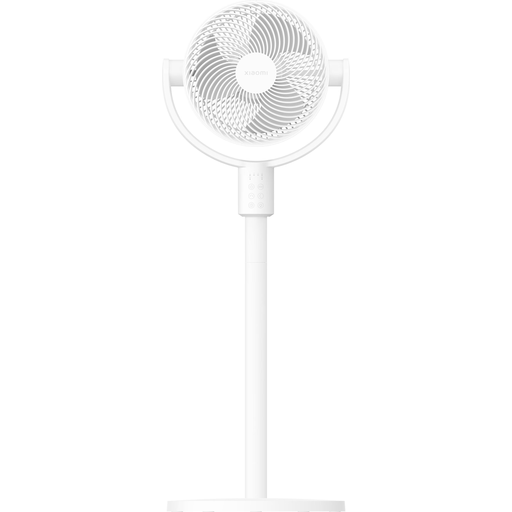 No image available
The stated height adjustment and automatic oscillation may help direct airflow around a desk and towards other seating areas.
The product name lists 100 speeds, 3D automatic oscillation, two settings, an airflow rate of 1440 m³/h and a stated range of 13 m. It also mentions a DC inverter motor, app control and a quiet 28 dB sleep mode; these figures may not apply to every setting.
Check the CE marking on the exact model before buying.
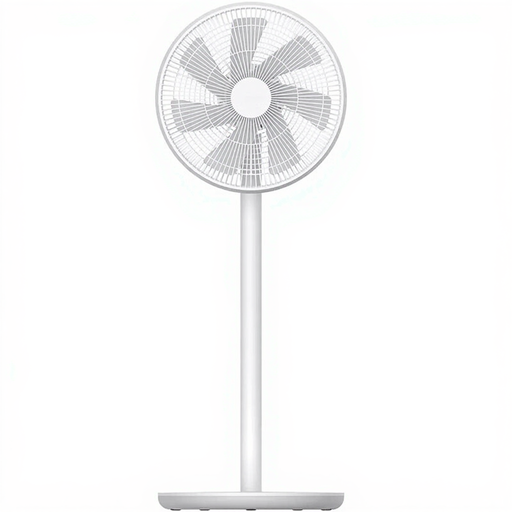
 No image available
Automatic oscillation and the stated option to use it on a table or the floor may suit changing needs around your desk and living room; check which configuration applies to the model.
The product name lists app control, a DC inverter motor, 7+5 dual blades and 100 adjustable speed levels.
Check the CE marking on the exact model before buying.
 No image available
The stated height adjustment and oscillation are useful if you want to direct airflow at desk height and distribute it around the living room.
The product name lists app control, seven blades, a stated airflow range of 12 m and 90° oscillation, as well as height adjustment.
Check the CE marking on the exact model before buying.
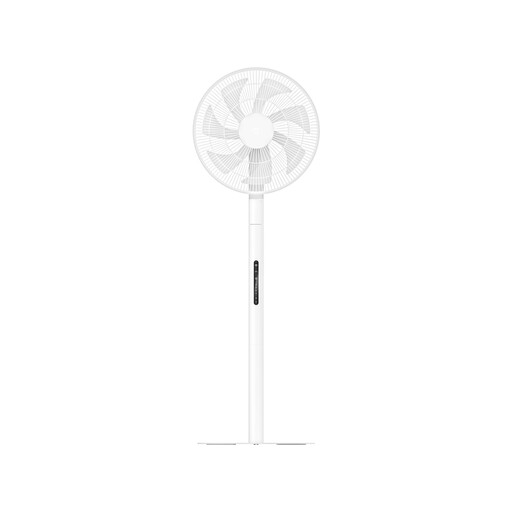 No image available
The product name lists app, remote and touch controls; check which option will be most practical for you while working.
The name lists a DC inverter motor, a stated airflow range of 14 m and support for portable charging via Type-C.
Check the CE marking on the exact model before buying.
A standard fan moves air; the airflow across your skin can make you feel cooler. So judge the model by the airflow where you sit, rather than expecting it to actively lower the room temperature.
Place the fan on a clear, stable surface and direct the head towards the height you need. Choose oscillation if you want to distribute the airflow between seating areas, and follow the instructions for the exact model when setting it up and using it.
Multiply the power rating in kW by the number of hours used to calculate consumption in kWh. Multiply that figure by your own price per kWh; you’ll need the power rating for the setting you use.
For distance sales, you generally have 14 days to change your mind, according to the Government of the Netherlands. You also have a legal guarantee: the product must meet what you can reasonably expect from it. Check the relevant sales and returns terms; they don’t replace your statutory rights.
The Government of the Netherlands says that electrical appliances offered for sale on the EU market must have a CE marking. Check this on the exact model; a model name alone doesn’t confirm that it has the marking.