What should you look for when choosing?
First decide whether you mainly want to direct the airflow at one workstation or have it oscillate across several seating areas. Then compare noise, positioning and controls based on how you’ll use the fan day to day.
| What to consider |
What to look for when buying |
Who is this important for? |
| Noise at a usable airflow setting |
Compare noise and airflow at the same intended setting and distance. A minimum noise figure doesn’t tell you how loud a fan is at a more powerful setting. |
If you work or have conversations in a shared lounge, you’ll want a noticeable breeze without disruptive noise. Around 36% of consumers prioritise a quiet working environment. |
| Sharing airflow across seating areas |
Check whether oscillation can be switched on and off, what oscillation angle you can set and whether the fan head tilts. |
If several people use the lounge, you’ll want the airflow to move between the seating areas rather than blow on one person constantly. Around 29% of consumers prioritise this kind of airflow distribution. |
| Positioning beside a desk and walkway |
Measure the available floor space and decide how high you want the fan head to be. Check the dimensions of the base too. |
If the fan needs to fit between a desk, chairs and a walkway, you’ll want to know whether the base and height adjustment will work in the space. Around 21% of consumers prioritise practical positioning. |
| Controls and running costs |
Choose controls on the fan, a remote control or an app to suit how you’ll use it. Only compare power ratings if you know the setting and how long the fan will be used. |
If you want to avoid unnecessary features and take usage time into account, you’ll want straightforward controls and clear information about energy use. Around 14% of consumers prioritise this combination. |
Joybuy products for air circulation around your desk
These pedestal fans are designed to circulate air around a desk, with differences in speed control, oscillation and operation.
 No image available
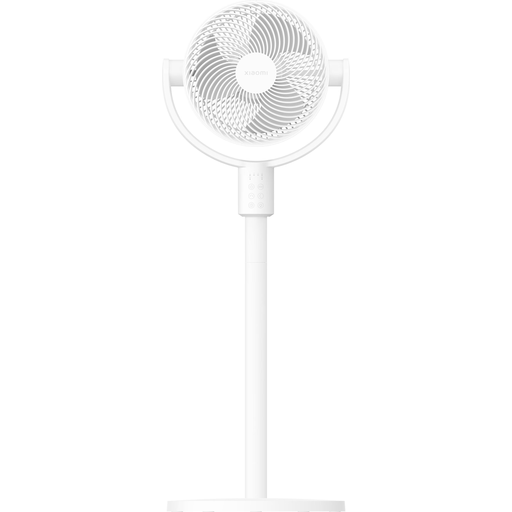
Xiaomi Smart Standing Air Circulation Fan
The title mentions adjustable oscillation and speeds, so you can tailor the airflow around your desk.
The product title lists 3D automatic oscillation, 100 speeds, an airflow rate of 1440 m³/h and a sleep mode at 28 dB. It also mentions adjustable height.
Joybuy
 No image available
Xiaomi Smart Standing Fan 2
The title mentions app control and adjustable speeds, making this an option if you want to operate the fan through an app.
The product title lists 7+5 dual blades and 100 adjustable speeds.
Joybuy
 No image available
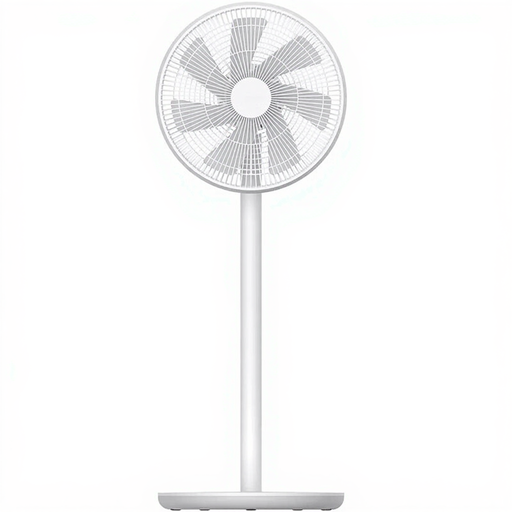
Xiaomi Smart Standing Fan 2 Lite
The title mentions 90° oscillation and adjustable height—features to consider if you want to spread the airflow across an area.
The product title lists app control, seven blades and a stated airflow reach of 12 m.
Joybuy
 No image available
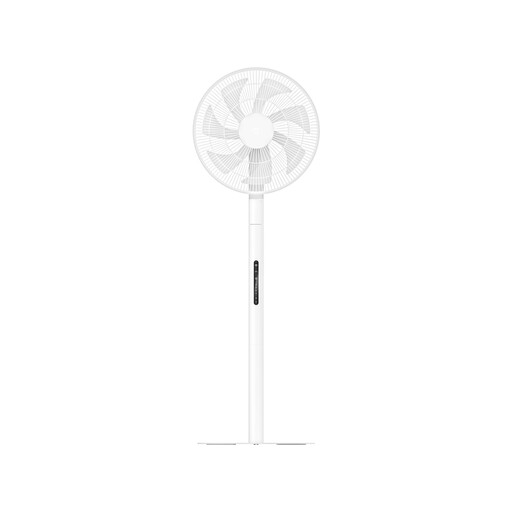
Xiaomi Mijia Smart Standing Fan Pro
The product title mentions app, remote and touch controls, so you can choose the control method that suits where you’re sitting in the lounge.
The title lists a DC inverter motor, Type-C charging support and a stated airflow reach of 14 m.
Joybuy
Frequently asked questions
Does a pedestal fan cool the air in the lounge?
No, a pedestal fan doesn’t lower the air temperature. The moving air can help you feel cooler while you’re sitting in its path. You’ll still need ventilation to bring in fresh air and remove stale air, as Milieu Centraal explains.
How should I position a fan for several people?
First adjust the height and tilt so the fan is aimed at the occupied area, then choose an oscillation range that suits the seating. Check the adjustment options for the exact model, as oscillation angles vary between products.
What should I do if my fan clicks or creaks after assembly?
Check that you’ve assembled it according to the instructions for your model. Duux recommends this for its fans and suggests contacting customer service if the noise continues; that advice isn’t a diagnosis for other brands.
Am I always limited to a two-year warranty in the Netherlands?
No. According to the Rijksoverheid, statutory warranty in the Netherlands has no fixed term: you can expect a product to function properly for a reasonable time under normal use. If a product is faulty, contact the seller; a manufacturer’s warranty doesn’t replace your statutory rights.
What product requirements apply to an electric fan in the Netherlands?
Applicable EU requirements apply to electrical appliances sold in the Netherlands. According to Business.gov.nl, after the required conformity assessment, the manufacturer must apply a CE mark and draw up an EU declaration of conformity. A statement in an advert doesn’t, by itself, prove that a specific product on offer meets those requirements.


