Start with diffused light on either side of your work surface, then check during an actual drawing movement whether your hand blocks the drawing line. Ulanzi recommends two light sources at an angle of around 45 degrees as a starting point, not a fixed solution for every setup. A diffused panel suits a fixed desk, a COB light with suitable diffusion gives you more directional light, and a compact battery-powered light works well when you move between locations. Also check the colour, power supply, mounting and how the setup looks through your own camera.
Who is this relevant for?
Artists looking to reduce hand shadows
You film the paper from directly above and want your hand, pen and the line you’re drawing to remain visible at the same time. Ulanzi’s guide to overhead filming recommends diffused light on either side as a starting point.
Online shop owners creating colour-critical work
You showcase colourful illustrations or materials and want to check both the settings and the final footage. The colour-rendering figures quoted by Godox, amaran and SmallRig don’t guarantee that colours in your video will be an exact match.
Creators with limited filming space
You work at a small table or move between filming locations, so your light, mount and power supply need to fit around your camera and drawing hand. A fixed desk setup calls for different positioning and power choices from a portable light.
What should you look for?
For consumers filming drawings from above, the right light depends on shadows, colour, available space, flicker in video and power supply.
| What to consider |
What to look for when buying |
Who is this important for? |
| Hand shadows |
Check whether you can position diffused light beside the work surface, then make a test recording while you draw. |
If my hand moves over the line I’m drawing, I want to keep that line visible; around 31% of consumers give reducing hand shadows top priority. |
| Colour rendering |
Check the specifications for the exact version and make a test recording under the lighting you’ll actually use. |
When I need the colours of my illustration to remain recognisable in my online shop, I want to assess the footage myself; around 25% of consumers put colour rendering first. |
| Space and mounting |
Check the space beside the paper, how the light is mounted and which parts are included in the box. |
If you work at a small table, the light needs to fit outside the frame and within reach; around 19% of consumers consider space and mounting the most important factor. |
| Flicker in video |
Record a short video using your intended camera settings and check it for flicker or banding. |
If I want to record a full demonstration, I want to see how the light and camera work together first; Sony explains that LED lighting can cause flicker or banding in video. Around 13% of consumers consider this their main buying concern. |
| Portability and power supply |
Check the run time at your preferred brightness and which power supply is required for the exact version. |
If you film in different locations, the light needs to suit your power supply and recording time; around 12% of consumers give portability and power supply top priority. |
Common buying mistakes
-
Choosing based on maximum brightness alone
A bright light in the wrong position can still cast a shadow over the moving drawing line.
Plan where to position your lights around the paper and camera. Then make a test recording to see whether the light and diffusion suit your setup.
-
Assuming a desk light comes as a two-light set
Elgato states that the Key Light Air box contains one panel, while Ulanzi’s setup guide recommends two light sources as a starting point.
Check what’s included and sketch out your setup before ordering. Find out whether you’ll need an extra light or stand to light the work from both sides.
-
Assuming similar model names refer to the same light
The Ulanzi VIJIM VL120 Bi-Color and the VL120 RGB are different versions; specifications for one don’t automatically apply to the other.
Check the full model name and version on the product page before comparing specifications or accessories.
Brands to consider
Godox
Godox describes the LP series as including diffused video panels; the LP600Bi is a bi-colour version for a panel setup.
- Godox lists an adjustable range of 2800–6500 K for the LP600Bi.
- Check the version, mounting and set contents; series specifications don’t automatically apply to every model.
Elgato
Elgato describes the Key Light Air as an adjustable desk panel for a compact, fixed setup.
- Elgato states that the model has an adjustable range of 2900–7000 K and a CRI above 94%.
- Elgato states that each box contains one panel. Also check whether the desk stand will fit in the space available.
amaran
According to amaran, the COB 60x S is a bi-colour COB light with a Bowens mount for separate light modifiers.
- amaran lists an adjustable range of 2700–6500 K and a CRI of 96+.
- The supplied reflector with diffusion cap isn’t the same as a larger softbox; check whether you’ll need to buy one separately and have enough space for it.
SmallRig
SmallRig describes the RC 60B Lite Edition as a portable COB light with a built-in battery.
- For the Lite Edition, SmallRig lists 2700–6500 K and a battery life of 45 minutes at maximum power.
- That battery life applies to the Lite Edition mentioned here, not automatically to other RC 60B versions. SmallRig lists softboxes as optional accessories.
Ulanzi
Ulanzi describes the VIJIM VL120 Bi-Color as a small rechargeable video light for a confined filming space or as an extra light.
- For the Bi-Color version, Ulanzi lists 3200–6500 K, a 3100 mAh battery and USB-C.
- The VL120 RGB is a different version; the model name VL120 alone isn’t enough to assume the versions are the same.
Joybuy products for drawing videos
This selection includes portable COB lights and compact video or fill lights for mobile filming setups.
 No image available
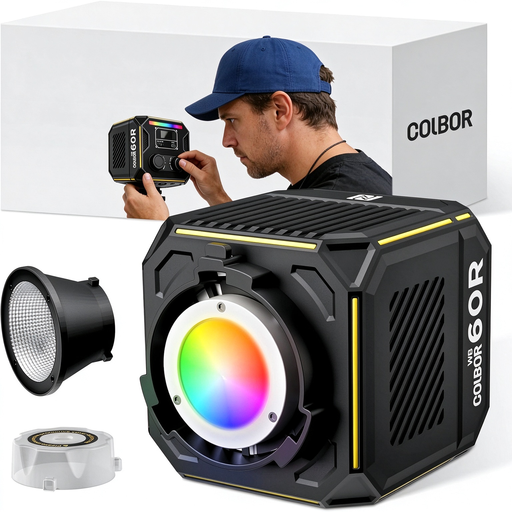
COLBOR 60W RGBCW COB video light
A good fit for a mobile video setup if you want to consider different power options.
The product name lists a built-in 59 Wh battery, bi-colour output from 2700–6500 K and full colour. The product description states that a 60 W PD charger with 20 V/3 A is required to activate the battery.
View at Joybuy
 No image available
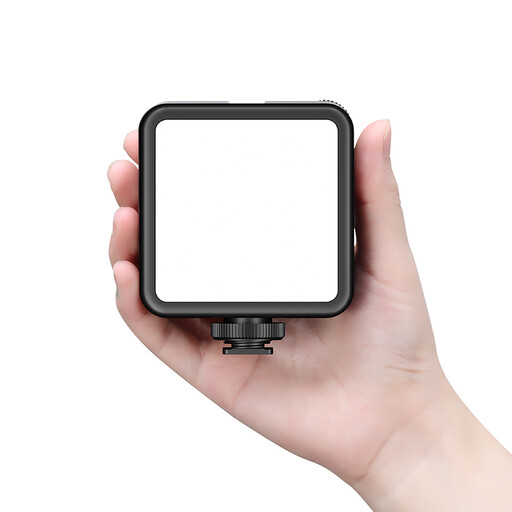
Ulanzi VL81 rechargeable LED video light, black
A rechargeable video light you can take with you to different filming locations.
The product name describes a rechargeable LED video light.
View at Joybuy
 No image available
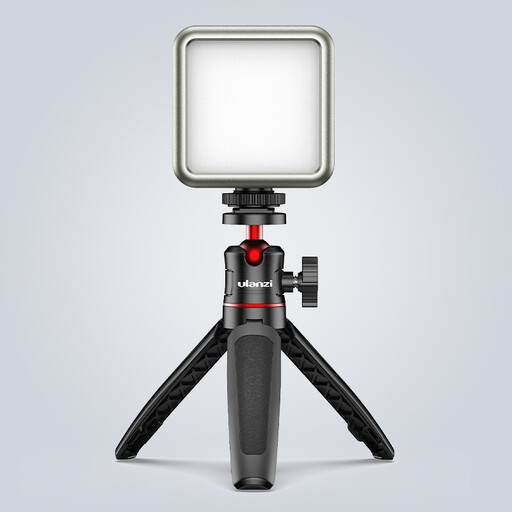
Ulanzi VL49 RGB video light
A small, portable RGB light to consider if you’re looking for adjustable lighting for a compact video setup.
The product name lists a 2000 mAh battery, dimming and an adjustable range of 2500–9500 K.
View at Joybuy
 No image available
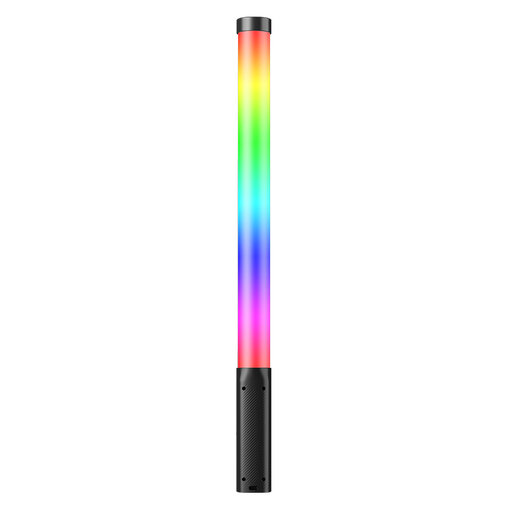
Ulanzi VL119 10W RGB light wand
An option if you’re specifically looking for a wand-shaped RGB light for your setup.
The product name lists a power output of 10 W and an RGB light wand.
View at Joybuy
 No image available
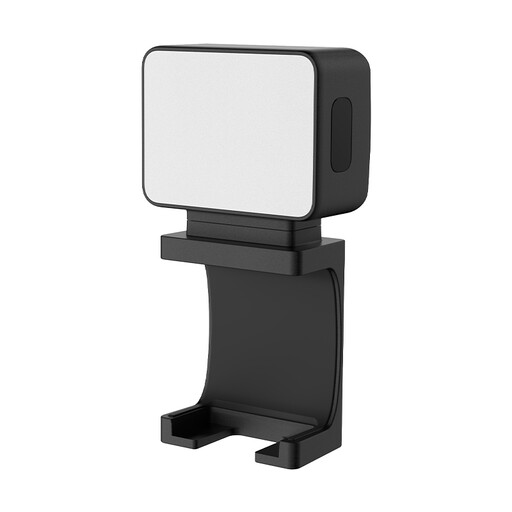
Ulanzi LM001 portable mini LED fill light
A mini fill light to consider if you’re looking for a small addition to your video setup.
The product name lists a 500 mAh battery and a magnetic LED fill light.
View at Joybuy
Frequently asked questions
Where should you position your lights if your hand obscures the drawing line?
Start with two diffused light sources on either side of your work, at an angle of around 45 degrees, as Ulanzi recommends. Film an actual drawing movement and adjust the positioning to suit your hand, paper and camera angle; that angle isn’t a fixed requirement.
How can you check whether LED lighting causes banding in your video?
Record a short video using the camera settings and lighting you plan to use, then watch it back. Sony explains that LED lighting can cause flicker or banding; a product specification alone can’t rule this out in your setup.
Does a video light sold in the Netherlands need a CE mark?
For electrical equipment covered by the relevant EU product rules, the Dutch government describes CE marking and an EU declaration of conformity as requirements that manufacturers must meet before selling the product. The rules that apply to a specific light, adapter or wireless version need to be established for each product; CE marking isn’t a certification of image quality.
What warranty applies if you buy the light for your online shop?
This depends, among other things, on whether you’re buying as a consumer or as a business. According to Business.gov.nl, consumers are entitled to a product that works as it should, and a commercial warranty doesn’t replace that right. The same government guidance states that consumer rights generally don’t apply to purchases made by businesses; in that case, check the relevant contractual and warranty terms.


