What should you look for when buying?
The main consideration is why you might buy a device for watching opera recordings in a shared student house in the Netherlands.
| Concern | What to look for | Who may prioritise this |
|---|
| Playing the recording you want |
Check whether the recording is available on the service and whether the TV or player supports the app, Cast or AirPlay option. |
If I want to watch one specific opera, I want to know before buying whether my service can play the recording on the TV. Around 36% of consumers say being able to play that recording is their top priority. |
| Easy shared use |
Check whether the existing TV already supports the service; check the remote control and included cables for each device. |
I want housemates to be able to use the setup without an unnecessary extra device. Around 29% of consumers prioritise easy shared use and avoiding extra purchases. |
| Connection to the home network |
Test Cast on the network; consider Ethernet only if there’s a usable network connection near the TV. |
If the shared Wi-Fi network doesn’t let devices connect to each other properly, I want to know whether casting works or a wired connection is possible. Around 21% of consumers name network connectivity as their main buying concern. |
| Picture and sound |
Consider the recording, player and TV together; a 4K output doesn’t automatically mean the recording is in 4K. |
I care about picture and sound, but first I want to know what the recording and my TV actually support. Around 14% of consumers put picture and sound formats first. |
Joybuy products for this setup
The Joybuy options below are TVs with Google TV built in, not standalone streaming boxes. Before buying, check that the opera recording and playback method you want work on the exact TV.
 No image available
METZ 43MQF7500Z 43-inch QLED 4K UHD Google TV
Google TV is built in and the product title lists Chromecast Built-in; check that your chosen service and recording work on this TV.
The product title lists HDR10+, Dolby Vision, Dolby Atmos and HDMI 2.1.
View at Joybuy
 No image available
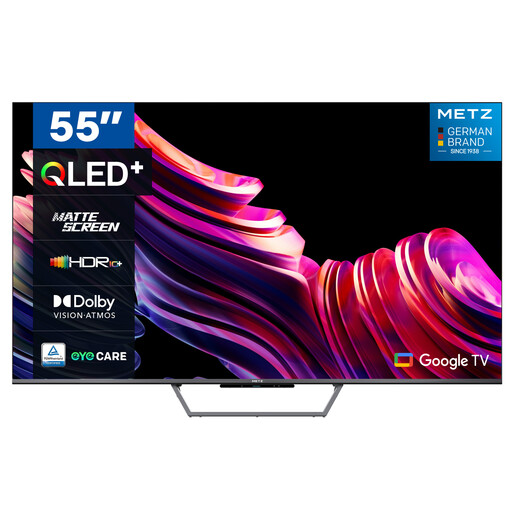
METZ 55MQE7600Y 55-inch QLED+ 4K UHD Google TV
Google TV is built in; check that your opera service’s app or playback method works on this version.
The product description mentions a matte screen and an ambient light sensor. The title lists 4K UHD.
View at Joybuy
 No image available
METZ 32MQF7030Z 32-inch QLED HD Ready Google TV
Google TV and Google Cast are listed for this TV; check that your chosen service and recording work with the available playback option.
The product information lists HD Ready, HDR10 and Dolby Audio.
View at Joybuy
 No image available
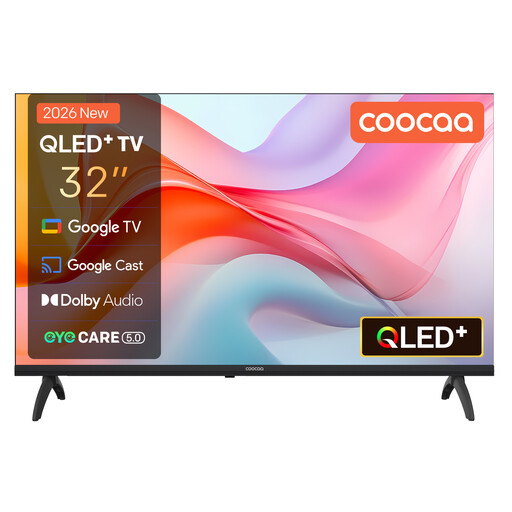
Coocaa 32CGQG41Z 32-inch QLED Google TV
Google TV is built in and the product title mentions Google Cast; check that your chosen service and recording work on this version.
The product title lists HDR10, Dolby Audio and Bluetooth 5.1.
View at Joybuy
Frequently asked questions
Do I always need to buy a streaming device to watch opera recordings?
No, not if the service and recording you want already work on the shared smart TV. Opera on Demand also lists computer playback; for some setups, you can connect a computer to the TV via HDMI. Check the recording and the playback options available.
What can I check if casting doesn’t work on the Wi-Fi network?
Check whether your phone and the receiving device can communicate over the network. Google Help lists AP isolation as a possible cause of Chromecast problems. If necessary, ask the network administrator about the settings rather than changing the shared network yourself.
What extra purchases or ongoing costs might I face?
That depends on the setup and service you choose. Google says the HDMI cable for the TV Streamer is sold separately, while Xiaomi lists an HDMI cable as included with the TV Box S (3rd Gen). Opera on Demand requires a paid subscription after the trial period if you don’t cancel in time; check the current terms before signing up.
What rights do I have if I buy the player online in the Netherlands?
According to ACM ConsuWijzer, online purchases generally come with a 14-day cooling-off period after delivery, subject to legal exceptions. Products must also meet what you could reasonably expect when used normally; if there’s a fault, contact the seller.
What rules apply to wireless streaming devices sold in the Netherlands?
Equipment with Wi-Fi or Bluetooth is subject to the relevant European requirements for radio equipment. Dutch government information lists conformity assessment, CE marking and an EU declaration of conformity among the requirements for compliant equipment; a product title alone doesn’t show that an individual device meets them.


