What should you consider when choosing?
First decide how you’ll enter items and where your stock software will run. Then choose a screen that suits the space available, the connections you need and how you want to use the overview.
| What to consider |
What to look for |
Who is this important for? |
| Direct entry |
Check the touchscreen connection and whether your operating system supports it. External models may need a separate USB connection for touch. |
If you want to update items directly on the screen beside the pantry, ease of use matters; around 36% of consumers prioritise direct entry above all else. |
| Local management |
Find out where the application runs and check whether features such as barcode lookups use external services. |
If you want to manage data without a cloud service, first decide on the software and settings; around 29% of consumers prioritise local management. |
| Readability and placement |
Measure the space available and compare screen size, resolution, mounting options and the precise scope of any IP rating. |
If you want to read a list from a fixed spot, the size and positioning need to work together; around 21% of consumers make readability and placement their main concern. |
| Existing connection |
Check the video output, power supply and preferred mounting option. HDMI video doesn’t automatically mean that touch will work too. |
If you’ve already arranged input on another device, you mainly need a screen that suits your overview; around 14% of consumers prioritise compatibility with their existing setup. |
Touchscreen monitors at Joybuy
These product picks focus on larger external touchscreen monitors for anyone who wants to enter stock items on screen and display a list in a fixed spot.
 No image available
ASUS ZenScreen MB16AHT
A portable touchscreen monitor for anyone looking for a screen with touch controls for a stock list.
15.6 inches; Full HD (1920 × 1080); touchscreen. The product specifications state that the screen has no battery.
View at Joybuy
 No image available
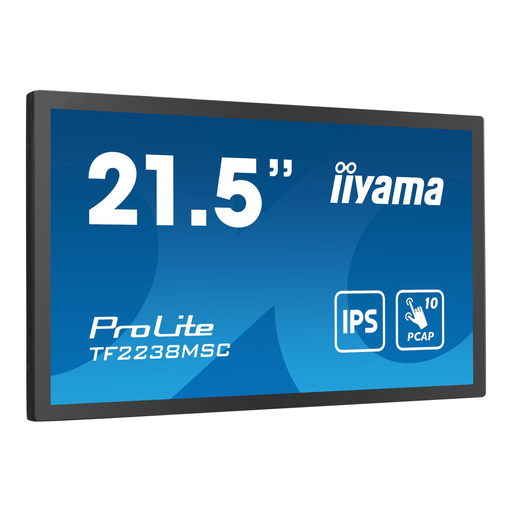
iiyama 21,5-inch 10pt Optical Bonded PCAP Open Frame Touch Monitor
A larger open-frame touchscreen monitor for a fixed setup where you want both touch controls and plenty of room to view information.
21.5 inches; 10-point PCAP touch; IPS panel.
View at Joybuy
 No image available
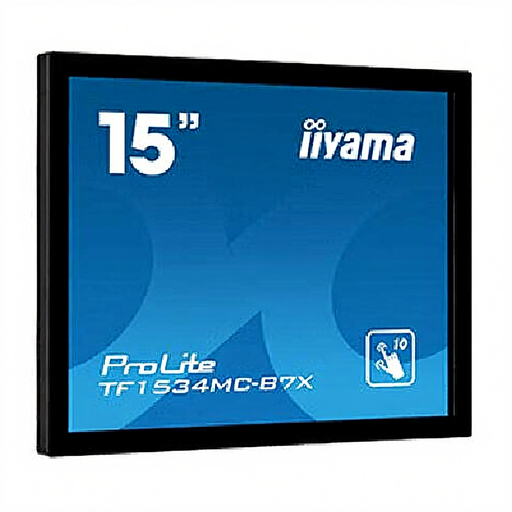
iiyama TF1534MC-B7X
A 15-inch touchscreen monitor for a fixed spot where you want to enter information directly on screen.
15 inches; 1024 × 768; XGA; touchscreen.
View at Joybuy
 No image available
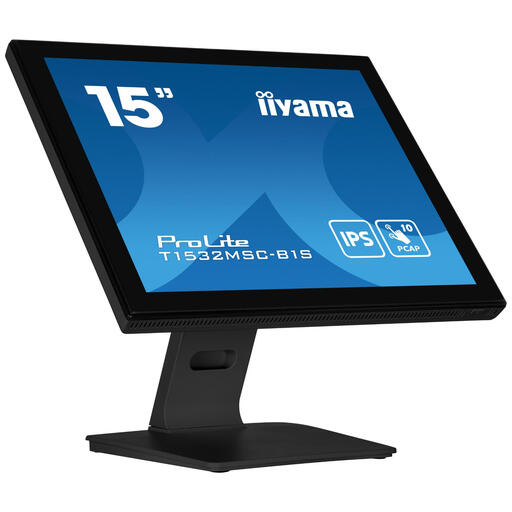
iiyama ProLite T1532MSC-B1S
A 15-inch touchscreen monitor for a fixed setup; the manufacturer lists USB as the touch interface for this model.
15 inches; 1024 × 768; XGA. Touch via USB requires a supported operating system.
View at Joybuy
 No image available
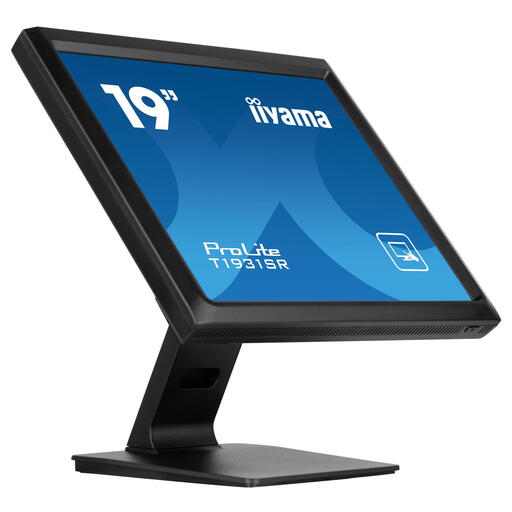
iiyama ProLite 19-inch Touchscreen with 5-Wire Resistive Touch Technology
A larger touchscreen monitor for a fixed spot where you want to enter items on screen and display a dashboard.
19 inches; 5-wire resistive touch.
View at Joybuy
Frequently asked questions
Does a touchscreen monitor automatically make a stock tracker cloud-free?
No. A monitor handles input and display; the software and settings determine where data is processed. Grocy describes itself as a self-hosted application, but barcode lookups may also use external services. So check which features you want to use locally.
Why doesn’t touch work automatically when an image appears?
Because the touch connection may be separate from the video signal. iiyama lists USB as the touch interface for the ProLite T1532MSC-B1S, and ASUS specifies a USB 2.0 port for the touch signal on the VT229H. Also check that your operating system supports the touch function.
Can I connect any Raspberry Pi Touch Display 2 to the same Pi?
No. For the 10-inch Portrait version, Raspberry Pi lists only Raspberry Pi 5 and Compute Modules as compatible. First choose the exact screen version, then check that it suits your Pi and the connection available.
What rights do you have when buying a monitor online in the Netherlands?
According to ACM ConsuWijzer, online purchases generally come with a statutory cooling-off period of up to 14 days after delivery, subject to legal exceptions. Your statutory guarantee is separate from any manufacturer’s warranty: under normal use, the product must meet what you could reasonably expect.
What should you know about EU product rules for a monitor?
For a monitor covered by EU product rules requiring CE marking, the applicable conformity requirements must be met and the required CE marking applied before the product is placed on the EU market. Check the information for the exact version; a brand name alone doesn’t prove that every version meets the applicable requirements.


