
Student with several wired devices
Wants to connect a workstation and other devices without configuring the network, and needs to consider the number of ports and keeping the room quiet.


A quiet gigabit switch is enough for a workstation and a few standard Ethernet devices, as long as it has enough ports for your setup. Choose 2.5 GbE only if your connected devices support that speed; for audio over IP or PoE, check the required settings and power supply. If you’re using a shared network connection, also check the terms set by your landlord or network administrator.
Wants to connect a workstation and other devices without configuring the network, and needs to consider the number of ports and keeping the room quiet.
Transfers large project files between a workstation and local storage, and can check whether both devices support 2.5 GbE.
Uses audio over IP or a device powered over Ethernet, so has different requirements from someone who only wants to connect a computer by cable.
First, count the connection to the existing network and all your devices. Then consider whether your setup really needs faster local traffic, configurable network management or power over Ethernet.
| Key consideration | What should you check? | Who is this important for? |
|---|---|---|
| Ports and quiet operation | Count the uplink, devices and any room for expansion. Check that the exact model is fanless. | I want to connect my workstation and other devices by cable without fan noise in my room. Around 46% of consumers prioritise having enough ports and quiet operation. |
| Local file transfers | Check the Ethernet ports on both your workstation and local storage. | I transfer large project files and want to know whether both devices can handle a faster local connection. Around 27% of consumers prioritise local file transfers. |
| Audio over IP settings | Check whether your setup requires specific network features, and confirm that the exact switch supports them. | If my audio equipment uses audio over IP, I want to check the required settings before choosing a switch. Around 18% of consumers prioritise audio over IP settings. |
| PoE power | Compare the PoE standard and power required by each device with the switch’s limits. | I want to power a compatible device over Ethernet and need to know whether the switch can supply enough power. Around 9% of consumers prioritise PoE power. |
The connection to your existing network also uses a port. With a five-port switch, one port used for the uplink leaves four for devices.
Count the uplink, your current devices and any room you want for future expansion before choosing the number of ports.
If there aren’t enough ports, you may need a second switch or a model with more ports later.
A switch with 2.5 GbE ports won’t make a connection to a 1 GbE device any faster.
Check the port speed of both devices you want to connect for local file transfers.
According to Audinate’s 2022 technical documentation, Energy Efficient Ethernet (EEE) must be disabled on ports used for Dante traffic.
If you use Dante, check that you can disable the EEE setting on the relevant ports.
Power per port and the total PoE budget are separate limits. TP-Link’s specifications for the TL-SG1005P state a maximum of 15,4 W per PoE port and 56 W in total.
Compare the PoE standard and power requirements of each device with both limits for the exact model.
A device that isn’t compatible with the PoE output may need a suitable separate power supply.
The TL-SG105, TL-SG105E and TL-SG1005P represent different options: a basic gigabit switch, a model with configurable management and a switch with PoE.
The GS305v3 is an option for simply connecting a few devices.
The MG-105 is an unmanaged switch for setups where compatible devices are connected locally over 2.5 GbE.
The DGS-105 is another option for a simple connection with five gigabit ports.
These products include basic gigabit switches, models with PoE or configurable management, and an option with 2.5 GbE ports. Check which features and port speeds suit your devices and network connection.
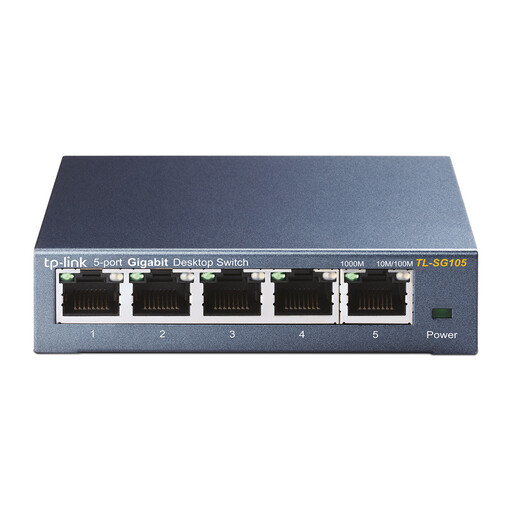 Image unavailable
An option for quietly and simply connecting a workstation and a few other wired devices.
Five 10/100/1000 Mbps ports; with one used for the uplink, four ports remain for devices. According to TP-Link Netherlands, the TL-SG105 is fanless.
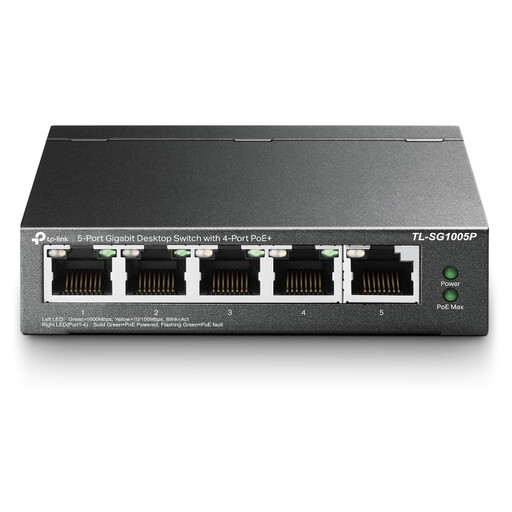 Image unavailable
Suited to a setup where a compatible device receives data and power over a single Ethernet cable.
TP-Link’s specifications list four 802.3af PoE ports, with a maximum of 15,4 W per port and 56 W in total. Check your device’s power requirements too.
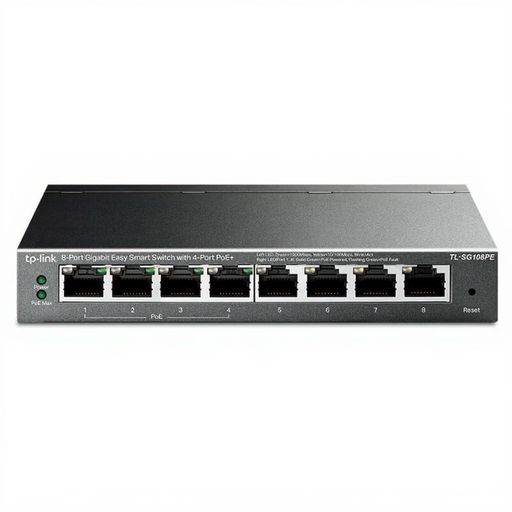 Image unavailable
An option if you need more connections and configurable management or PoE would suit your setup.
The product name lists eight gigabit ports and four PoE ports. Check the product details to make sure the management features and PoE power are suitable for your equipment.
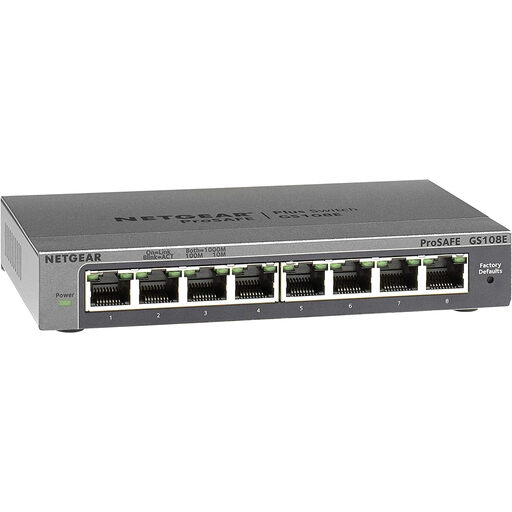 Image unavailable
An option for a wired setup with several devices that need configurable network features.
The product details list eight 10/100/1000 Mbps ports, QoS, VLAN support and IGMP Snooping. Check that the required settings suit the connection you’re using.
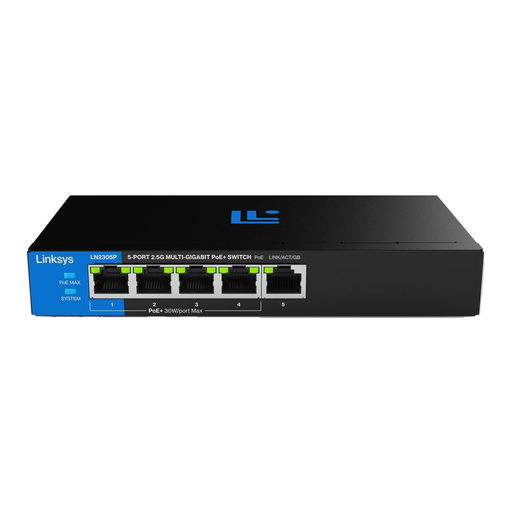 Image unavailable
An option for local file transfers over 2.5 GbE, provided the devices involved support that speed.
The product details list five 2.5 GbE ports, four PoE+ ports and a total PoE budget of 60 W. Check the PoE requirements of your connected devices.
First, check the terms set by your landlord or network administrator if the connection is shared or managed by an institution. SURF’s 2019 model policy doesn’t prove that your specific connection allows or prohibits you from connecting your own network equipment.
2.5 GbE is useful for local transfers when both the switch and the connected devices support that speed. According to Zyxel Networks, the Zyxel MG-105 has five 2.5 GbE ports; check the ports on your workstation and local storage too.
Check that you can apply the required settings to the ports used for Dante traffic. In its 2022 technical documentation, Audinate recommends disabling Energy Efficient Ethernet (EEE) on the ports in use.
Compare the device’s PoE standard and power requirements with both the power per port and the switch’s total budget. For the TP-Link TL-SG1005P, TP-Link Netherlands lists a maximum of 15,4 W per PoE port and 56 W in total.
Check the compliance information for the switch and power supply being offered. European requirements for electromagnetic compatibility apply to electrical and electronic equipment; the Dutch Government says many consumer products sold in the EU must carry a CE marking. A CE marking is not an independent quality or performance certification.