What should you look for when choosing one?
First, check the connection in your room and whether you’re allowed to add extra devices. Then count how many ports you need, and only after that compare speed and management features.
| What to consider |
What to look for |
Who is this important for? |
| Room connection and permission |
Test the Ethernet port by connecting your PC directly, and ask the network administrator whether you’re allowed to connect several devices. |
I want to check that the connection in my room works and that I’m allowed to expand it. Around 36% of consumers say access and permission are their main reasons for buying. |
| Port speed |
Check the speed of your PC’s port, other local devices and the incoming connection. 2.5G is only usable if you have compatible equipment at both ends. |
I want my wired devices to make the most of the speeds they support. Around 29% of consumers put speed first. |
| Number and placement of ports |
Count one port for the incoming cable as well as the device ports. Also check the dimensions, power supply and whether it has a fan. |
I want enough connections without taking up unnecessary space in my room. For around 21% of consumers, the number and placement of ports are the most important factors when choosing. |
| Management features |
Choose configurable features only if you need them and the network administrator allows you to use your own settings. |
I want to manage my own network settings and know which feature I need to do that. Around 14% of consumers put management features first. |
Switches at Joybuy
This Joybuy selection includes switches for expanding a permitted wired connection, with models that vary in the number of ports, management features, PoE and port speed.
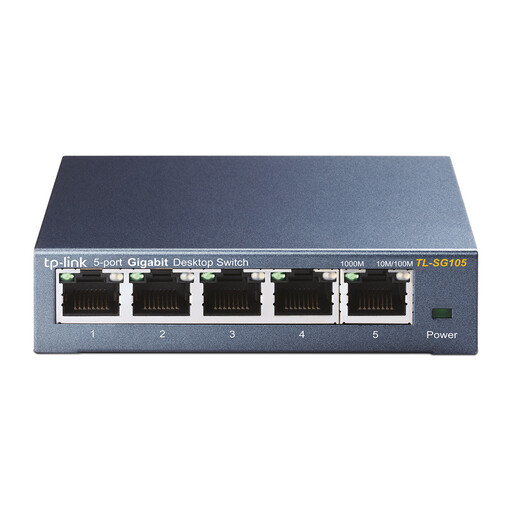 Image unavailable
TP-Link TL-SG105 5-Port Metal Gigabit Switch
Suitable if you want to expand a permitted connection in your room for several wired devices.
Five 10/100/1000-Mbit/s ports; plug-and-play; metal casing; suitable for desktop or wall placement.
View at Joybuy
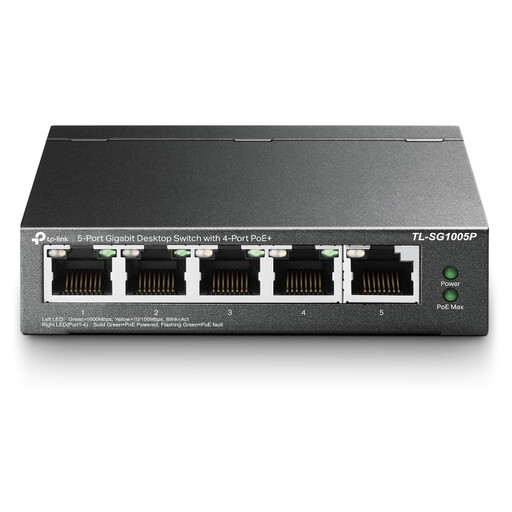 Image unavailable
TP-Link 5-Port Gigabit PoE Switch, 4 PoE ports
Suitable for a set-up with several wired devices when a connected device needs PoE. Check that the power requirements are compatible first.
Five Gigabit ports, including four PoE ports; unmanaged; fanless design.
View at Joybuy
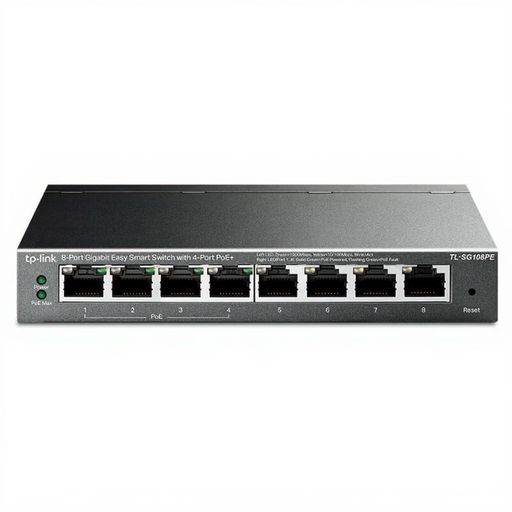 Image unavailable
TP-Link 8-Port Gigabit Easy Smart Switch with 4-Port PoE
Suitable if you need more device ports or have a specific need for configurable features. Not every room set-up needs the extra settings.
Eight Gigabit ports, including four PoE ports; the description lists management and diagnostic features.
View at Joybuy
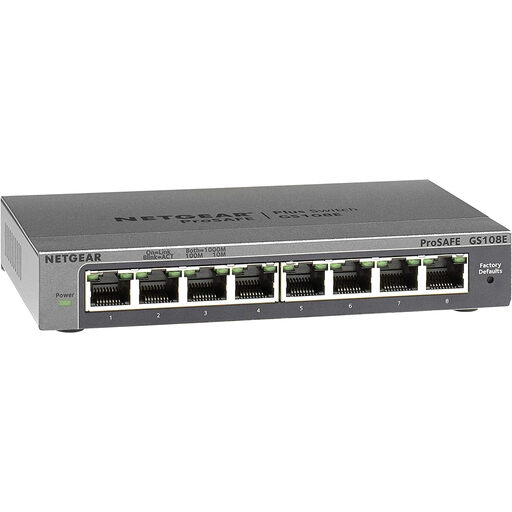 Image unavailable
NETGEAR GS108E-400EUS
An option if you need eight wired connections and have a specific need for network management. Check whether you’re allowed to use your own settings.
Eight 10/100/1000-Mbit/s ports; the product description lists QoS, VLAN and IGMP Snooping.
View at Joybuy
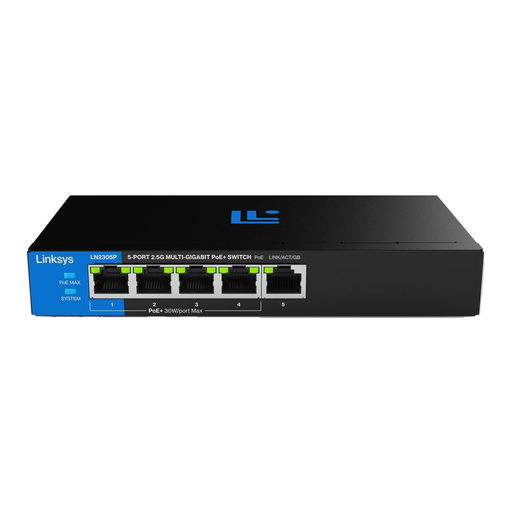 Image unavailable
Linksys 5-Port 2.5G Unmanaged PoE Switch
Suitable for wired devices with 2.5G ports when the other connections support that speed. Also check that the PoE feature is compatible with your equipment.
Five 2.5G Ethernet ports; four PoE+ ports; total PoE budget of 60 W; fanless casing.
View at Joybuy
Frequently asked questions
Can I connect my desktop PC without a switch?
Yes, if you have a working Ethernet port and only want to connect one wired device. Some managed networks require you to register your device; the University of Twente explains the registration process for access to its wired network.
How do I connect an unmanaged switch?
Connect the permitted incoming Ethernet cable to one port, connect your PC to another port and use the specified power supply. TP-Link says the TL-SG105 doesn’t need configuring, but that doesn’t take care of any registration required by the network administrator.
How many device ports are left on a five- or eight-port switch?
If one port is used for the incoming cable, a five-port model has four device ports left, while an eight-port model has seven. These figures apply to a set-up where one port provides the network connection.
Are switches allowed in every student room?
That depends on the connection and the terms set by your provider or network administrator. Check what’s allowed in your room and whether registration is required. Information from Stichting DUWO and the University of Twente describes different connection and network set-ups.
What product regulations and warranty apply to an electrical switch?
Electrical appliances sold in the Netherlands must meet the relevant European product regulations. Ondernemersplein explains that, after the required conformity assessment, the manufacturer applies the CE marking. According to the Dutch government, as at 13 October 2026, manufacturers have been subject to the Cyber Resilience Act’s reporting requirements since 11 September 2026; most of the other rules apply from 11 December 2027. Business.gov.nl explains that the CE marking is not a quality mark. The Dutch government states that there is no fixed statutory warranty period in the Netherlands; if a product is faulty, contact the seller.


