What should you look for?
For a straightforward connection to your existing router, start by counting your devices and checking how many ports are available. Then check separately whether your TV receiver needs IGMP snooping, or whether VLAN network management is genuinely part of your setup.
The percentages indicate which buying concerns may be most important to consumers in this shared-studio setup.
| What to consider |
What should you check? |
Who is this most relevant to? |
| Enough ports |
Count the TV, other wired devices and one connection to the router. Check the number of gigabit ports. |
I want to connect the TV and other devices by cable without managing settings; consumers whose main need is extra connections are estimated to account for around 36%. |
| Network separation |
Ask who manages the router and whether VLAN configuration is needed and permitted. |
I want to know whether devices belonging to different residents need to be on separate network segments; consumers who prioritise separation are expected to account for around 29%. |
| TV reception |
Establish whether you are connecting a smart TV or a separate receiver. For multicast TV, check your provider's instructions and the exact model's IGMP snooping support. |
I am connecting a TV receiver and want the switch to work with my TV service; consumers who are most concerned about this connection are estimated to account for around 21%. |
| Quiet placement |
Check whether the exact model is fanless and where its power supply can be placed. |
I am placing the switch near a sitting or sleeping area and don't want to hear a fan; consumers who prioritise quiet placement are expected to account for around 14%. |
Joybuy products for this setup
This selection includes switches for straightforward wired connections, as well as models with more ports or management features. Check that the connections and features of each model suit your setup.
 No image available
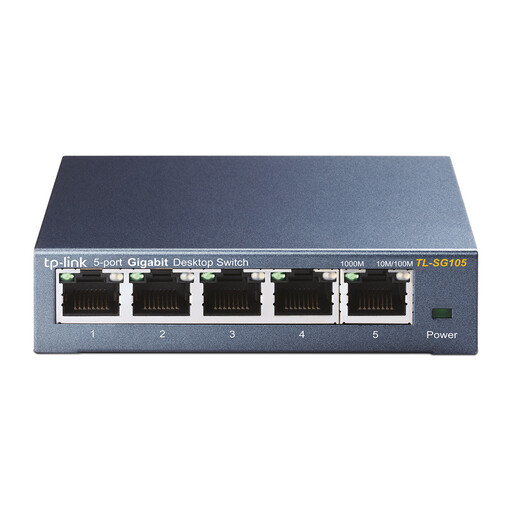
TP-Link TL-SG105 five-port metal gigabit switch
Suitable for a straightforward wired setup with a smart TV and other devices; check how many ports you need after connecting it to the router.
The product name lists five ports and gigabit connectivity. TP-Link describes the TL-SG105 as plug-and-play and lists IGMP snooping; check whether this suits your TV service.
Joybuy
 No image available
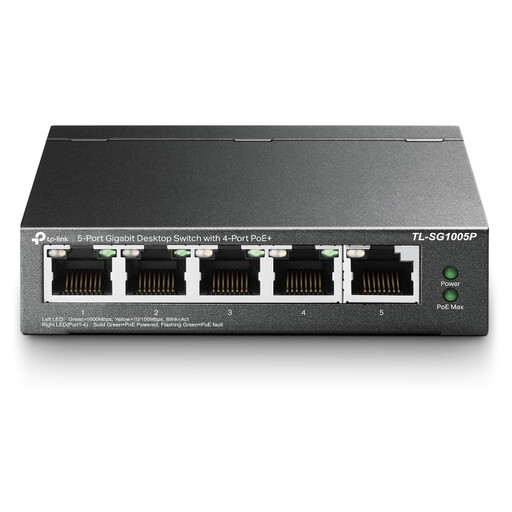
TP-Link five-port Gigabit desktop switch with PoE, 4-Port model
This may suit you if you're considering a five-port desktop switch with PoE; before buying, check which ports supply PoE and whether they suit your connected devices.
The product name lists five gigabit ports and the 4-Port designation.
Joybuy
 No image available
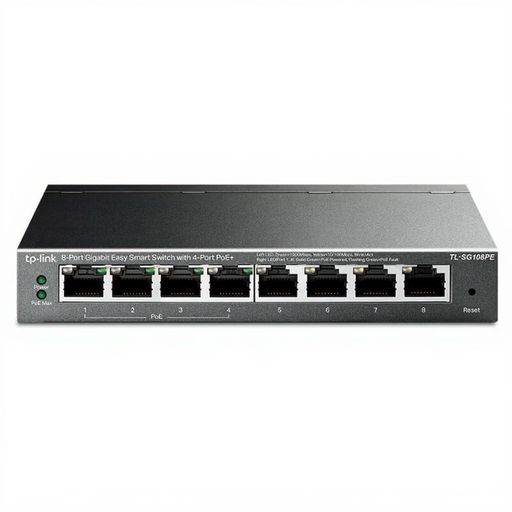
TP-Link 8-port Gigabit Easy Smart switch with 4-Port PoE
An option to consider if you need more connections or management features. Check that this model's features and PoE ports suit your network.
The product name lists eight gigabit ports and 4-Port PoE.
Joybuy
 No image available
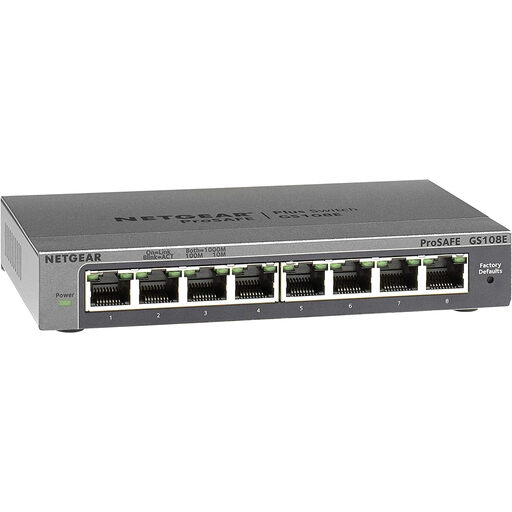
NETGEAR GS108E-400EUS
Consider this model if you need management features. Check the product information to confirm that the exact variant offers the features and port layout you want, and that it will work with your router.
Joybuy
 No image available
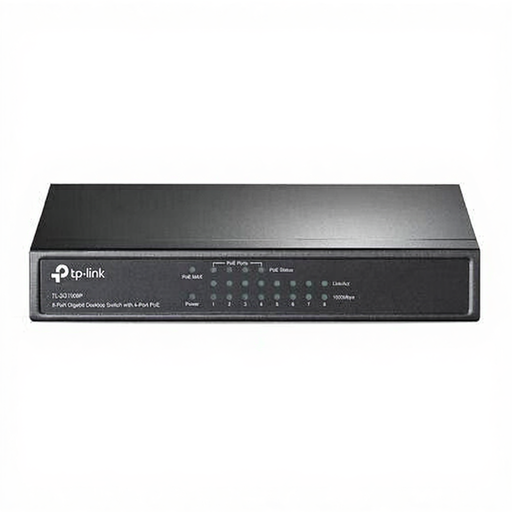
TP-Link TL-SG1008P unmanaged gigabit switch with PoE
This may suit a setup where you're considering an unmanaged switch with PoE. Check that the PoE ports and total number of ports suit your devices.
The product name lists Gigabit Ethernet (10/100/1000) and PoE.
Joybuy
Frequently asked questions
How do I connect a TV through a switch?
Connect an available LAN port on the router to a port on the switch, then connect the TV to another port using an Ethernet cable. Include the router connection when counting the free ports, and follow the instructions for your equipment.
Does every smart TV need IGMP snooping?
No, not just because it's a smart TV. KPN describes IGMP snooping for multicast TV sent to a TV receiver connected through a switch; if you have a receiver, check the instructions for your provider and setup.
Does a VLAN switch automatically make a shared network private?
No. VLANs need to be configured and must work with the router and any other network equipment. In a shared studio, first discuss with the network administrator whether network segmentation is needed and practical.
What should I look for in the Netherlands regarding electrical product safety?
Electrical appliances placed on the EU market must carry the applicable CE marking, according to the Dutch government. Check the switch on offer and the power supply included; a general model description does not by itself confirm the marking of the item supplied.
What rights do I have as a consumer when buying online?
For eligible online consumer purchases, you generally have a cooling-off period of up to 14 days after delivery, as explained by ACM ConsuWijzer. You are also entitled to a legal guarantee when using the product normally. If you're buying for a business studio, check whose name the order is in, as consumer rules do not automatically apply to business purchases.


