
User of shared studio equipment
You’re connecting a workstation to equipment used by several people. Check with the administrator who should have access to each network; VLAN management is only useful if the studio can configure it appropriately.


Count your wired devices as well as the uplink, and check with the network administrator whether your workstation and the shared equipment can use the same network. A gigabit switch is enough if you need extra ports; choose VLAN management if you need network segmentation, or 2.5GbE if the relevant devices and connections also support that speed. Also consider fan noise and whether you need PoE power: product specifications alone can’t predict how a switch will perform in your studio setup.
You’re connecting a workstation to equipment used by several people. Check with the administrator who should have access to each network; VLAN management is only useful if the studio can configure it appropriately.
You transfer large projects between a workstation and, for example, a NAS or server. Check that the network ports and the entire connection between them support 2.5GbE.
You want extra connections at a recording or editing station without fan noise from the switch. Also compare the number of ports and how the device is powered.
Start by planning your connections and agreeing network access with the administrator. Then choose speed, management features and power options based on the devices you’ll actually connect.
| What to consider | What should you look for? | Who is this important for? |
|---|---|---|
| Ports for devices and the uplink | Count your workstation, storage and shared devices, then add the uplink; check the number of RJ45 ports on the exact model. | If I’m connecting several devices by cable, I don’t want the switch to run out of ports straight away. Around 27% of consumers prioritise having enough ports. |
| Separating network access | Ask the administrator which networks and uplink configuration are in place, and whether the switch and upstream equipment support the setup you need. | If different studio members shouldn’t automatically have access to the same systems, I want to know who manages the configuration. Around 27% of consumers prioritise network separation. |
| Local file transfers | Check the network ports on your workstation and storage, the cabling and the route your files will take. | If I’m moving large projects between my workstation and local storage, the entire connection needs to support the chosen speed. Around 20% of consumers transfer large files locally. |
| Quiet operation | Check that the specific version is fanless, and consider where the switch, power supply and cables will be placed. | For a quiet recording or editing space, I want to avoid adding fan noise from the switch itself. Around 13% of consumers prioritise a quiet workspace. |
| PoE for additional devices | Check whether connected devices need PoE, then compare the required standard and total power with the switch specifications. | If I want to power a compatible access point or another network device over Ethernet, the PoE ports and power budget matter. Around 13% of consumers want to power PoE devices. |
The connection to the existing studio infrastructure also uses a port. So a switch with just enough ports for your devices could still leave you short.
Plan your ports in advance for the workstation, storage, shared equipment and uplink.
If you run out of connections, you may need a switch with more ports or a different cabling setup.
A port’s speed doesn’t guarantee the speed of the connection between your workstation and storage; the devices and connections in between matter too.
Check both end devices and the entire route before choosing faster ports.
A connection that supports 2.5GbE may also require compatible network adapters and cabling.
Extra ports don’t automatically control who can access studio equipment or files. A VLAN feature on one switch doesn’t guarantee complete network isolation either.
Ask the network administrator whether VLANs or other measures are needed, and how the rest of the network should be configured.
The separation you need may require discussion with the administrator and a suitable configuration of other network equipment.
A switch powered via PoE doesn’t necessarily power connected devices itself. And a standalone PoE adapter isn’t a network switch.
For the exact model, check which ports receive or supply power, then compare the output budget with the needs of your connected devices.
If the power supply or PoE outputs aren’t suitable for your devices, you may need a compatible power supply or a different switch.
The models listed range from basic gigabit switches to unmanaged 2.5GbE models and dedicated PoE versions.
The GS308E is an example of a fanless, smart-managed gigabit switch for a workspace where VLAN options are relevant.
The XMG-100 series could suit a setup with 2.5GbE ports and a separate uplink option.
The UniFi Flex Mini 2.5G is a compact five-port option for a workstation and a few other devices.
The LN2308 is an unmanaged eight-port 2.5GbE option for connections that don’t need VLAN configuration on the switch.
This selection includes switches for adding wired connections, with gigabit and 2.5GbE options as well as PoE models. Check which speed, network features and power options suit your studio setup.
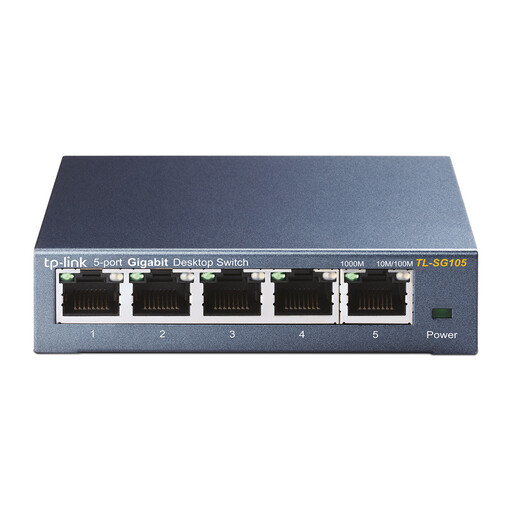 Image unavailable
A good choice if you need extra wired gigabit connections without configuring the switch.
Five RJ45 ports with 10/100/1000 Mbps; plug-and-play operation; metal casing; desktop or wall mounting.
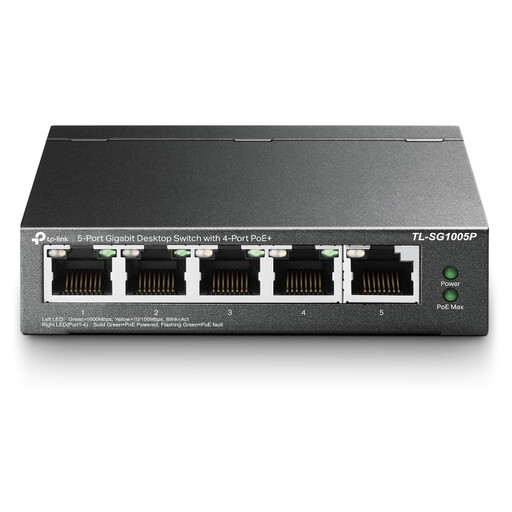 Image unavailable
A good choice if you need wired network ports and want to power compatible devices via PoE.
Five gigabit ports, four of which are PoE ports; stated total PoE budget: 56 W. Check that the combined power requirements of your connected devices stay within this budget.
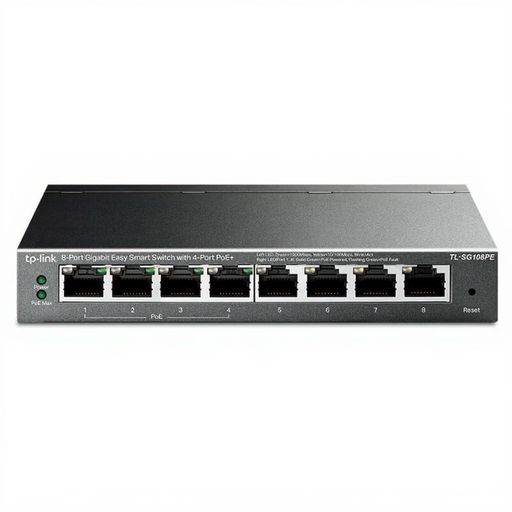 Image unavailable
A good choice if you want to connect several devices by cable and need PoE for compatible equipment.
Eight Ethernet ports with gigabit speeds; the product title lists four PoE ports.
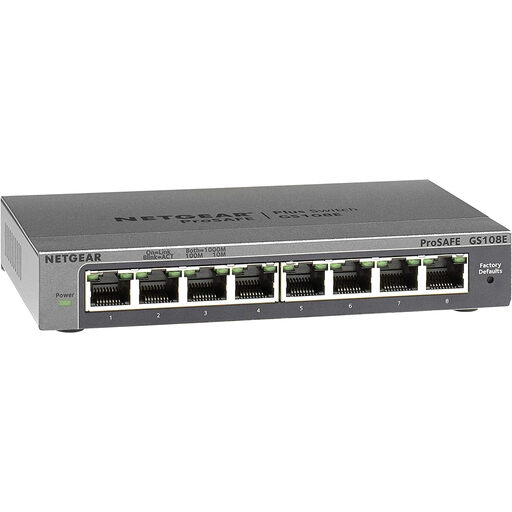 Image unavailable
A good choice if you want to connect several gigabit devices and VLAN support is relevant to your network configuration.
Eight 10/100/1000 Mbps ports; the product information lists VLAN support and browser-based management. The ports are gigabit ports.
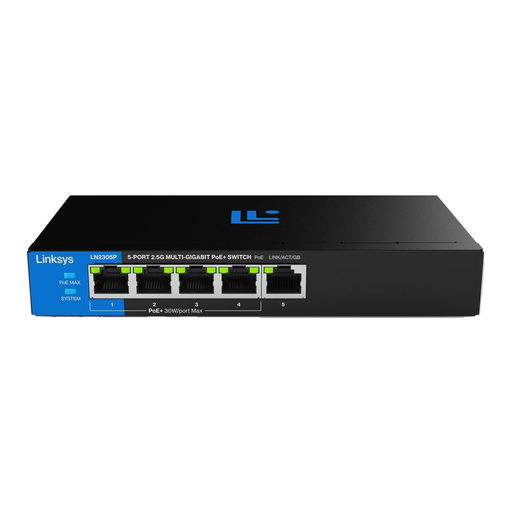 Image unavailable
A good choice if the relevant devices support 2.5GbE and you also want to connect compatible PoE equipment.
Five 2.5GbE ports, four of which support PoE+; fanless casing; total PoE budget of 60 W. Check that this budget is sufficient for your connected devices.
A switch adds wired connections to an existing network; a router has a different role. According to TP-Link, the TP-Link TL-SG105 is plug-and-play. Agree with the studio administrator where the uplink should go and who should have access.
No. A VLAN feature on one switch won’t automatically make your workstation private. The VLAN features you need must work with the configuration of the switch and the rest of the network. The Dutch Data Protection Authority stresses that organisations should tailor security measures to specific risks; a VLAN feature alone isn’t a complete assessment.
Not for a standard Ethernet connection. PoE outputs are relevant if a connected device is designed to accept power over Ethernet, according to its own specifications. If so, check the PoE standard, power per port and the switch’s total budget.
For consumer purchases, the statutory guarantee applies if a product doesn’t do what you could reasonably expect; the retailer is your point of contact. Online consumer purchases generally come with a statutory 14-day cooling-off period, subject to legal exceptions. If you’re buying for a business, don’t assume that the consumer cooling-off period applies, and check the business terms and conditions.
A CE mark is required for products covered by EU rules that require CE marking. Electromagnetic compatibility is one relevant EU product requirement. For the specific switch model and the power supply included, check which conformity information applies. A CE mark says nothing about network performance or how the shared network is set up.