What should you consider when choosing?
First, check whether the printer can connect to the network by cable, then count all the connections you need. After that, decide whether you need extra ports, network management or PoE.
| Consideration |
What to look for |
Who is this important for? |
| Connecting the printer |
Check whether the printer has an Ethernet port and count the cable connection to your existing network. Also check the cable and printer settings. |
I mainly want the shared printer to be accessible over a wired connection from the intended devices; around 36% of consumers say printer connectivity is their top priority. |
| Enough ports |
Count the printer, the connection to the router or existing network, any other wired devices and specific plans for expansion. |
I want to connect workstations and other studio devices without overlooking the ports I need; around 29% of consumers say room to expand is their top priority. |
| Network segmentation |
Decide whether you need VLANs and who will configure the switch and the rest of the network. Check that the intended users will still be able to access the printer. |
I want to separate network traffic in the studio and can arrange access to the printer; around 21% of consumers say network segmentation is their top priority. |
| PoE for devices |
Check the PoE standard used by the devices you want to power, and compare their power requirements with the ports and total power budget of the exact switch version. |
I want to power a compatible access point over Ethernet, for example; around 14% of consumers say PoE for additional network devices is their top priority. |
Joybuy products
This selection includes switches for simple wired expansion, models with PoE and models for network management. Check how many ports you need for each device and which features your network actually requires.
 No image available
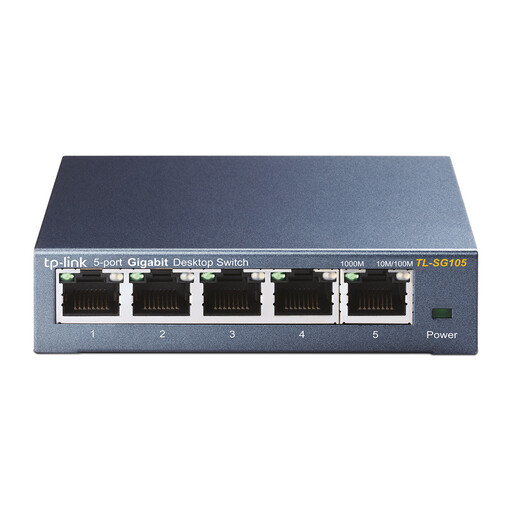
TP-Link TL-SG105 5-Port Metal Gigabit Switch
A good fit for a simple wired connection if five ports are enough and you don't need to manage network segmentation through the switch.
5 ports; gigabit; metal casing.
View at Joybuy
 No image available
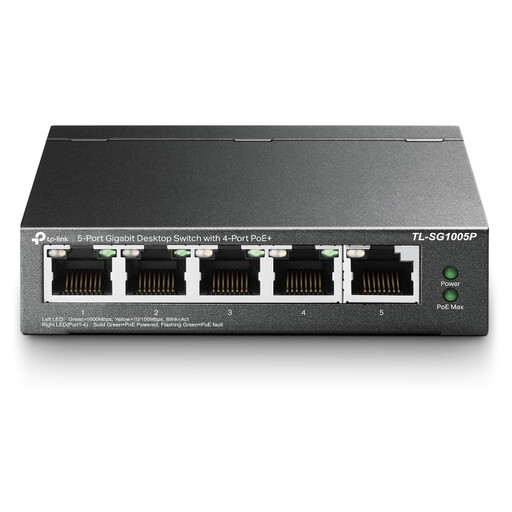
TP-Link 5-Port Gigabit Desktop PoE Switch
A good fit if you need five wired connections and also want to power compatible devices using PoE.
5 ports; gigabit; PoE.
Check the supported PoE standard and the exact port and power specifications for the devices you want to power.
View at Joybuy
 No image available
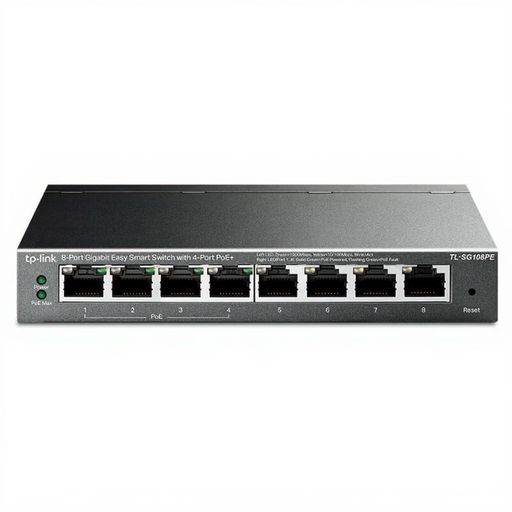
TP-Link 8-Port Gigabit Easy Smart Switch with 4-Port PoE
A good fit if you need more wired connections and also want to power compatible devices using PoE.
8 ports; gigabit; 4 PoE ports.
Check your devices' PoE requirements and whether the network configuration you need is suitable for your setup.
View at Joybuy
 No image available
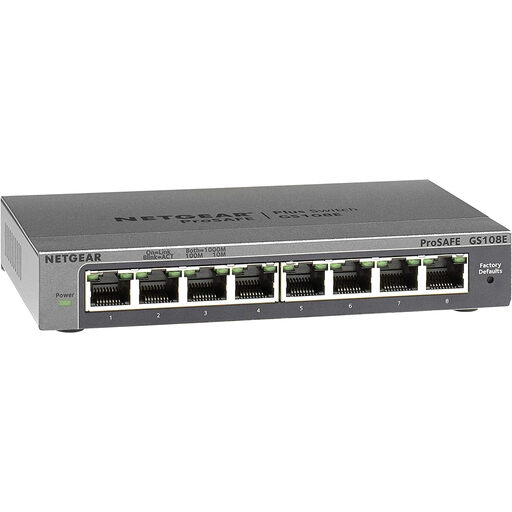
NETGEAR GS108E-400EUS
A good fit if you want to configure the switch for network management; first check that the exact version offers the features and configuration you need.
The product name identifies this model as the GS108E-400EUS. Before buying, check the port and management features of the version on offer.
Network segmentation requires a suitable setup that allows the intended users to access the printer.
View at Joybuy
 No image available
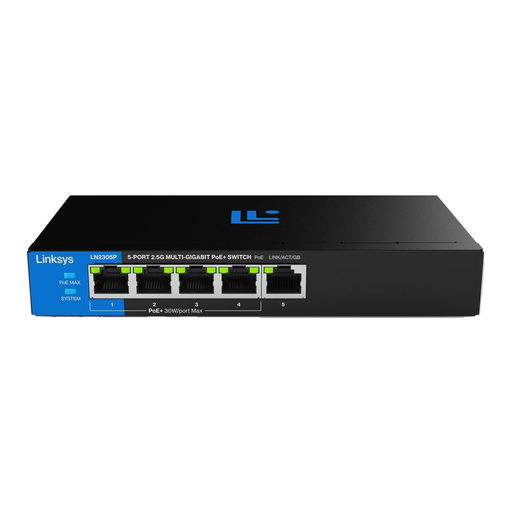
Linksys 2.5 GB Unmanaged 5-Port PoE Switch
A good fit if five connections are enough and you want to power compatible network devices using PoE.
5 ports; 2.5 GB; unmanaged; PoE.
Check that your connected PoE devices are compatible, and check the power limits of the exact version.
View at Joybuy
Frequently asked questions
Can any printer connect directly to a network switch?
No. The printer needs an Ethernet port to connect directly using a network cable. HP Support describes connecting to a router, switch or hub; also check the setup instructions for your printer model.
How do I work out whether I need five or eight ports?
Add up the ports needed for the printer, the connection to the router or existing network, and all other wired devices. Choose extra capacity if you have specific plans to expand; TP-Link Nederland and D-Link Nederland describe models with five and eight gigabit ports.
When is VLAN management useful for a studio printer?
VLAN management is relevant if you want to segment network traffic and someone can configure the switch. Check that the intended users can still access the printer within that setup; Zyxel Networks lists 802.1Q VLAN and web management for the GS1200-5.
Does a studio printer need to be powered using PoE?
Not simply because the printer is connected to a switch. PoE is designed for devices that use a supported power standard; check the specifications of the device itself, as well as the PoE ports and power budget of the exact switch.
Does the statutory cooling-off period apply to an online business purchase for the studio?
No. The Dutch statutory 14-day cooling-off period for online consumer purchases doesn't automatically apply to a business buyer. The Dutch government's Ondernemersplein explains that different rules apply to business buyers, so check the seller's terms as well.


