What should you look for?
Start with the music service and controls users need. Then check how the player connects to your setup, and finally consider whether you need music in other rooms or intend to use it for business.
| What to consider |
What should you check? |
Who is this important for? |
| Music service and controls |
Check whether each model supports the music service or playback method you want, and how users can find the player on the network. For Spotify Connect, Spotify says devices must be on the same Wi-Fi network during the initial connection. |
If I want to play music from a familiar library in the lounge and share control with others, I look at the service and app. Around 36% of consumers say the service and controls are their main buying priority. |
| Connecting to your setup |
Check whether your speakers are active or passive, then compare the inputs on your amplifier or speakers with the outputs on the exact model. |
If you want to keep your existing amplifier or speakers, check that the connections are compatible. Around 29% of consumers put compatibility with their existing setup first. |
| Playback in other rooms |
Check that the specific devices work together within the same multi-room system; the ability to control multiple rooms can vary between systems. |
If I want to control the same music outside the lounge in future, I check whether the player works with devices I already have or plan to add. Around 21% of consumers say the option to add other rooms is their main buying priority. |
| Business use of music |
Establish who uses the lounge and may hear the music. Then check the service’s terms of use separately, along with which BumaStemra and Sena licences apply to your situation. |
If you play music for guests, customers or employees in a business space, check both the service’s terms and the relevant rights. Around 14% of consumers say business music rights are their main buying priority. |
Joybuy product picks
This selection includes a Bose speaker and a Bose soundbar for app-controlled music playback. These are not standalone streamers for an existing stereo system, so check that the product type suits your lounge setup.
 No image available
Bose Lifestyle Ultra Speaker - Black
An option to consider if you’re looking for a network-focused listening setup with app control; check which app or service you want to use beforehand.
An app or service is required for use.
Joybuy
 No image available
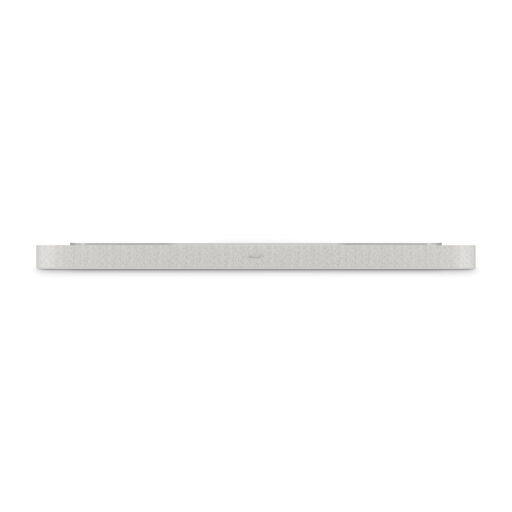
Bose Lifestyle Ultra Soundbar - White Smoke
Consider this soundbar if Spotify Connect or AirPlay 2 suits the devices and controls you want to use in the lounge.
The product information states Multiroom Ready: No. So don’t choose it if adding other rooms is a requirement. For business use or music that can be heard by the public, the listed music services do not, in themselves, give you the right to use the music.
Joybuy
Frequently asked questions
Can a standalone network player connect directly to passive speakers?
Not without amplification. WiiM says you need an amplifier to drive passive speakers with the Pro or Pro Plus. A streaming amplifier, such as the WiiM Amp, is another option.
Why doesn’t my player appear in Spotify Connect?
Spotify recommends putting devices on the same Wi-Fi network for the initial connection. Also check that the player is compatible and that the app and device software are up to date; a separate guest network can affect the connection.
Can I use a personal streaming subscription in a business lounge?
Don’t assume that you can. BumaStemra states that, under their terms of use, personal services such as Spotify, Apple Music and Deezer may not be used for business purposes. Check the chosen service’s terms separately from the music licences.
Do I need a music licence in the Netherlands if guests or employees can hear the music?
Sena says that Sena and BumaStemra licences are required for music played in a business where it can be heard by guests, customers or more than two employees. Sena also describes an exception for a workplace that is not accessible to guests or customers and where no more than two employees work. Establish how the space is used and check which licences apply to your situation; these business rules do not automatically apply to a lounge used exclusively for private purposes.
What if a player I bought as a consumer in the Netherlands develops a fault too soon?
According to ACM ConsuWijzer, you have a statutory guarantee in addition to any manufacturer’s warranty. If the product does not perform as you could reasonably expect under normal use, the seller is responsible for providing an appropriate remedy at no cost, such as a repair or replacement.


