
Organisers with a deep room
You want people in the back row to be able to follow the film and read the subtitles. So measure the furthest viewing distance before choosing a screen size.


Start by measuring the distance to the furthest seats and the width of the seating area. Then choose a screen size and compare how well the picture can be seen from the sides. OLED is particularly well suited to a room that can be darkened, with seats spread around the screen. If there’s plenty of ambient light, consider a suitable LCD or mini-LED TV. Test the film source and sound in advance, and arrange separate permission to screen the film.
You want people in the back row to be able to follow the film and read the subtitles. So measure the furthest viewing distance before choosing a screen size.
Many guests will be sitting at an angle to the screen. In that case, viewing angle and reflections matter more than screen size alone.
You want dialogue to be clear for everyone, and you may need to connect an external film player or sound system.
First decide where the TV will go and how the seats are arranged. Then compare picture technology, connections and sound for that particular room.
| What to consider | What should you check? | Who is this for? |
|---|---|---|
| Clear picture from the back | Measure the distance from the furthest seat and check that the TV will physically fit in the room. | I want to be able to follow the film and read the subtitles from the back row; around 33% of consumers therefore prioritise clear viewing from the back. |
| Picture visibility from the sides | Compare the viewing angle of the exact model and check the screen from the seats furthest to the sides. | If guests will be sitting at an angle to the screen, I want to know whether the picture and colours will still be clear; around 27% of consumers prioritise the seats at the sides. |
| Film source and room sound | Check that the connection works with your chosen film player and that the sound system can be connected through a suitable output. | I want to make sure the chosen film source and room sound system can be connected in advance; around 20% of consumers prioritise clear dialogue and connections. |
| Visibility in daylight | Assess brightness and reflections in the room, and check whether it can be darkened. | If the room stays bright, I want the picture to remain visible from the seats; around 20% of consumers prioritise visibility in ambient light. |
A large screen may still be harder to see from the side seats, for example because of the viewing angle or reflections.
Measure the distance from the furthest seat, then assess the viewing angle and reflections from the actual seating positions.
Test results for two models from related TCL ranges showed differences in HDR performance and viewing angle. The technology name alone doesn’t tell you how the complete model performs.
Compare reviews of the exact model, taking the conditions in your room into account.
Owning a DVD or having a personal streaming subscription does not, by itself, give you permission to hold a film night for an association.
Arrange permission for your chosen film, then check that the permitted source can be played on the TV. FilmService also distinguishes between licences that do and don’t allow you to advertise the screening publicly.
The B5 OLED range is one option for a room that can be darkened, with guests sitting in different positions. Check the size, reflections and connection to the room’s sound system for each model.
Tests of the C6K and C7K mini-LED models show why it’s important to compare individual models, even when they use the same technology.
The 65PUS9000/12 is a QLED LCD option with Ambilight for anyone looking for that feature. Check the picture from the sides of the room too.
Samsung’s S85F range in the Netherlands includes an OLED option alongside LCD and mini-LED models. Check the full model code when comparing.
This Joybuy selection includes TVs for group film screenings, with LCD and mini-LED models to compare.
 No image available
A model to compare if you’re looking for a mini-LED TV for a group film screening.
The product name lists QNED Evo, mini-LED, 4K and smart TV.
 No image available
Compare this model for viewing angle and reflections if you want to assess QLED and mini-LED in the same TV for your room.
The product name lists QD mini-LED dimming, 4K, Dolby Vision, HDR10+, 144 Hz VRR and Onkyo 2.1 audio.
 No image available
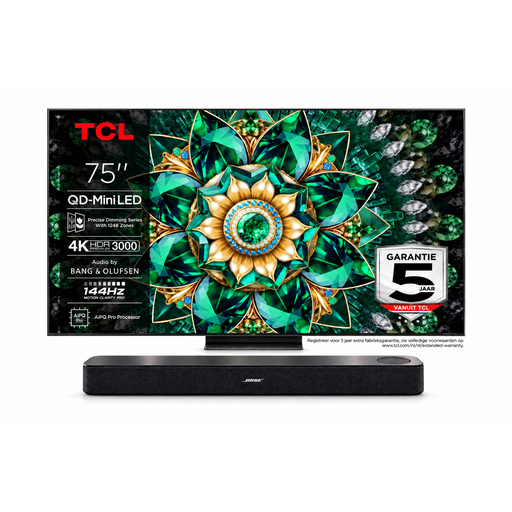
This bundle is worth comparing if you’re looking for a TV and soundbar together for your film night.
The product name lists a 75-inch 4K mini-LED TV with 144 Hz and a Bose Lifestyle Ultra soundbar. The additional TV warranty listed requires registration and doesn’t apply to the soundbar.
 No image available
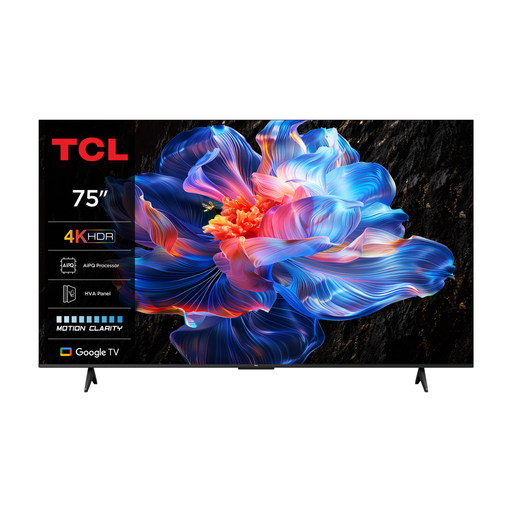
A standard LED option to compare if you’re looking for a large screen for group viewing.
The product name lists 75 inches, 4K, LED and 60 Hz.
 No image available
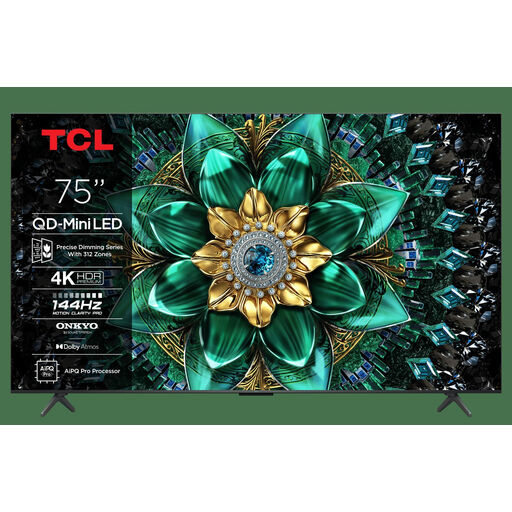
Compare this model with your room’s lighting and seating arrangement in mind; the name of the technology alone doesn’t tell you how clearly the picture can be seen from the sides.
The product name lists 75 inches, 4K, Dolby Vision, 144 Hz and Onkyo 2.1 audio.
First measure the distance between the furthest seat and the screen. The Consumentenbond recommends around 2.4 times the screen diagonal as a comfortable average for watching TV. Use this as a starting point, not a fixed rule for a community group or a guarantee that subtitles will be readable at the back.
Check that the TV has an HDMI input for the film player and that the sound system is compatible with HDMI-ARC/eARC or another suitable output. The Consumentenbond describes HDMI-ARC/eARC as a connection option for sound systems. Before the screening, test the actual source to make sure the picture and dialogue come through clearly from the seats.
Compare the European energy label and product information sheet for the exact models. The European Commission says energy labels also show consumption during HDR playback; EPREL provides further model information.
Not simply because you own the DVD or have a subscription: permission must be arranged for the specific film screening held by an association. FilmService says the licence must cover the screening and the film source used; check the conditions for your chosen title.
Check with FilmService before making an announcement. FilmService says public announcements aren’t allowed with the Standard Licence, while the Plus Licence allows them. Make sure the licence suits the specific screening and how you plan to promote it.