
Neighbourhood archive manager
You want to be able to find and check films, even if a portable copy is lost or fails. The Library of Congress recommends keeping copies on different storage media and in separate locations.


Choose a USB stick based on the total size of your film collection, the largest individual file and the ports on the computers you use. A stick is a portable copy, not a complete archive: the Library of Congress recommends keeping copies on different storage media and in separate locations, while the Community Archives and Heritage Group and University College London also discuss integrity checks. If your films show recognisable people, consider who will have access to the files too.
You want to be able to find and check films, even if a portable copy is lost or fails. The Library of Congress recommends keeping copies on different storage media and in separate locations.
You’re transferring large video files and want to check in advance that both the full selection and the largest film will fit. Microsoft Learn states that FAT32 has a maximum file size of 4 GiB.
You share films between computers and want to check that the connectors and file system will work on both devices.
Start with the content you want to transfer and the devices involved. Then consider how the stick fits into your plan for copies, checks and access.
| What to consider | What should you check? | Who should pay particular attention? |
|---|---|---|
| Recoverability and file integrity | Decide what role the stick will play and where other copies, file lists and checksums will be managed. | If I want to keep a verifiable copy alongside the rest of the archive, I prioritise recoverability; around 29% of consumers do the same. |
| Capacity and large files | Add up the files, note the size of the largest film and check the usable capacity and file system. Microsoft Learn states that FAT32 has a limit of 4 GiB per file. | If I want both the film selection and the largest video to fit, I check both sizes; around 23% of consumers prioritise capacity. |
| Write time | Compare the stated write speed for the exact model and the port on the computer writing to the stick. Manufacturers’ maximum speeds don’t guarantee the speed of a complete transfer. | When regularly transferring large films, I want to know how long writing might take; around 18% of consumers prioritise transfer time. |
| Ports and file system | Check the ports on the source and destination computers, and whether both support the stick’s file system. | If I share films between computers with different ports, I want to be able to connect to both; around 18% of consumers prioritise compatibility. |
| Access to films showing recognisable people | Assess the content and privacy risks before deciding who may use the files and what security measures are appropriate. | When films show recognisable people, I want to carefully consider the risks of loss and access; around 12% of consumers prioritise restricting access. |
Capacity won’t stop the only copy from being lost or a file from changing without you noticing.
Decide in advance which copy will go on the stick and how you’ll manage other copies and checksums.
Write speed matters when transferring films. A manufacturer’s maximum may also differ from the speed you get on your computer; in a 2021 test of a Kingston DataTraveler Max, Tweakers measured lower real-world speeds than Kingston stated.
Compare the write speed of the exact model and check that its connector suits the computer receiving the files.
The size of each video file can be a limiting factor, even when there’s enough free space overall. Microsoft Learn states that FAT32 has a maximum file size of 4 GiB.
Check the largest film and the file system on both devices before starting the transfer.
The Dutch Data Protection Authority lists the loss of a USB stick containing unencrypted personal data as a possible data breach. Recognisable people in footage may count as personal data.
Assess the content and the risks, and decide who may have access before distributing sticks.
The DataTraveler Max DTMAX/1TB is a USB-C option for a large film collection that you transfer regularly.
The Dual QuickStick 512GB has USB-A and USB-C connectors for transferring files between computers with different ports.
The JetFlash 930C is available as a dual USB-A and USB-C stick with 512 GB of storage.
The Extreme PRO USB 3.2 SDCZ880-512G-G46 is a 512GB USB-A model for a computer with that port.
The USB Type-C MUF-512DA/APC offers 512 GB of storage for devices with USB-C.
This selection includes USB sticks for transferring neighbourhood films, with a focus on storage capacity, connectors and stated speeds. When choosing, also check the largest file and the devices you want to use the stick with.
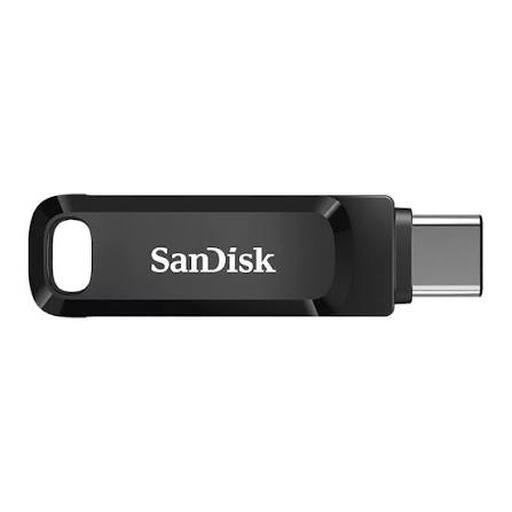 No image available
An option if you want to transfer films between devices with USB and USB-C ports.
Capacity: 512 GB. The product description states read speeds of up to 150 MB/s.
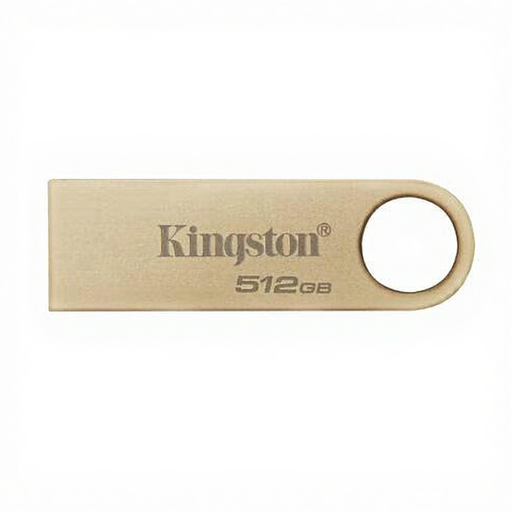 No image available
An option for a dedicated copy of your films if USB 3.2 Gen 1 is compatible with the computer you use.
Capacity: 512 GB. The product title states USB 3.2 Gen 1 and read speeds of up to 220 MB/s.
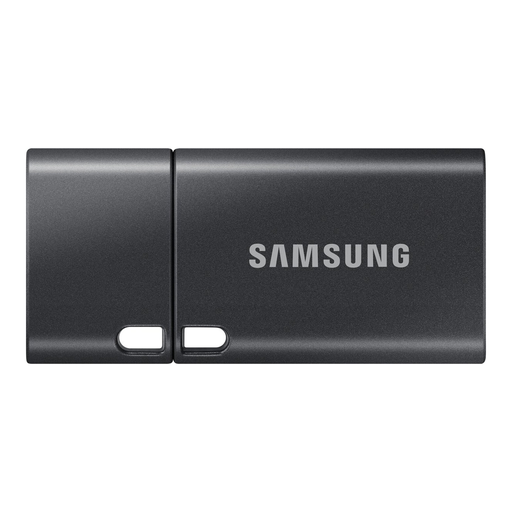 No image available
An option if your archive computer has a USB-C port.
Capacity: 512 GB. The product description states read speeds of up to 400 MB/s.
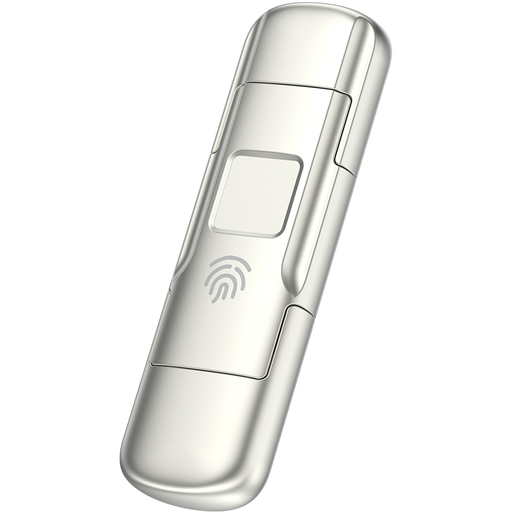 No image available
An option to consider when transferring films between devices with different ports and fingerprint encryption is relevant.
Capacity: 256 GB. The product title states speeds of 550 MB/s read and 500 MB/s write.
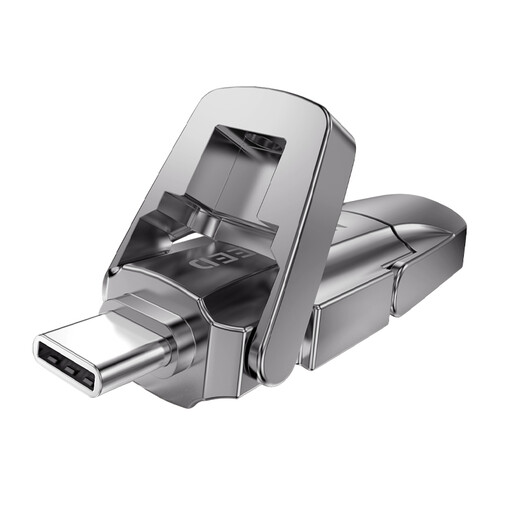 No image available
An option for sharing films between devices with USB and Type-C ports.
Capacity: 512 GB. The product description states maximum speeds of 1.090 MB/s read and 1.030 MB/s write.
Not as your only archival copy. The Library of Congress recommends keeping copies on at least two different storage media and in separate locations. The Community Archives and Heritage Group and University College London also discuss using checksums to check files for integrity later.
Check the file system: Microsoft Learn states that FAT32 has a maximum file size of 4 GiB. exFAT supports larger individual files, provided the devices involved support the chosen file system.
Create a file list and checksums, then compare them during the transfer and in later checks. Keep the verification data and document any changes to the collection; the Community Archives and Heritage Group and University College London describe this approach in their guide to community archives.
A manufacturer’s warranty is separate from your statutory rights. ACM ConsuWijzer says that for a consumer purchase, the seller is responsible if a product used normally develops a fault earlier than could reasonably be expected. So keep your purchase and model details; a warranty doesn’t replace a separate archive copy.
There’s no simple yes or no answer. According to the Dutch Data Protection Authority, recognisable people in footage count as personal data, and an organisation needs a GDPR legal basis to process it. Publishing copyright-protected films may also require permission from the rights holder; the Dutch government recommends assessing this separately. So distinguish between keeping films, giving people access to them and publishing them.