NAS drives at Joybuy
These are internal NAS drives for fitting inside a compatible NAS enclosure; they are not NAS enclosures themselves.
 No image available
WD Red Plus 6TB (256MB cache)
Suitable as an internal drive in a compatible NAS with a 3.5-inch drive bay.
6 TB; 3.5-inch SATA III HDD.
Joybuy
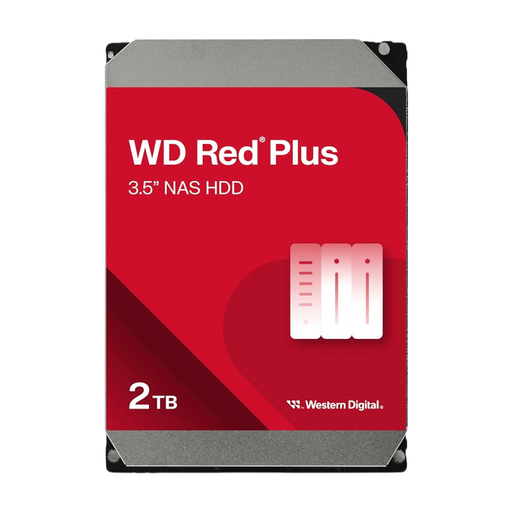 No image available
WD Red Plus 12TB (512MB cache)
Suitable as an internal drive in a compatible NAS system for storage and archiving.
12 TB; 3.5-inch SATA drive.
Joybuy
Frequently asked questions
Can I back up a Windows computer directly to a NAS?
Yes. For files, Windows File History can use a configured network location. Select the right folders and try restoring a file; this method alone is not the same as full system recovery.
Does Time Machine work with every NAS?
No. Check whether the NAS supports Time Machine over SMB or AFP. Apple lists both options and recommends SMB if you have a choice; also check the settings for your specific NAS model.
Is RAID with two drives my second backup?
No. Drive redundancy remains within the same NAS. Synology warns that problems with RAID or drives can result in data loss, and describes backups to another storage destination as additional protection.
What should I keep doing after installation?
Check that backup tasks complete successfully, practise restoring your data and keep the NAS software up to date. Safe Internet recommends checking for updates through the manufacturer or management application and enabling automatic updates if available.
What about warranties in the Netherlands and the privacy of family photos?
According to ACM ConsuWijzer, statutory warranty is in addition to any manufacturer’s warranty. The seller is responsible if a product, when used normally, doesn’t do what you could reasonably expect. The Dutch Data Protection Authority describes a GDPR exemption for photos kept solely for private use or shared within a very limited circle. This exemption doesn’t necessarily apply to wider or commercial distribution.


