
Manager of multilingual community messages
Wants residents to be able to find up-to-date information in the languages that matter to them. As well as a screen, this requires language choices, editing and content checks.


First, choose a screen layout and size that let residents read the planned language versions from the viewing position. Then decide how messages will be updated. Next, compare the stated operating hours and brightness with the location. A screen specification alone does not prove that translation or a multilingual editing workflow is included.
Wants residents to be able to find up-to-date information in the languages that matter to them. As well as a screen, this requires language choices, editing and content checks.
Needs a screen that is easy to read from the intended viewing position and suits the ambient light and available wall space.
Wants to post changes without unnecessary extra steps, and needs to choose between local playlists and remote management.
Suitable when: one person can periodically replace messages on a single screen.
Consider: Philips specifies an 18/7 operating schedule for the 43BDL3511Q/00; creating and checking language versions is still a separate task.
Suitable when: the noticeboard needs to run day and night according to a schedule; iiyama and Samsung describe models for 24/7 use.
Consider: check the size, resolution and playback orientation too. A 24/7 rating does not make different models equivalent.
Suitable when: several volunteers or locations need to update messages centrally on a regular basis.
Consider: check the service, access requirements and terms. Remote management does not confirm that translations are included.
Suitable when: residents read messages near an entrance and you want to compare a smaller, dedicated information display with a large signage monitor.
Consider: Intratone describes 15- or 21-inch displays with mobile network connectivity; check viewing distance, content options and contract terms separately.
| What to consider | What to look for when buying | Who is this important for? |
|---|---|---|
| Multilingual content | Test a sample message in every planned language and check who edits and approves each version. | I want residents to be able to read the same up-to-date information in language they understand. Around 36% of consumers put multilingual content first. |
| Readability on site | Check the screen size, layout and brightness from the actual viewing position; test it using the intended text size. | If residents read from a fixed position, I want to know whether the text and language versions are easy to follow there. Around 29% of consumers prioritise readability at the viewing position. |
| Updating messages | Compare local USB scheduling with remote management and check what software and access are required. | I want to be able to post corrections or new messages without a cumbersome process. Around 21% of consumers prioritise easy updates. |
| Operating hours and energy use | Match the stated operating hours to the time the screen will be on, and check the energy label for the specific models. | When a screen is on for long periods, I want its rated operating hours to suit the schedule and its energy use to be taken into account. Around 14% of consumers put operating hours and energy use first. |
Display and management features do not mean that the required language versions will be created or checked.
Test a complete message and the approval steps in every planned language before settling on your publishing process.
Philips specifies an 18/7 operating schedule for the 43BDL3511Q/00. iiyama states that the built-in media player on the LH4341UHS-B2 does not support pivot mode.
Check the operating hours, screen orientation and playback method against the full model number; you may need an alternative playback solution.
An alternative playback solution may involve extra installation and set-up work.
Longer operating hours make energy use an important factor, while remote management may be a separate service that needs checking.
Compare energy data for the specific models and ask about software and service terms before buying.
You may need a management service or service agreement as well as electricity.
Recognisable photos are personal data. An organisation must have an appropriate GDPR legal basis for processing them.
Agree who will check messages and limit personal data before content appears on screen.
According to iiyama, the ProLite LH4341UHS-B2 is a 42.5-inch 4K signage display designed for 24/7 use. It may be worth considering if extended operating hours and room for text are important to you.
According to Philips, the Q-Line 43BDL3511Q/00 is designed for scheduling local USB content on a screen that runs at set times.
According to Samsung, the QM32C is a compact 32-inch signage option with a specified operating schedule of 24/7.
ViewSonic describes the CDE4330 as a 43-inch 4K display with portrait mode and remote management.
These Joybuy displays are designed for professional digital information that, according to the product descriptions, can be shown continuously. Check separately how your chosen layout, translations and content checks will be managed.
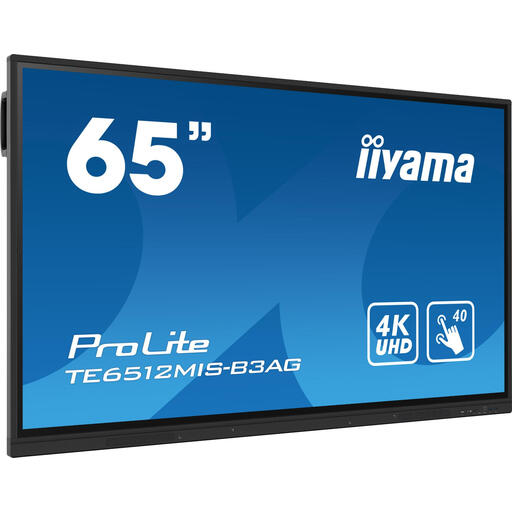 No image available
An option to compare if you are looking for a large screen for a digital noticeboard.
The description lists 165,1 cm (65 inches), 4K, 400 cd/m², Wi-Fi, Ethernet, a touchscreen and Android 11, and states that it is suitable for 24/7 use. According to the description, the display is for commercial use only; professional installation is recommended.
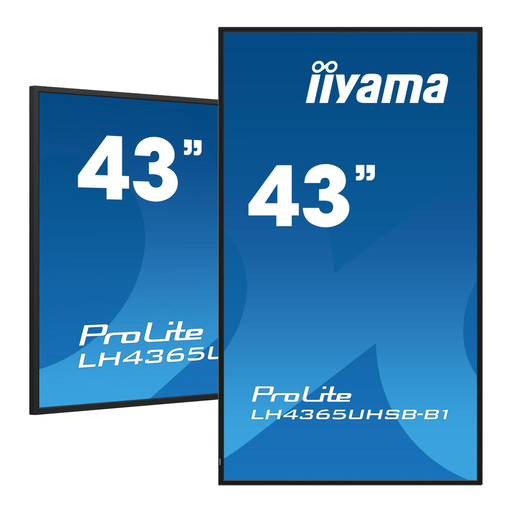 No image available
Could suit you if you are looking for a digital information display that can run continuously, according to the description.
The description lists 4K, 800 cd/m², Wi-Fi and Ethernet, and specifies indoor use only. The product title says 43 inches; the description gives a diagonal measurement of 42.5 inches.
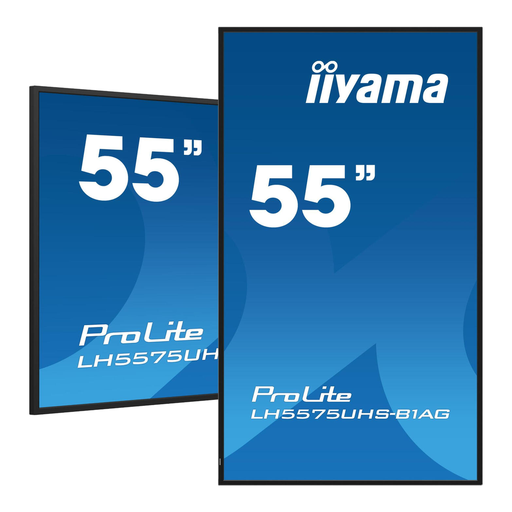 No image available
An option to compare if you need a large signage display for extended use.
The product title lists 55 inches, 4K UHD, Android, FailOver and an Intel SDM slot, as well as 24/7 use. The description lists Wi-Fi and Ethernet.
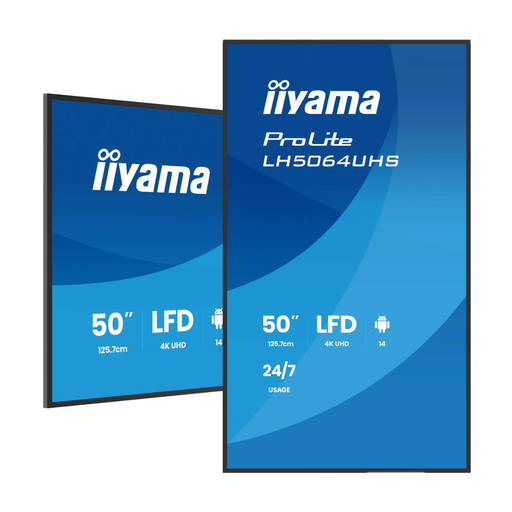 No image available
Worth considering if you are looking for a screen for continuous information display and can plan the installation in advance.
The description lists 50 inches, 4K, 500 cd/m², Android and Wi-Fi, plus a 178° viewing angle for the IPS panel. For 24/7 use, the description recommends adequate ventilation and professional installation.
 No image available
An option for continuous playback if the stated screen specifications suit the layout of your messages.
The product title says 50 inches; the description gives a diagonal measurement of 49.5 inches, 4K, 500 cd/m², Android, Wi-Fi and Ethernet, and 24/7 use.
Do not assume so. The features described relate to display and management, not necessarily to translation, language checks or a suitable editing workflow. Create sample messages and test the required software before making your choice.
First, decide on the viewing position, power supply, screen orientation and how you will access the display for updates. For the iiyama LH4341UHS-B2, iiyama states that the built-in media player does not support portrait mode; check the installation and playback specifications for each model you are considering.
Compare the energy labels for the specific displays and calculate energy use using the model specifications, planned operating hours and your own electricity tariff. If you are buying on behalf of an organisation, ask what contractual warranty and service terms apply; business terms are not the same as consumer rights.
First, check which GDPR legal basis applies to displaying recognisable images. The Dutch Data Protection Authority considers recognisable images to be personal data, which an organisation needs an appropriate legal basis to process. Consent is one possible legal basis, but it is not automatically the only one.
That depends on the location and how it is installed. According to Ondernemersplein, a sign beside a public road may require a permit, exemption or notification. Check the specific circumstances with the local council and the Omgevingsloket; this does not automatically determine what applies to an indoor screen.