Mouse options on Joybuy
This selection includes Bluetooth and receiver connections, as well as wired USB mice. Power source, scrolling controls and computer requirements vary by model.
 Image unavailable
Microsoft Surface Arc Mouse Violet
The Bluetooth connection and touch surface for horizontal and vertical scrolling make this a good match for working with wide spreadsheets.
The design folds flat. According to the product information, it requires Windows 10 or 11 and Bluetooth; check that your computer meets these requirements.
View at Joybuy
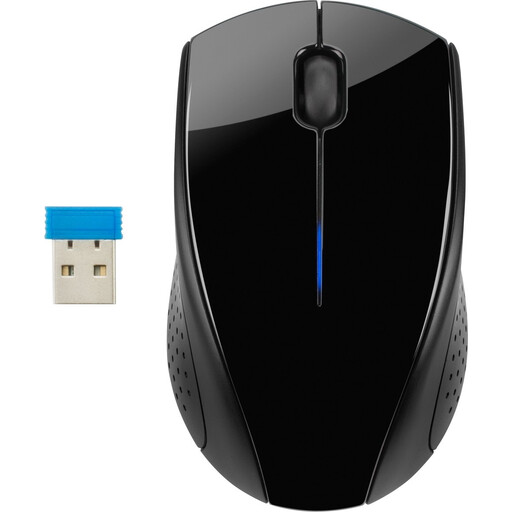 Image unavailable
HP Wireless Mouse 220
Battery-powered wireless use may suit you if you don’t want to plan for charging your mouse.
The specified 2.4 GHz connection uses a USB receiver, so you’ll need a free, compatible port on your computer. The product information describes a rounded shape suitable for both left- and right-handed use.
View at Joybuy
 Image unavailable
HP 125 Wired Mouse
The wired connection means no charging or mouse batteries, provided your computer has a free, compatible port.
The product name specifies USB and 1200 DPI; the product information lists a USB Type-A connection, optical sensor, three buttons and a scroll wheel. The integrated cable limits where you can position it.
View at Joybuy
 Image unavailable
HOFOTEK M311 2.4G+BT Silent Office Mouse (1xAA Battery)
Bluetooth and 2.4 GHz give you two ways to connect, so you can choose the option that works best with your computer.
The title specifies a single AA battery. The product information lists five DPI settings and support for Windows, macOS and Android. The 2.4 GHz option uses a USB receiver, so you’ll need a free, compatible port.
View at Joybuy
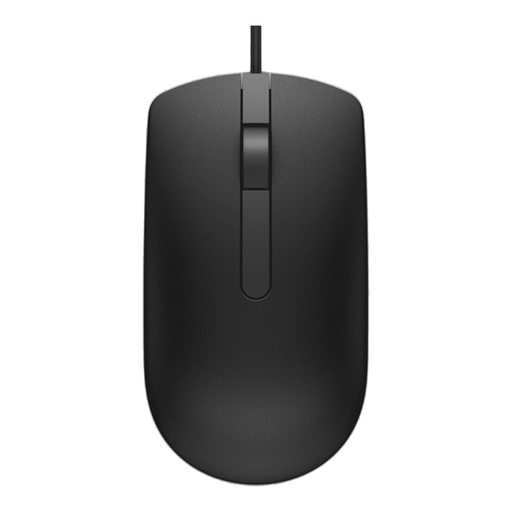 Image unavailable
DELL Wired Mouse MS116 Black
The USB cable is a good option if you don’t want to manage mouse batteries or charging and have a free port on your computer.
The product information lists optical tracking, a scroll wheel and a 1,80 m cable. The cable needs space and limits where you can position the mouse.
View at Joybuy
Frequently asked questions
If I have few power sockets, do I have to choose a wireless mouse?
No. A wired mouse can work through a suitable, free USB port on your computer. Check the port and the exact model’s system requirements; Microsoft specifies this USB connection for its Ergonomic Mouse.
How do you pair and maintain a Bluetooth mouse?
Follow the instructions for the exact model and first check that your computer supports Bluetooth. For the Microsoft Bluetooth Mouse, Microsoft explains how to pair it using the button on the mouse and Windows settings, as well as how to replace the AA battery; other models may work differently.
Should you buy a vertical mouse for long analysis sessions?
Not necessarily; compare the fit and controls with your own needs. Arboportaal advises varying your posture when working at a screen, looking away regularly and taking micro-breaks.
What product rules apply to a wireless mouse sold in the Netherlands?
The Dutch Authority for Digital Infrastructure states that radio equipment must meet the applicable European requirements and that only products with CE marking may be sold in Europe. A CE claim in an advert does not, by itself, prove that a particular version meets all the requirements.


