What should you look for when choosing?
First check the connection and fit. Then decide whether quiet clicks, document navigation or compact storage matters most to you.
| Buying concern |
What to look for |
Who it matters most to |
| Click noise |
Check which buttons are quiet and, if possible, try the scroll wheel too. |
If I work alongside someone or write up minutes late at night, I want to keep clicking to a minimum without compromising on fit. Around 25% of consumers prioritise a quieter room. |
| Document navigation |
See how comfortable the scroll wheel is to use for quick edits and long passages. |
When finding and correcting sections, I want to follow lines accurately and move through long passages quickly. Around 25% of consumers prioritise navigation and editing. |
| Fit in your hand |
Check the size and handed version; don’t assume that ‘ergonomic’ means it will prevent discomfort. |
If I edit for long periods, I want a shape that suits my hand and dominant hand. Around 19% of consumers put fit in their hand first. |
| Connection |
Check your laptop’s ports and Bluetooth capabilities, and see what’s included with the mouse. |
I want to avoid getting home with a mouse that won’t connect directly to my laptop. Around 19% of consumers prioritise connectivity. |
| Space and power |
Compare the shape with your hand and check whether the mouse uses a battery, needs charging or requires a cable. |
If desk or bag space is limited, I want something easy to put away that still feels comfortable to use. Around 12% of consumers prioritise space and simple everyday use. |
Joybuy product picks
This selection focuses on wireless mice with quiet clicks for taking minutes, including compact and left-handed versions.
 No image available
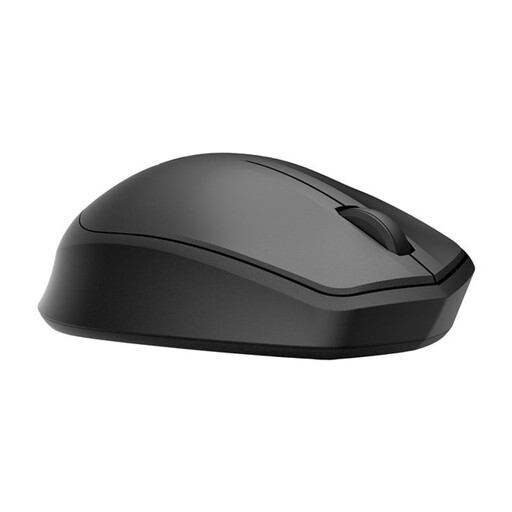
HP 285 Silent Wireless Mouse
A good fit if you want to work wirelessly and prefer quiet clicks. Check that your laptop has a spare USB port for the receiver.
View at Joybuy
 No image available
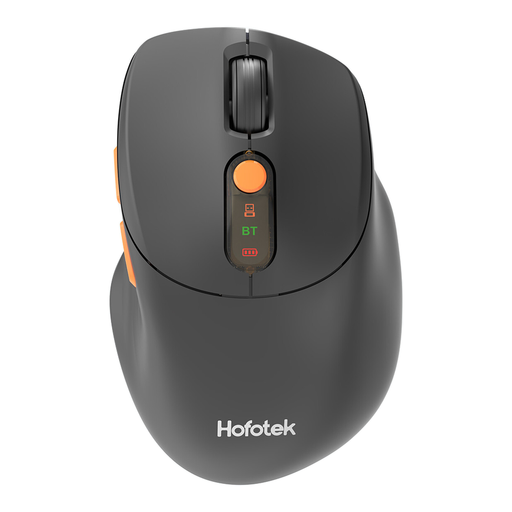
HOFOTEK M311 2.4G+BT Silent Office Mouse
An option if you want quiet clicks and the choice of a 2.4G or Bluetooth connection. The product name specifies adjustable DPI and power from one AA battery.
View at Joybuy
 No image available
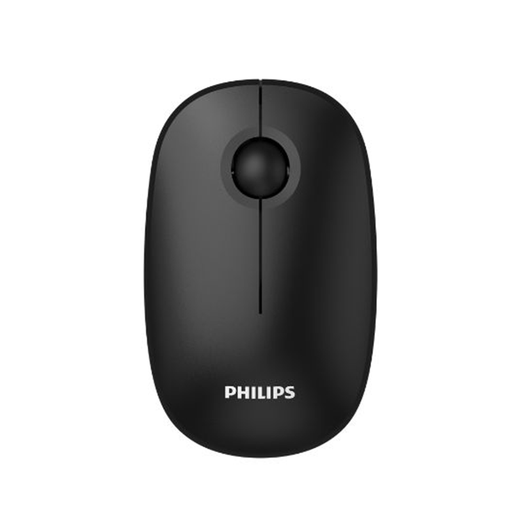
Philips 3000 Series SPK7378B/00, EU Version, black
For anyone who wants quiet clicks and plans to use a USB receiver. The product name specifies a 2.4 GHz connection and 1600 DPI.
View at Joybuy
 No image available
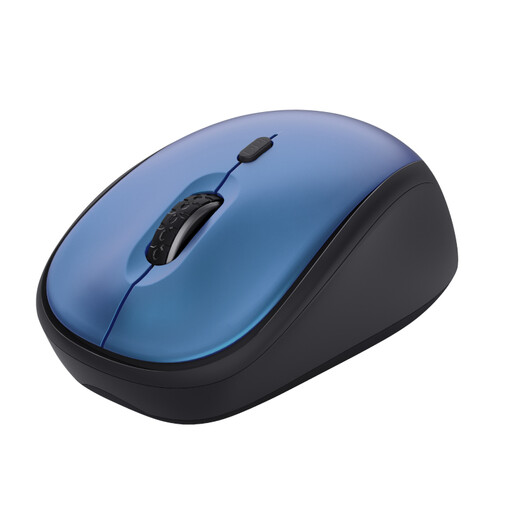
Trust Yvi+ wireless mouse, blue
A good fit if you want a compact mouse with silent buttons. Check that your laptop is compatible with the USB micro receiver.
View at Joybuy
 No image available
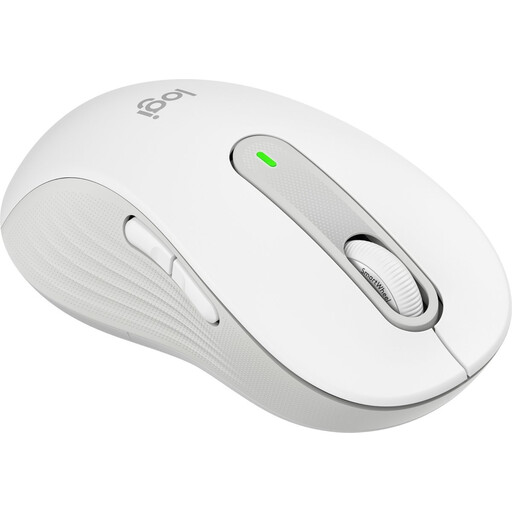
Logitech Signature M650 L Left, white, 910-006240
This version is designed for left-handed users with larger hands who want quiet clicks and scrolling for taking minutes over long periods.
View at Joybuy
Frequently asked questions
What should you check before connecting a wireless mouse?
Check whether your laptop supports Bluetooth or has a spare, compatible port for the receiver. According to HP, the HP 280 Silent needs a spare USB-A port; Logitech and Trust list Bluetooth as a connection option for the M650 and Puck.
Does ‘silent’ mean a mouse makes no noise at all?
No. A mention of silent buttons doesn’t automatically tell you how noisy the scroll wheel is or how the mouse will sound in your room. Check exactly which parts are covered in the product information and, if possible, try the mouse before you buy.
Should you always choose a vertical mouse for long editing sessions?
No, a vertical mouse won’t automatically suit everyone. Logitech describes the Lift as a vertical design for small to medium-sized hands. Also check that you’re choosing the right handed version, and take breaks from extended screen work where possible.
What product regulations apply to a mouse in the Netherlands?
According to the Dutch Authority for Digital Infrastructure, electrical and electronic devices must carry the correct CE marking. Check the marking on the product being offered; the product name alone doesn’t confirm whether it’s present.
What can you do if the cursor stutters with a Trust Puck?
Trust recommends trying the Puck on a different surface or mouse mat and cleaning the sensor on the underside with a dry cloth. This model-specific advice doesn’t guarantee that it will resolve every connection problem.


