
Student who reviews lots of bill line items
If you often work through long statements, look for precise scrolling control and the option to move quickly through pages.


When you’re working through lots of bill line items, a mouse that offers both controlled and fast scrolling is a sensible choice. In a shared room, quiet clicks or a compact design may matter more. Then check the connection and fit. A vertical mouse or trackball offers a different way of working that you can assess for comfort; neither is a proven solution for aches and pains.
If you often work through long statements, look for precise scrolling control and the option to move quickly through pages.
If you’re working while someone else is studying or sleeping, consider how loud the clicks are and how much desk space the mouse takes up.
If you often move between places or have few spare ports, check the connection and fit before choosing a mouse.
Start with the kind of scrolling you need. Then weigh up noise and connectivity, and consider whether an unusual mouse shape suits your hand and way of working.
| What to consider | What should you check? | Who is this most relevant for? |
|---|---|---|
| Controlled scrolling | Check whether the exact version offers both precise and fast scrolling. You can also see whether you can adjust the scroll speed on your computer. | If I review lots of bill line items, I want to find individual entries while still moving quickly through long statements. Around 31% of consumers put scrolling control at the top of their list. |
| Quiet operation | Look for quiet clicks on the exact version; wireless doesn’t automatically mean quiet. | If I share a room with someone who’s studying or sleeping, I want to minimise distracting clicking sounds. Around 31% of consumers give quiet operation their highest priority. |
| Connectivity and portability | Check Bluetooth support, available USB-A ports, the operating system and which receiver comes with the version. | I want to connect my mouse to my laptop and possibly take it with me, without losing access to a port I need. Around 23% of consumers prioritise connectivity and portability. |
| Fit and handling | Consider your hand preference, the size of the mouse and how much room you have to move it. Also check whether a vertical mouse or trackball feels comfortable to use. | During longer sessions, I want to know whether a different grip or way of pointing suits my hand and desk. Neither guarantees that aches and pains will go away. Around 15% of consumers make fit and alternative ways of working their top priority. |
Logitech distinguishes between the M650, M650 L and M650 L Left based on hand size and hand preference. So a model name that simply starts with M650 doesn’t tell you enough about the version.
Before buying, check the full variant name and make sure the version suits your hand and hand preference.
According to HP, the HP 150 Wireless Mouse uses a USB receiver that needs a spare USB-A port. Logitech says the Signature M650 also offers Bluetooth Low Energy.
Compare the connection on the exact version with your laptop’s Bluetooth support and available ports.
A vertical mouse changes your grip, but that doesn’t prove it will relieve aches and pains. The claim that the Verto reduces strain comes from Trust itself. Arboportaal also highlights repetitive movements and workstation setup.
Assess the fit and your workstation separately, and don’t expect one mouse to guarantee a particular result.
The Signature M650 range is worth considering if scrolling options, quiet clicks and the choice between Bluetooth and a USB receiver matter to you.
The HP 150 Wireless Mouse is a straightforward option to compare if your laptop has a spare USB-A port.
The wired Verto and rechargeable wireless Fyda involve different trade-offs around grip, cable, receiver and charging.
The Orbit K72337EU is a trackball to consider if you want the mouse body to stay in place on a small desk.
This selection from Joybuy includes mice to compare for long statements, shared rooms and different desk setups. Check whether each model’s connection, handling and fit suit your needs.
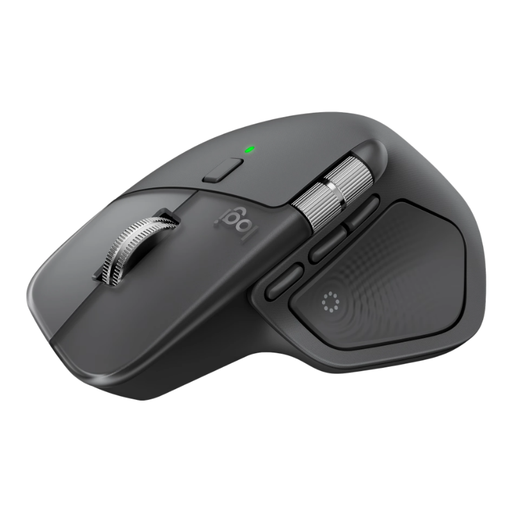 No image available
An option to compare if you work through lots of long statements and scrolling control matters to you. Check that this model’s controls and connection suit your laptop.
 No image available
Worth comparing if a compact design and quiet operation matter to you. Check that the connection and shape suit your laptop and hand.
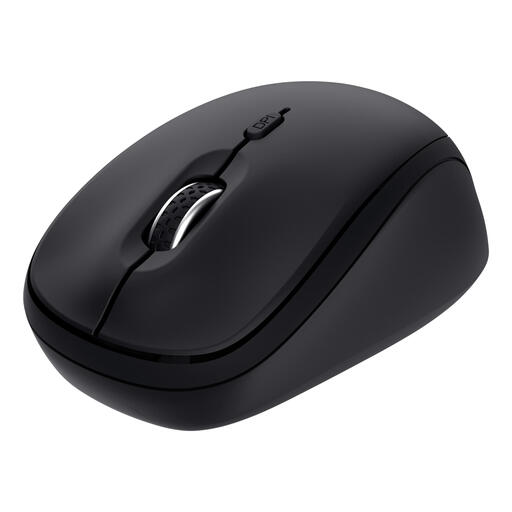 No image available
A compact wireless option to compare if quiet buttons matter to you. Check that the controls and connection suit your laptop and how you use it.
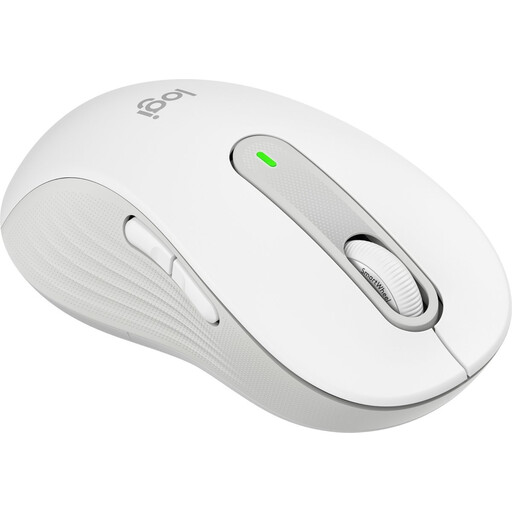 No image available
An option if precise and fast scrolling matters to you and you’re looking for a left-handed version. This L Left version is designed for left-handed users with larger hands; check that the size suits you.
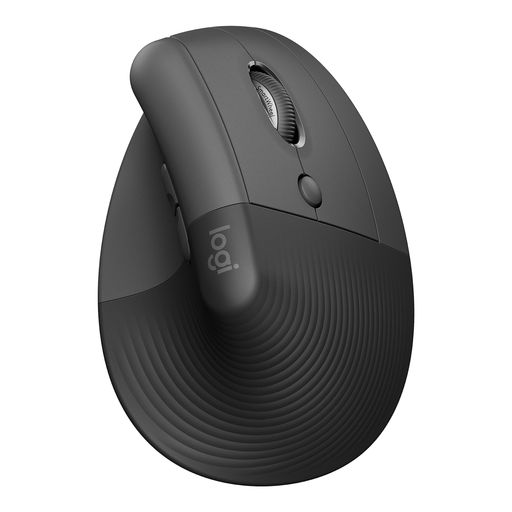 No image available
A vertical mouse to consider if you’d like to try a different grip. This version is designed for right-handed users with small to medium-sized hands; check the fit for yourself and don’t expect a guaranteed reduction in aches and pains.
Choose based on your laptop’s connections. According to Logitech, the Signature M650 supports Bluetooth Low Energy and a Logi Bolt USB receiver; HP says the HP 150 Wireless Mouse needs a spare USB-A port for its receiver.
First, try adjusting the scroll speed in the Windows 10 or 11 settings. If you’re buying a new mouse, check that the exact version offers the scrolling behaviour you want; Logitech specifies both precise and fast scrolling for the Signature M650.
No, don’t expect a guaranteed health benefit. Trust describes the Verto’s vertical position as reducing strain; Arboportaal also highlights repetitive movements and workstation setup. If your symptoms persist, consider more than just the mouse.
Check the power requirements and included accessories for the exact version. Logitech says the M650 uses one AA battery; the wired Trust Verto and Kensington Orbit don’t need a wireless receiver to connect. Follow the cleaning instructions for the model you choose.
For a standard online consumer purchase in the Netherlands, the Authority for Consumers and Markets says you usually have 14 days from delivery to change your mind, subject to legal exceptions. Your statutory guarantee is separate from any manufacturer’s warranty: if a product is faulty, the seller must offer a solution under the applicable terms.