Mouse picks at Joybuy
These mice are intended for a small workspace: the list includes a trackball and compact conventional mice, which still need some room to move.
 No image available
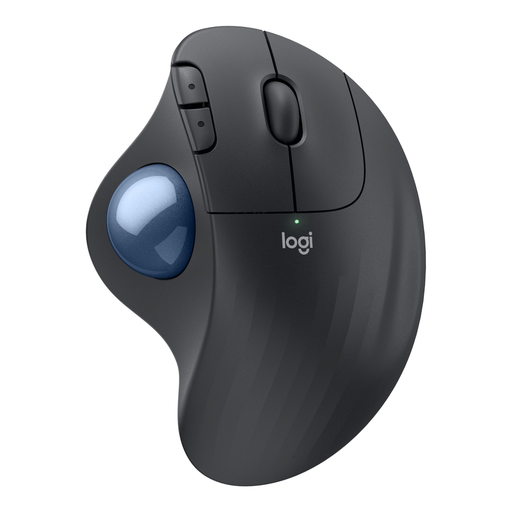
Logitech ERGO M575S - Graphite
A trackball for controlling the cursor without sliding the mouse across the desk.
You control the cursor with your thumb rather than using the usual mouse movement.
View at Joybuy
 No image available
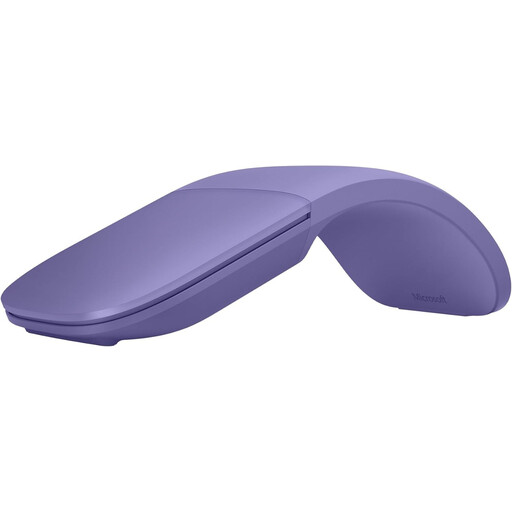
Microsoft Surface Arc Mouse Violet
A conventional mouse for anyone who wants to keep the familiar cursor movement and has room to move the mouse.
Its flat design doesn’t remove the need for room to move the mouse and control the cursor.
View at Joybuy
 No image available
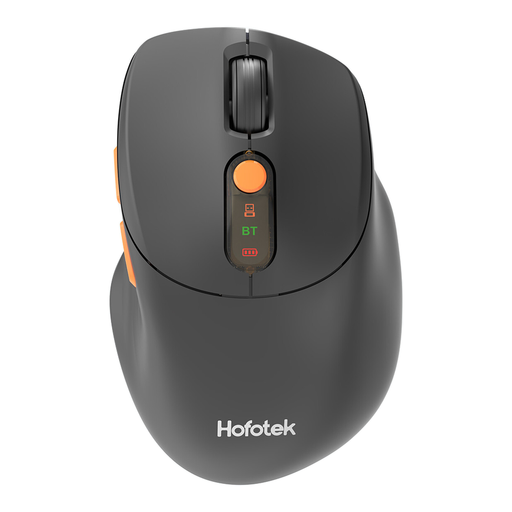
HOFOTEK M311 2.4G+BT Silent Office Mouse
A compact conventional mouse for anyone with some room to move the cursor using a mouse.
The product name mentions 2.4G+BT and adjustable DPI; check that the connection you choose is compatible with your computer.
View at Joybuy
 No image available
DELL Pro Compact Silent Mouse MS355
A compact conventional mouse for anyone who wants to keep the usual movement and has enough room to slide it around.
The product name describes a compact, quiet mouse; compact doesn’t mean it can stay in one place.
View at Joybuy
 No image available
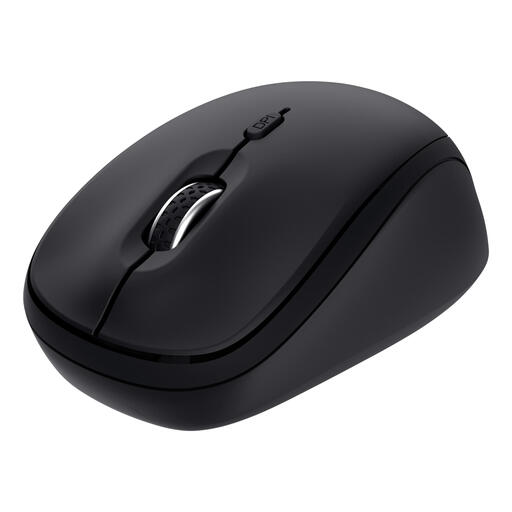
Trust Yvi+ Silent Multi-Device Mouse - Black
A compact conventional mouse for anyone who prefers familiar controls and has room to move the mouse.
The product name mentions quiet buttons and multi-device control; check which connection suits your setup.
View at Joybuy
Frequently asked questions
Is a trackball automatically the most precise choice for my club website?
No. You don’t need to slide the Logitech ERGO M575S across the desk to move the cursor, but it uses thumb control. Choose based on the space you have and whether you find this type of control comfortable; the manufacturer’s information doesn’t prove that it is more precise in every case.
How do I connect a compact wireless mouse if I don’t have a spare USB-A port?
Check whether your computer supports Bluetooth and whether the version you choose connects that way. Logitech lists Bluetooth for the standard MX Anywhere 3S, but the compatible Logi Bolt receiver isn’t included with that version. Trust lists Bluetooth and a USB receiver for the Ozaa Compact.
Should I do more than choose an ergonomic mouse if I work at a computer for long periods?
Yes. The Arboportaal recommends varying your activities and taking micro-breaks during screen-based work, among other things. These recommendations don’t prove that a particular mouse model prevents discomfort.
What are my rights if a mouse I bought online isn’t right for me or breaks too soon?
For a consumer purchase made online, ACM ConsuWijzer says you will generally have 14 days from delivery to change your mind, subject to legal exceptions. You’re also entitled to a legal guarantee if the product doesn’t perform as you could reasonably expect when used normally; the seller must then resolve the problem.
Does the same legal workplace duty apply to every volunteer working on the club website?
That doesn’t follow from this situation. The Arboportaal describes employers’ obligations towards employees who do screen-based work; it doesn’t establish that every club volunteer is an employee. General advice on a suitable workspace, varying your activities and taking breaks can still be useful, without presenting it as a uniform legal requirement for all volunteers.


