
Designer with limited mouse space
Your keyboard and other items leave little room to move a mouse. You want to know whether a compact mouse will leave enough space or whether a stationary trackball would work better on your desk.


If you have very little room to move a mouse, compare a compact mouse with a trackball that stays in one place. If you work with wide designs or long pages, consider the scrolling controls and how the mouse fits your hand too. A larger mouse may offer extra features, but it takes up more space and won’t necessarily suit your hand.
Your keyboard and other items leave little room to move a mouse. You want to know whether a compact mouse will leave enough space or whether a stationary trackball would work better on your desk.
While designing, you switch between precise pointing, long pages and possibly wide workspaces. Look for adjustable pointer speed and consider how you scroll.
You want a mouse that fits your hand and a workspace you can use comfortably for extended periods. Measure your hand and assess the grip separately from the size of the mouse; Arboportaal advises alternating screen-based work with other tasks.
Choose this option: if you have limited space but want to keep the familiar movement of a mouse. Logitech lists adjustable tracking and a MagSpeed scroll wheel for the MX Anywhere 3S; Trust lists Bluetooth and a USB receiver for the Ozaa Compact.
Trade-off: a compact mouse still needs room to move, and won’t necessarily fit your hand. Also check whether the version you choose comes with any receiver you need.
Choose this option: if there’s virtually no room to move the mouse from side to side. The wired Kensington Orbit with scroll ring stays in one place.
Trade-off: you control the cursor with a ball instead of moving the whole mouse. Allow time to get used to it, and make room for the cable and for cleaning the ball housing.
Choose this option: if a larger mouse fits your hand well and a thumb wheel or adjustable controls are important to you. Logitech lists a thumb wheel and adjustable tracking sensitivity for the MX Master 3S.
Trade-off: measure the space beside your keyboard and assess your hand position; extra features don’t prove that you’ll design more accurately.
| What to consider | What to look for when buying | Who should pay particular attention? |
|---|---|---|
| Room to move | Measure the clear space beside your keyboard and compare it with the movement a conventional mouse needs and the fixed position of a trackball. | If there’s barely room on my desk to move a mouse, I want to know which type of control will fit. Around 33% of consumers put available space first. |
| Controls for designing | Check whether you can adjust the pointer speed and whether a scroll wheel, scroll ring or thumb wheel suits the way you work. Try precise positioning in your design software. | When I switch between precise positioning and scrolling through long pages, I want to be able to tailor the controls to those tasks. Around 25% of consumers prioritise design controls. |
| Hand fit for long sessions | Assess the shape and grip against your hand; don’t assume that compact or ergonomic means the mouse will fit you. | If I design for long periods at a time, I want to choose a mouse that fits my hand and vary my work. Hand fit and posture are the top priority for around 25% of consumers. |
| Connectivity and devices | Check your computer’s connection options, which receiver is included in the box and how the mouse is charged. | If I need a specific connection or want to switch between devices, I want to know in advance what the version I choose supports. Connectivity is the main consideration for around 17% of consumers. |
A conventional mouse also needs room to move; a trackball stays in place, but still needs a dedicated spot on your desk.
Measure the clear space beside your keyboard and allow for both the fixed footprint and the space needed to use the mouse.
A small mouse won’t automatically suit every hand, especially if you use it for long periods.
Assess your hand size, the shape of the mouse and the grip separately from the space available on your desk.
Logitech states that the MX Anywhere 3S is only compatible with a Logi Bolt receiver, which is not included.
Check whether you can connect via supported Bluetooth or need a receiver, and see what’s included with the version you choose.
If you need a compatible receiver, you’ll have to source it separately.
According to the Dutch government, statutory guarantee in the Netherlands has no fixed term; what you can reasonably expect from a product is what matters.
Keep your proof of purchase and contact the seller if something goes wrong. Distinguish between your statutory rights and any manufacturer’s warranty.
The MX Anywhere 3S and MX Master 3S offer different combinations of size and controls, depending on the space and features you’re looking for.
The wired Orbit with scroll ring is a stationary trackball for anyone who doesn’t want to move the mouse body from side to side.
The Ozaa Compact is a compact wireless option with Bluetooth and a USB receiver.
This Joybuy selection includes wireless computer mice with different shapes, connections and control options. Compare the specifications with the space and tasks on your desk.
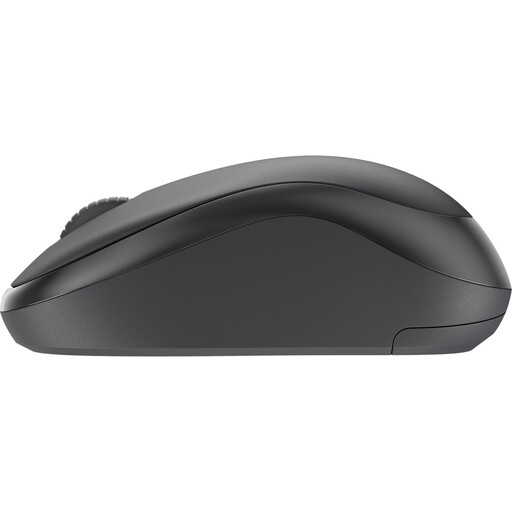 No image available
Adjustable pointer speed and the scroll wheel are useful if you switch between pointing and navigating while designing.
The specifications list 4000 DPI, adjustable DPI and three buttons. The description says it can be used by both left- and right-handed users.
 No image available
The stated dimensions can help you compare the space available for a conventional mouse.
The mouse offers Bluetooth or 2.4 GHz connectivity, adjustable DPI from 800 to 4000 and silent clicks. It measures 104.74 × 68.24 × 39.3 mm and weighs 62 ± 5 g, according to the specifications. The title lists one AA battery.
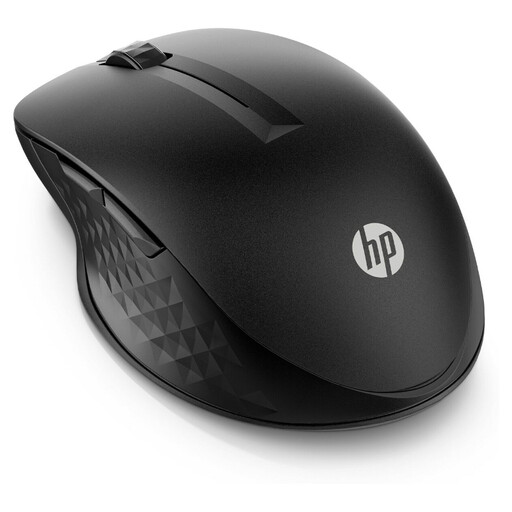 No image available
The stated size and programmable buttons are worth considering when comparing desk space and navigation controls.
The product specifications list up to 4000 DPI, an adjustable scroll wheel and four programmable buttons. It measures 116 × 74 × 40 mm; the description says it can be used by both left- and right-handed users.
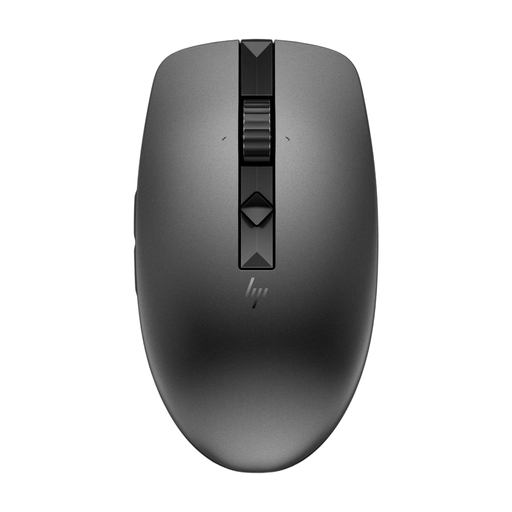 No image available
The stated compact dimensions are worth considering if you’re looking for a mouse for a limited workspace.
It measures 102.1 × 57.1 × 36.2 mm. The description lists four programmable silent buttons and connectivity to up to three devices via receiver or Bluetooth. The mouse has a replaceable AA battery and is described as coming with a protective case.
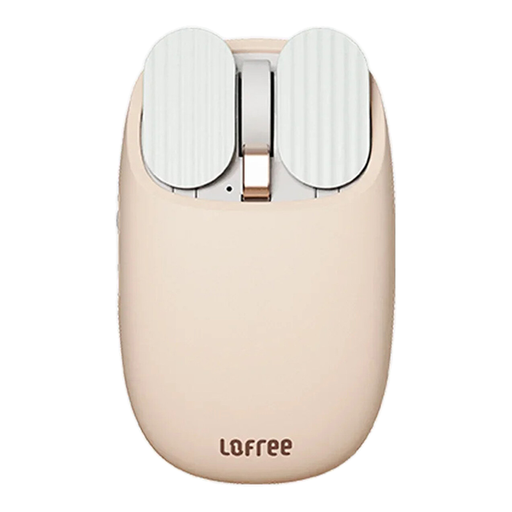 No image available
The multiple DPI levels and thumb wheel are worth considering if you want to tailor pointing and scrolling to your workflow.
The specifications list a PAW3220LU optical sensor, five DPI levels and Bluetooth and 2.4 GHz connectivity. According to the description, the mouse has a thumb wheel, an 800 mAh rechargeable battery and supports operating systems including macOS and Windows.
No. A high DPI rating doesn’t prove that you’ll design more accurately. Check whether you can adjust the pointer speed, and try the mouse with the way you point and scroll.
Not if you connect the mouse via supported Bluetooth. Logitech states that it’s only compatible with a Logi Bolt receiver, which isn’t included. So check your computer and the version you choose.
Check the ball and housing for dirt, and follow the cleaning instructions for your model. Kensington notes that dust and debris in the housing can affect movement.
Arboportaal explains that employers must ensure screen-based work is regularly alternated with other work or a break, alongside the applicable workplace rules. This doesn’t mean you have to buy a particular type of mouse; Arboportaal also advises limiting intensive use of a screen, keyboard or mouse.
When you buy online from a business, you’ll often have a 14-day cooling-off period, according to the Dutch government. The product must also be of satisfactory quality. Statutory guarantee in the Netherlands doesn’t have a fixed two-year term, and the seller is your point of contact if something is wrong. Check the terms for your specific purchase.