
Writing alongside others
You write or edit at a shared desk and want to avoid disturbing others with mouse clicks. Quiet buttons are a feature worth comparing, but they don’t guarantee that the whole mouse is silent.


First, choose a mouse with a connection that works with your computer and buttons suited to a shared workspace. A compact model is handy if you often need to clear the desk. If you use a mouse for longer periods or have a particular hand size, comfort may matter more than portability.
You write or edit at a shared desk and want to avoid disturbing others with mouse clicks. Quiet buttons are a feature worth comparing, but they don’t guarantee that the whole mouse is silent.
You use your mouse with, for example, a laptop and a tablet or second computer. Check the connection and how easy it is to switch between devices.
You spend a long time selecting, navigating and editing, so you want a mouse that fits your hand. Consider your workspace setup too, and regularly change your posture or activity during extended screen work.
| What to consider | What should you check? | Who is this important for? |
|---|---|---|
| Click noise | Check whether the version you’re considering has quiet left and right buttons. Also consider the sound and feel of the scroll wheel if you often navigate through text. | If I write alongside others, I want to keep audible clicks to a minimum without expecting the whole mouse to be silent. Around 29% of consumers put quiet operation at the top of their list. |
| Connection | Check whether your device supports Bluetooth or has a suitable free USB port. Check whether the specific version uses Bluetooth, a receiver or both. | If I work with different devices, I want a connection that works with each one. Around 24% of consumers say compatibility is their top priority. |
| Storage and portability | Consider whether the shape and dimensions suit your hand and storage space. Check where you’ll keep a receiver, if there is one. | If I want to clear the shared desk quickly after writing, a mouse that’s easy to put away is important. Around 18% of consumers prioritise portability. |
| Fit for your hand | Check the size and whether the version is suitable for your left or right hand. During extended screen work, remember to change your posture and activity too. | If I navigate for a long time or have a particular hand size, I want a mouse that suits me. Around 18% of consumers prioritise a good fit for their hand. |
| Battery and charging | Check whether the version uses a replaceable battery or a built-in rechargeable battery, and which battery or charging cable is included. | If I don’t want to interrupt a writing session to charge or replace the battery, I check how the mouse is powered. Around 11% of consumers make maintenance their top consideration. |
The Trust Yvi+ Multi-Device, product number 25454, is described as using Bluetooth and 2.4 GHz. Another version called Yvi+ may use a different connection.
Compare the product number and connection options for the exact version with your computer.
A Joybuy listing with M240 in the title describes the Business version with Logi Bolt. It isn’t necessarily the same version as the consumer M240 Silent.
Before buying, check the full model name, model or part number, and what’s included in the box.
A mouse may fit your hand, but extended screen work also involves repetitive movements and a static posture. Arboportaal describes these physical demands of screen work.
Check the fit, and if you use the mouse for longer periods, regularly vary your tasks and posture.
The product ranges mentioned offer different options for quiet operation, using multiple devices and different hand sizes.
The Yvi+ Multi-Device and Ozaa Compact Multi-Device are different compact options, with varying connection and power features.
The M500 Silent is worth comparing if you’re looking for quiet buttons and several connection options.
This Joybuy selection includes wireless mice to compare for writing at a shared desk, with click noise, device connectivity and navigation in mind. Check that each model’s features and connection suit your workspace.
 Image unavailable
Consider this mouse if quiet operation and switching between devices are important to you. Check that the available connections and shape suit your computer and how you plan to use it.
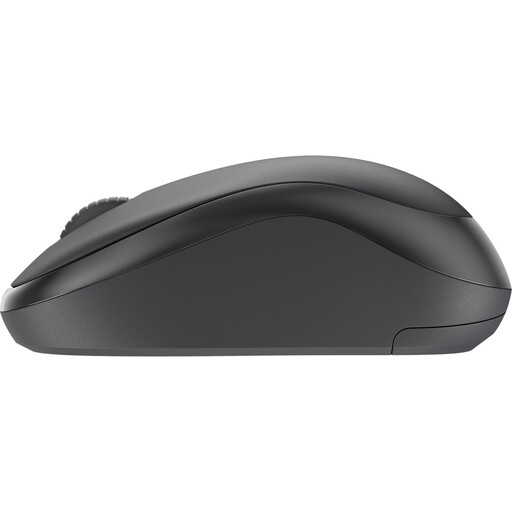 Image unavailable
The Joybuy listing describes the Business version with Logi Bolt. Check that this version and connection suit your computer; don’t assume it’s the consumer M240 Silent without a dongle.
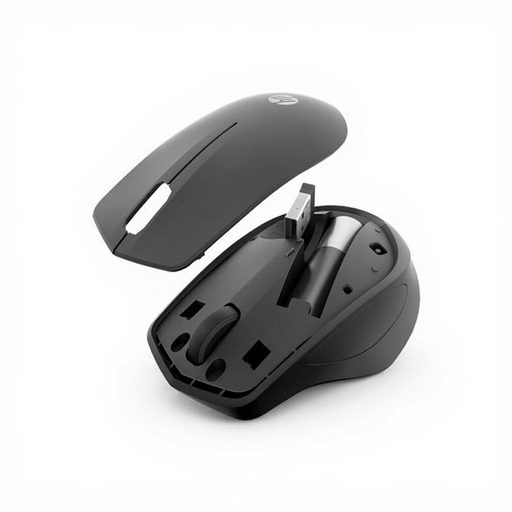 Image unavailable
Worth considering if quiet buttons are important to you. The connection described uses a USB receiver, so check that your computer has a suitable free port.
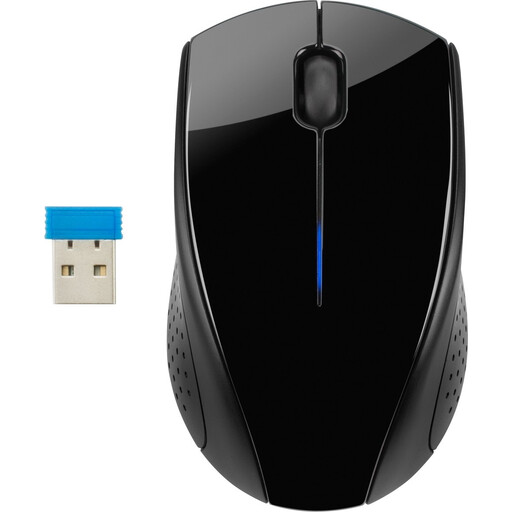 Image unavailable
Consider this mouse if you’re looking for a wireless option for navigating text and using with either hand. The connection described uses a USB receiver. Also check that the click noise is suitable for a shared workspace.
 Image unavailable
Worth comparing if you often navigate longer documents. The connection described uses a Unifying receiver rather than Bluetooth, so check that it’s suitable for your devices.
Not always. According to Logitech, the consumer version of the Logitech M240 Silent connects via Bluetooth without a dongle. Check that your computer supports Bluetooth. If you choose a model with a 2.4 GHz receiver, you’ll also need a suitable port.
Choose a version that supports multiple devices, then pair each device according to the instructions. Rapoo says the M500 Silent has separate Bluetooth channels and a 2.4 GHz receiver; you switch between devices using the device button.
For a consumer purchase in the Netherlands, the product must meet what you can reasonably expect from it. The Government of the Netherlands explains that there is no fixed statutory guarantee period. If a fault develops, contact the seller.
The Working Conditions Decree rules on screen work apply to employers and employees, and require them to alternate screen work with other tasks or take a break. This does not automatically mean there is a general requirement for every individual writing at home.
Take a used loose battery to a separate collection point, such as a shop that sells batteries, and don’t put it in general waste. An unwanted electric mouse can go to a collection point. If you buy a similar new device, the take-back scheme may also apply to private customers.