If you don’t want to have to recharge your mouse while comparing timetables, a model with replaceable batteries could suit you. Bluetooth can also keep a USB port free, provided your computer supports it. A rechargeable mouse may be a better fit if scrolling controls or switching between devices matters more to you, but it will need charging eventually. Check the exact model’s connection, compatibility and how it feels in your hand, too.
Who is this choice relevant to?
Travellers without somewhere to charge
If you compare timetables while travelling and don’t want to recharge your mouse, you could consider a Bluetooth model with replaceable batteries, provided your computer supports Bluetooth. Logitech describes the M240 Silent as a Bluetooth mouse; Microsoft specifies two AAA batteries for the Surface Arc Mouse.
Anyone comparing long timetables
If you spend a lot of time scrolling through tables and pages, consider the scrolling controls on the exact model. Logitech describes the MX Anywhere 3S as having two scroll modes.
People using multiple devices
If you switch between, for example, a laptop and a second computer while planning, check how many devices the mouse can connect to and how to switch between them. Logitech says the MX Anywhere 3S can connect to up to three devices; HP specifies Bluetooth and a 2.4 GHz connection for the 715.
What should you look for when choosing?
Replaceable batteries and Bluetooth
A good fit if: you don’t want to plan a time to charge your mouse while using it, and your computer supports Bluetooth.
Bear in mind: you’ll need replacement batteries eventually; dispose of used batteries separately.
Rechargeable Bluetooth or dual-mode mouse
A good fit if: you can charge it in advance and features such as multiple scroll modes or switching between devices matter to you.
Bear in mind: it will still need charging. Also check whether a receiver is included and which port it uses.
Wired USB mouse
A good fit if: you have a suitable free USB port and don’t want to manage a separate battery or mouse charge.
Bear in mind: the mouse uses a USB port and draws power from your computer, so it won’t solve a shortage of computer ports.
| What to consider |
What to look for when buying |
Who is this important to? |
| Power |
Check whether the model has a replaceable battery or a built-in rechargeable battery, and what’s included. |
If I can’t charge it while travelling, I don’t want a flat mouse battery to interrupt my comparison. That’s why around 36% of consumers make avoiding the need to charge their top priority. |
| Scrolling through long tables |
See how the scroll wheel or touch surface works and whether it suits the websites you use. |
When checking long timetables, I want to move through and point to rows and times easily. For around 29% of consumers, scrolling controls come first. |
| Connection and devices |
Check Bluetooth support, how many devices it can connect to, and whether a receiver needs a free USB port. |
If I switch between devices or have few ports, I want to know which connections my computer supports. Around 21% of consumers prioritise these connections and switching between devices. |
| How it feels in your hand |
Consider the dimensions, grip and suitability for your hand; a compact shape alone doesn’t tell you whether a mouse will feel comfortable. |
When comparing for longer periods, I want a shape that suits my hand. For around 14% of consumers, comfort in the hand is the most important factor when choosing. |
Pitfalls to watch out for
-
Confusing a free USB port with a free power socket
Bluetooth can keep a USB port free on a compatible computer, but it doesn’t tell you how the mouse is powered. A rechargeable mouse will need power eventually.
Check the connection and power supply separately. Choose replaceable batteries if your main aim is to avoid having to charge the mouse.
-
Choosing a rechargeable mouse without planning when to charge it
A stated battery life doesn’t change the fact that the mouse will eventually need charging.
Check the exact model’s charging connection, what’s included in the box and when you’ll be able to charge the mouse.
If the required charging connection isn’t available or included, you may need a suitable cable or adapter.
-
Assuming similar model names mean the same version
Models with similar names can differ in their version, colour or included receiver.
Before buying, compare the full model name, the relevant specifications and what’s included in the box.
Brands to compare
Logitech
The models mentioned range from a Bluetooth mouse with a replaceable battery to compact and rechargeable options with different scrolling and device features.
- Logitech specifies Bluetooth and a replaceable AA battery for the M240 Silent; according to Logitech, the MX Anywhere 3S has two scroll modes and can connect to up to three devices.
- The M240 Silent will need a new battery eventually. Logitech says the optional Logi Bolt receiver is not included with the MX Anywhere 3S.
HP
The HP 715 is a rechargeable mouse for anyone comparing Bluetooth with a 2.4 GHz connection.
- HP specifies a rechargeable lithium-ion battery and both connection options for this model.
- It will still need charging; the stated battery life is the manufacturer’s figure, not a guarantee for every use case.
Microsoft
The Surface Arc Mouse is a foldable Bluetooth option for anyone who wants to carry a slim model with them.
- For the version described, Microsoft specifies two AAA batteries and two-way scrolling.
- Microsoft lists Windows 10 or 11 and Bluetooth 4.0 or later as installation requirements. Check that it’s compatible with your device.
Trust
The Puck and Fyda are different product lines: the Puck is a slim, rechargeable mouse, while the Fyda is a range designed for multiple devices.
- Trust specifies a height of 27 mm and adjustable cursor speed for the Puck. For the Fyda, Trust lists a USB micro receiver.
- Check the connection, included accessories and charging requirements for each version; don’t treat the Puck and Fyda as the same product.
Joybuy products
These Joybuy products are suited to anyone comparing timetables while travelling and looking in particular for Bluetooth, battery power or the ability to connect to multiple devices.
 No image available
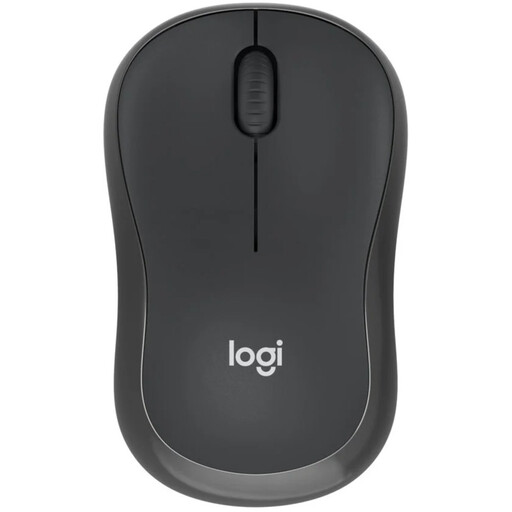
Logitech M240 Silent, black
Bluetooth can keep a USB port free on a computer that supports it; the battery doesn’t need to be recharged using a cable.
View at Joybuy
 No image available
HOFOTEK M311 2.4G+BT Silent Office Mouse
The product name specifies Bluetooth, 2.4 GHz and one AA battery; the product information also says it can switch between up to three devices.
View at Joybuy
 No image available
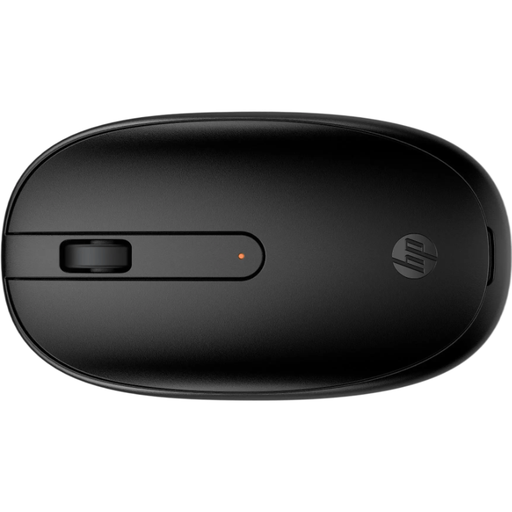
HP 240 Black Bluetooth Mouse
Bluetooth without a dongle can keep a computer port free; the product information specifies one AA battery for power.
View at Joybuy
 No image available
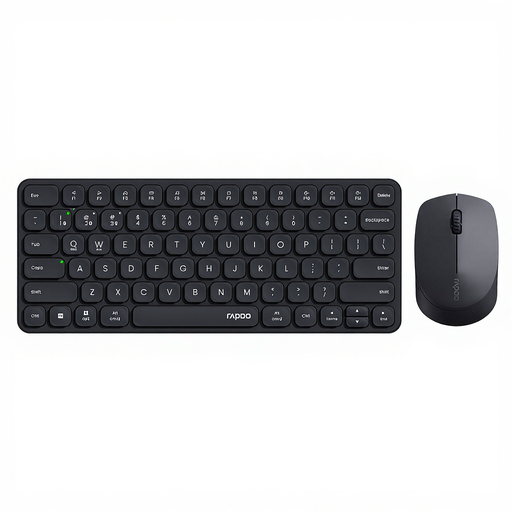
Rapoo 9010M keyboard and mouse combo
This combo offers Bluetooth or a 2.4 GHz connection; the product information says it can switch between up to four devices.
View at Joybuy
 No image available
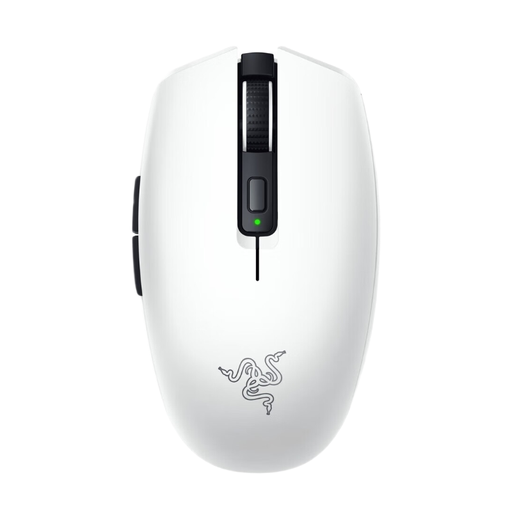
Razer Orochi V2 White Edition
Bluetooth and a replaceable AA or AAA battery offer an alternative to a mouse that needs recharging. Its lightweight, compact design is described as suitable for travelling.
View at Joybuy
Frequently asked questions
Does a Bluetooth mouse save you a power socket?
Not directly: on a compatible computer, Bluetooth can remove the need for a USB receiver and free up a USB port. Whether the mouse needs charging depends on how it’s powered: the Logitech M240 Silent uses a replaceable AA battery, whereas a rechargeable model will need power eventually.
How do you connect the Surface Arc Mouse?
According to Microsoft, installation requires a PC with Windows 10 or 11 and Bluetooth 4.0 or later. Switch on the mouse and follow the Bluetooth pairing steps. If you’re using another device, first check that it meets the stated requirements.
What can you do if a new mouse doesn’t work properly?
According to the Dutch government, the seller must provide a product that works properly. If there’s a fault, contact the seller to discuss a solution, such as a repair or replacement; a manufacturer’s warranty doesn’t remove the seller’s responsibility.


