What should you look for when choosing?
Start with the noise you want to reduce, then check whether the mouse works with the controls in your football game. Fit and connectivity can then help you choose a version that remains practical during longer sessions.
| What to consider |
What to look for |
Best suited to |
| Click and scroll noise |
Check which switches are silent, and assess clicking and scrolling separately. |
If I play while my roommate is resting, I mainly want to know which actions will still be audible. Around 36% of consumers rank quietness as their top buying priority. |
| In-game controls |
Check the game, platform, input method and whether you can use the buttons you want. |
When I want to use mouse controls or extra buttons, I first check the settings in my own football game. Around 29% of consumers give compatible game controls top priority. |
| Fit |
Consider your hand size, whether the mouse is designed for left- or right-handed use, and the position of the buttons. |
For long gaming sessions, I want a mouse that suits my hand and whether I’m left- or right-handed. Around 21% of consumers put fit first. |
| Connection and power |
Check the available USB port, whether the mouse uses a receiver or cable, and how the chosen version is powered. |
If I don’t have a spare USB port or room for a cable, I take connectivity and charging or batteries into account. Around 14% of consumers name connectivity and power as their top buying priority. |
Mice at Joybuy
This selection mainly features mice described as quiet, plus one gaming-focused option. Check the click function, connectivity and controls for your football game for each model.
 No image available
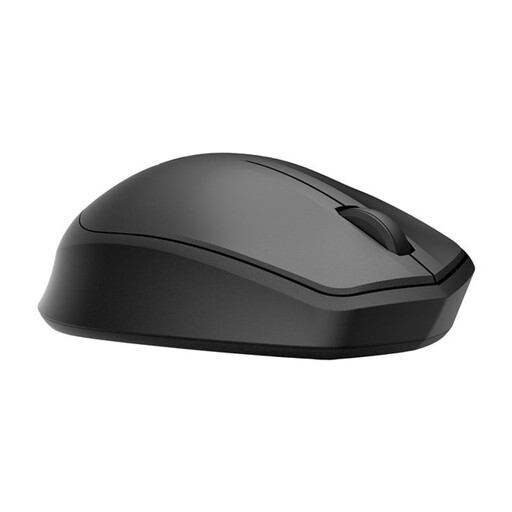
HP 285 Silent Wireless Mouse
Could suit you if you want to play wirelessly and quiet clicks matter. Check exactly which buttons are silent on the version you choose.
View at Joybuy
 No image available
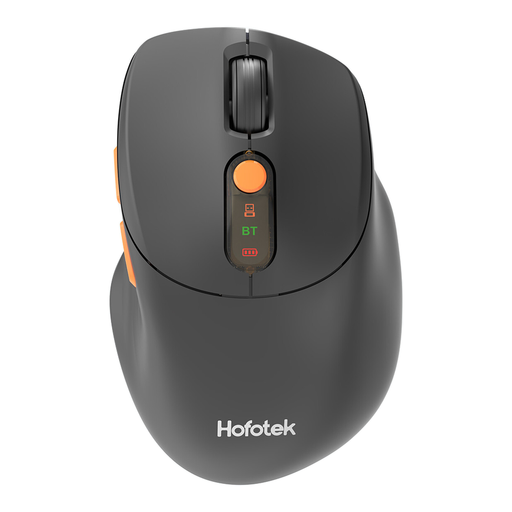
HOFOTEK M311 2.4G+BT Silent Office Mouse
An option if quiet clicks and different connectivity options matter to you. The product name lists 2.4G+BT, adjustable DPI and an AA battery.
View at Joybuy
 No image available
DELL Pro Compact Silent Mouse MS355
Could suit you if you’re looking for a compact mouse and quiet clicks matter. Check the sound of the scroll wheel separately.
View at Joybuy
 No image available
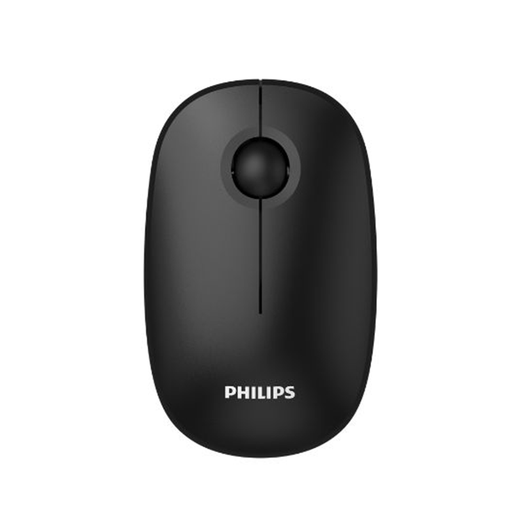
Philips 3000 Series SPK7378B/00 Wireless Mouse
An option if you’re looking for a wireless mouse with quiet clicks. The product name lists 2.4GHz, a USB receiver and 1600 DPI.
View at Joybuy
 No image available
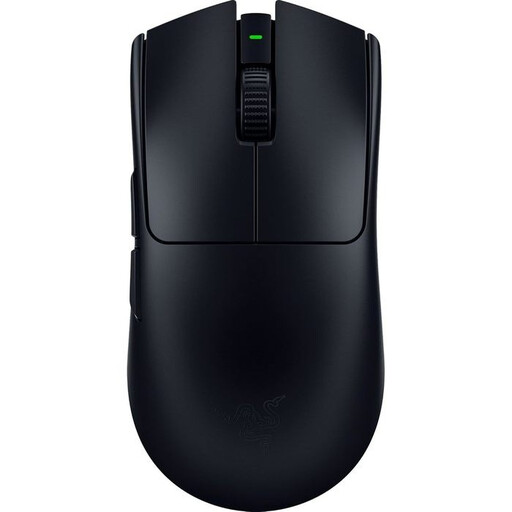
Viper V3 Pro Black
A gaming-focused option if quietness isn’t your main selection criterion. Check whether your football game supports mouse controls and the buttons you want to use.
View at Joybuy
Frequently asked questions
Will a gaming mouse work with every football game?
No. Check the input options for your game and platform. EA describes mouse and keyboard support for FC 27 on PC, with WASD or the arrow keys alongside mouse controls; this doesn’t automatically apply to other titles or console versions.
How do I choose a mouse that makes as little noise as possible?
Check the exact version and assess clicking and scrolling separately. According to Keychron, one M6 variant may have silent main buttons only, while another has silent switches on every button; this doesn’t automatically mean every part is noise-free.
What if the mouse turns out to be too loud after I buy it online?
For online consumer purchases in the Netherlands, you generally have a statutory cooling-off period of up to 14 days after delivery, with some exceptions. Check the applicable terms for trying out and returning the product. Your statutory guarantee also applies if, under normal use, a product doesn’t do what you could reasonably expect.
What rules apply to the CE marking on a wireless mouse?
Radio equipment covered by the relevant European rules must meet product requirements. The Netherlands’ Radiocommunications Agency lists CE marking as one of the requirements for sellers; this doesn’t confirm that an individual item has been checked.


