
Writer at a hot desk
Wants to adjust the screen on arrival and read text comfortably. The connection needs to work with the laptop they use.


Choose a monitor that’s easy to read and can be adjusted to suit a shared workspace. Then consider whether you need extra vertical space, more room for multiple windows or a suitable USB-C connection. A higher resolution or built-in dock won’t be useful for everyone, so check whether you’ll use these features and whether your laptop supports them. Arboportaal notes that reflections and other conditions can affect readability.
Wants to adjust the screen on arrival and read text comfortably. The connection needs to work with the laptop they use.
Switches between a manuscript, notes and reference materials, and may benefit more from usable screen space than gaming features.
Wants to connect quickly at a shared desk, but needs to check whether their laptop supports USB-C video and, if needed, charging via the monitor.
Start with readability and the adjustment options available at your workstation. Then choose based on how you arrange your windows, your laptop’s connections and the desk space available.
| Key consideration | What to look for | Who is this important for? |
|---|---|---|
| Readability and adjustability | Check the height adjustment, reflections under office lighting and how easy the screen is to read at your preferred text size. | If you regularly change workstations, you’ll want to adjust the screen to suit and read text without distracting reflections. Around 40% of consumers prioritise readability and posture. |
| Space for text and reference materials | Consider how windows fit on the screen at its size and resolution, and check that text remains comfortable to read at your preferred size. | If you want to see your manuscript, notes and reference materials side by side while editing, focus on usable screen space. Around 23% of consumers prioritise this. |
| Connecting your laptop | Check USB-C video, the power output required and the connections on both your laptop and the exact monitor model. | If you switch between a workstation and your laptop, the right connection can make setup easier. Around 23% of consumers prioritise connecting quickly. |
| Desk-friendly size | Measure the available space and check the dimensions of both the monitor and its stand. | If you share a desk, you’ll want to leave enough room for the rest of your workspace. Around 14% of consumers start by choosing a monitor that physically fits. |
Connections can vary between versions. For example, HP lists HDMI and DisplayPort for the 524pn, so check the ports on the full model number before choosing a connection.
Compare the model-specific product information with your laptop’s connections. You may need a different compatible connection or a separate dock.
BenQ describes an ePaper mode for the GW2491. This isn’t a proven benefit for every writer, and it doesn’t replace a suitable screen position or attention to reflections.
Assess the picture mode, screen settings and lighting separately.
The monitors listed here vary in resolution and connectivity. Extra screen space is most useful if you work with several windows; for a single column of text, another feature may matter more.
First decide how you want to arrange your manuscript and any reference materials, then check that the text is easy to read at your preferred size.
The Series 5 Pro 524pn is a 24-inch option with extra vertical space for text and an adjustable stand.
The Pro Plus P2425DE is a 23.8-inch QHD monitor with a USB-C hub.
The Business Monitor 24B2G5301/00 combines Full HD with a built-in USB-C docking station.
The GW2491 is a Full HD option with an ePaper mode described by BenQ.
This selection includes monitors for writing at a shared desk, from Full HD models around 24 inches to a 27-inch QHD option and models with a USB-C dock.
 Image unavailable
A Full HD option for viewing a manuscript on a screen around 24 inches in size, with HDMI or VGA connectivity.
23.8 inches; 1920 × 1080 pixels; 100 Hz; HDMI and VGA. The product description states that the power adapter isn’t included as standard; check before buying.
 Image unavailable
An option for writing at a hot desk, with an adjustable stand and a USB-C dock.
23.8-inch IPS; 1920 × 1080 pixels; height, swivel, tilt and pivot adjustment. The description lists USB-C Power Delivery up to 65 W and Gigabit Ethernet; check compatibility with your laptop.
 Image unavailable
The larger QHD model may suit you if you want to view other windows alongside your manuscript; bear in mind the desk space it requires.
27 inches; 2560 × 1440 pixels; tiltable stand.
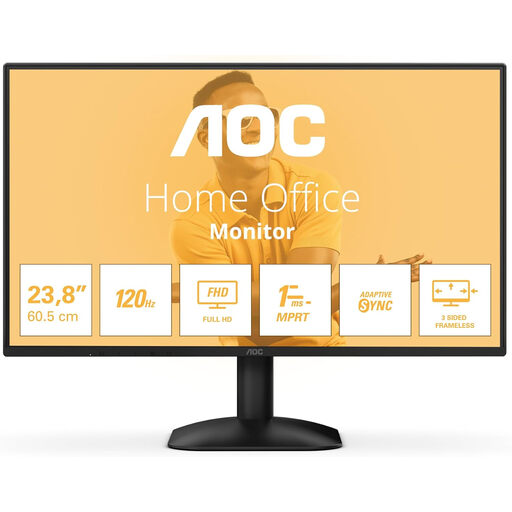 Image unavailable
A Full HD screen around 24 inches in size, with both HDMI and DisplayPort for connecting a computer.
24 inches; 1920 × 1080 pixels; 300 cd/m²; HDMI and DisplayPort.
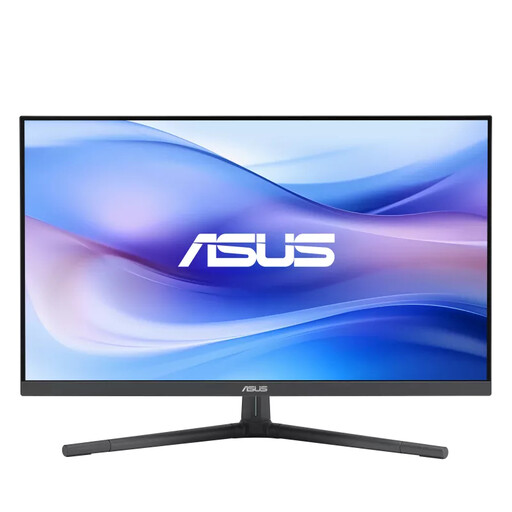 Image unavailable
A 27-inch Full HD option if you’d like a larger physical screen and the ability to adjust its height.
IPS; 1920 × 1080 pixels; 50 mm height adjustment; 15 W USB-C Power Delivery.
Check that text is easy to read and there are no distracting reflections, then adjust the screen to suit your workspace. Arboportaal lists reflections, contrast, light sources in your field of vision and ambient light among the factors that can affect readability.
Only if your laptop supports the required USB-C video feature; for charging, check the power output required too. Dell lists power delivery up to 90 W for the P2425DE, and Philips describes a USB-C dock in the 24B2G5301/00. This information doesn’t confirm compatibility with an unspecified laptop.
A higher resolution can provide more pixels for side-by-side windows, but usability also depends on screen size and text scaling. Choose based on your own layout and check that text remains comfortable to read on screen.
No, there’s no fixed statutory warranty period in the Netherlands. The Dutch government explains that what you can expect from a product varies by product, so check the information relating to your specific purchase.
For distance purchases, the seller must provide information about the cooling-off period. According to the Dutch government, it’s 14 days in many cases; check the applicable terms and exceptions for your purchase.