
If you have limited desk space
Check the monitor's overall width and depth with the stand, not just the screen size. For example, BenQ lists the GW2490's dimensions with the stand as 408 × 540 × 182 mm (height × width × depth).


First, measure the available width and depth of your desk, including the stand, then decide how much space you need for charts and tables. A 21.5-inch Full HD monitor is an option if space is limited; Dell lists the approximately 24-inch P2425 with a resolution of 1920 × 1200 pixels, giving you 120 more vertical pixels than 1920 × 1080 Full HD. Also check its adjustability and whether the connections and any power supply are compatible with your computer.
Check the monitor's overall width and depth with the stand, not just the screen size. For example, BenQ lists the GW2490's dimensions with the stand as 408 × 540 × 182 mm (height × width × depth).
If you want to view charts and table rows at the same time, extra vertical screen space may be useful. Dell lists the P2425 as having a resolution of 1920 × 1200 pixels and a rotation function.
Consider height adjustment and other settings that let you adapt the monitor to your workspace. Philips describes the 24E1N1300AE/01 as offering USB-C for video, data and power to a compatible device.
First, measure the space available for the monitor, stand and cables. Then choose a resolution and adjustment options that suit the way you view charts and data.
| What to consider | What to look for | Who is this important for? |
|---|---|---|
| Will it fit your setup? | Measure the available width and depth, then compare them with the dimensions of the exact model, including the stand. Leave room for cables. | If I have a narrow or shallow desk, I want to know whether the screen, stand and cables will all fit. Desk space is the top priority for around 36% of consumers. |
| Space for charts | Compare the resolution and aspect ratio. Think about whether you view a single chart or also need to see table rows and other windows at the same time. | I want to be able to view time series and table data together. Around 29% of consumers give chart and table space the highest priority. |
| Adjusting the screen | Check whether the stand tilts, adjusts in height or allows rotation on each model. Also check that any VESA mount is suitable for your setup. | For longer work sessions, I want to be able to adjust the screen to suit my workspace. Adjustability is the main concern for around 21% of consumers. |
| Connecting to your computer | Check which video inputs and cables you need. For USB-C, check separately whether it supports video and the charging power you need. | I want to connect my computer properly and avoid unnecessary cables. Around 14% of consumers prioritise a simple, compatible connection. |
The screen size doesn't tell you how much desk space the stand takes up. For example, BenQ lists the GW2490's depth with the stand as 182 mm.
Measure the available space for the screen, stand, keyboard and cables. Compare those measurements with the specifications of the version you're considering.
Features vary between monitors. Dell lists the P2425's USB-C downstream port as a data port with a maximum output of 15 W; Philips describes the 24E1N1300AE/01 as offering USB-C for video, data and power to a compatible device.
Check whether the connection on the exact model supports the video signal and charging power your laptop needs.
A model name without the full version number doesn't always make it clear which variant is being offered. iiyama lists the XUB2493HS-B6 as a separate version; a product name without a suffix doesn't, by itself, confirm that it's this version.
Compare the full model code and relevant specifications before treating two listings as the same product.
The P2425 is a documented option at around 24 inches for anyone who wants to view charts and rows of data.
The GW2490 is a 23.8-inch Full HD option with specified stand dimensions and connections.
Philips documents both a 21.5-inch Full HD model and a 23.8-inch USB-C model.
The 24B2XHM2 is a 23.8-inch Full HD model with a VA panel.
This Joybuy selection includes compact desk monitors and a portable monitor for viewing weather charts. Compare the space available, resolution and connections for each model.
 No image available
This portable model could suit a workspace you need to move around; check that its dimensions and setup work with your desk.
2560 × 1600 pixels, 16:10, IPS panel, two USB-C ports, Mini HDMI and built-in stand.
 No image available
The 16:10 resolution gives you more vertical pixels than 1920 × 1080; also check that the monitor and stand will fit on your desk.
1920 × 1200 pixels, 16:10, height adjustment up to 13 cm and VESA mounting.
 No image available
A 23.8-inch Full HD option to compare with models that offer more vertical pixels.
1920 × 1080 pixels, VA panel, HDMI and VGA. The product description says that the charger is not included as standard; check which power supply you need.
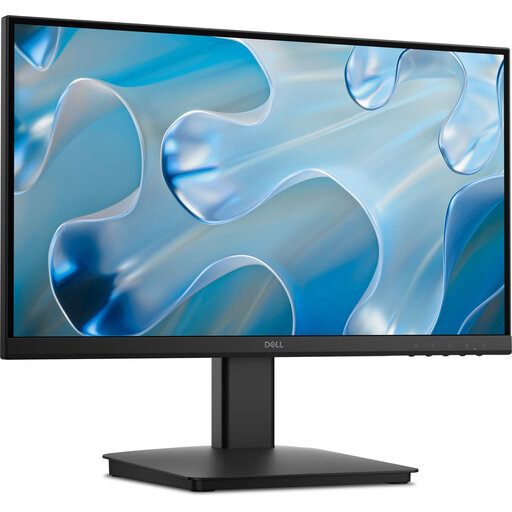 No image available
The 21.5-inch screen is a smaller monitor option; measure the space for the stand and check which connections your computer has.
1920 × 1080 pixels, HDMI and VGA, with tilt and rotation functions and VESA mounting.
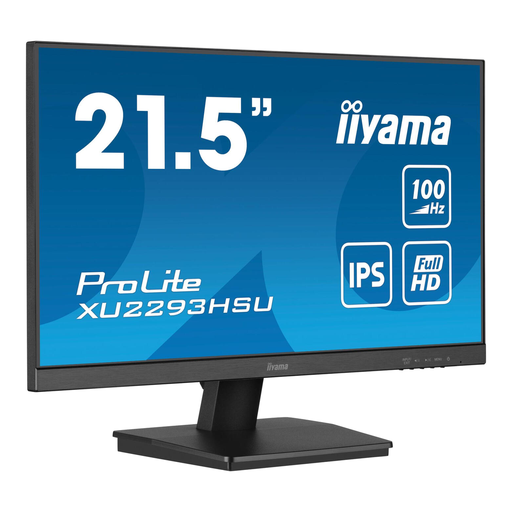 No image available
A 21.5-inch screen could suit a more compact desk; check the connections on both the monitor and your computer.
IPS panel, 1920 × 1080 pixels, HDMI, DisplayPort, USB hub and VESA mounting.
No, you don't always need a 24-inch monitor. Philips documents a 21.5-inch Full HD option; Dell lists the approximately 24-inch P2425 with a resolution of 1920 × 1200 pixels if you want more vertical workspace. Check separately that the stand will fit, too.
Measure the available width and depth, then compare them with the dimensions of the exact model with its stand. Also allow room for cables and the space you need for your keyboard and mouse.
No, the presence of USB-C alone doesn't confirm that a monitor can charge your laptop. Check whether the port supports video and whether its charging power is suitable for your laptop; USB-C ports can have different functions depending on the model.
First, compare your computer's video output with the inputs on the exact monitor model and use a suitable cable. Then set the screen resolution and adjust the monitor's position to suit your workspace.
For a standard online purchase by a consumer, ACM ConsuWijzer says there is generally a statutory cooling-off period of up to 14 days after delivery; exceptions may apply. Before buying, also check the seller's returns policy and any return costs.