What should you look for when buying?
First decide whether you’ll deliver the film in SDR or HDR. Then compare how much screen space you need, and finally check that the connections and power supply will work with your computer.
| What to consider |
What should you check? |
Who should give this more thought? |
| Colour and delivery format |
First decide between SDR and HDR, then compare the colour modes and calibration options of the exact model. |
If you want to assess the colour of different shots, prioritise the delivery colour space. Around 33% of consumers give colour and delivery format top priority. |
| Space for the preview and timeline |
Compare screen size, resolution, adjustability and the space available on and behind your desk. |
If you want to see the preview, source footage and timeline at the same time, usable screen space matters. Around 33% of consumers give a clear view of the preview and timeline top priority. |
| Laptop connection |
Check your laptop’s video output, the monitor’s input and the power delivery you need. |
If you want to connect your laptop to the monitor and perhaps charge it too, check that both devices support the same features. Around 17% of consumers give laptop connectivity and power top priority. |
| Working with large files |
Work out whether the bottleneck is screen space, colour assessment or playback performance. For the latter, also consider storage, cache and editing software. |
If large source files are stuttering, you’ll want to know first whether a monitor will make any difference. Around 17% of consumers give resolving this performance issue top priority. |
Monitors at Joybuy for editing
This selection includes monitors for editing where screen space, image assessment or a laptop connection may be important.
 No image available
Dell UltraSharp U3226Q 32-inch 4K UHD 120Hz QD-OLED monitor
Could suit anyone looking for a large 4K screen for the preview and timeline.
The product name lists 32 inches, 4K UHD, 120 Hz and QD-OLED.
Joybuy
 No image available
CRUA 49-inch Curved Ultrawide Gaming Monitor, DQHD 5120 × 1440, 165Hz, 32:9
Could suit anyone who wants plenty of horizontal space for editing windows and the timeline.
The product name lists a 49-inch curved screen, DQHD 5120 × 1440, 165 Hz and a 32:9 aspect ratio. Check that your desk or VESA mount can support at least 15 kg, as stated in the product description; two-person installation is recommended.
Joybuy
 No image available
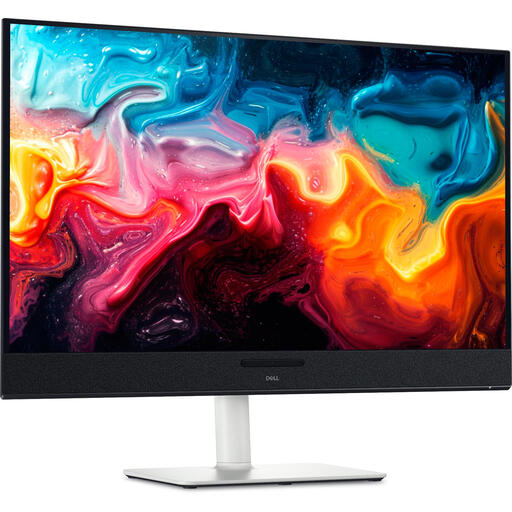
Dell Plus S3225QC 31.6-inch 4K UHD QD-OLED monitor
Could suit anyone who wants to view the preview and timeline on a large 4K screen.
The product name lists 31.6 inches, 3840 × 2160 pixels, 4K Ultra HD and QD-OLED.
Joybuy
 No image available
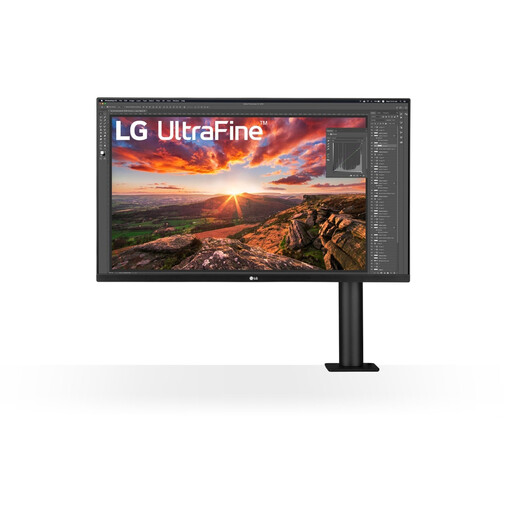
LG 32UN880K 32-inch 4K monitor
Could suit you if you want to combine the preview and timeline on a larger screen with an adjustable workspace.
LG lists a 31.5-inch 4K screen, USB-C power delivery of up to 60 W and a stand with a C-clamp for this model. Check that the clamp will fit your desk.
Joybuy
 No image available
MSI Pro PRO MAX 271UPXW12G 26.5-inch 4K OLED monitor, 120Hz
Could suit you if you want a 4K screen for the preview and image assessment, and need less physical screen space than larger models provide.
The product name lists 26.5 inches, 3840 × 2160 pixels, OLED and 120 Hz.
Joybuy
Frequently asked questions
Will a new monitor make editing large source files faster?
Not by itself. For large media files in Premiere, Adobe recommends fast media and cache storage, and describes proxies as lighter copies for editing. First check where the slowdown is happening; this advice about Premiere doesn’t prove how other software will perform.
How do I set up a monitor for an SDR film?
Match the screen mode to the delivery settings in your editing software. Adobe describes, among other options, a Direct Rec.709 (SDR) setting in Premiere; BenQ lists a Rec.709 mode for the PD2705U. Changing the screen mode alone won’t automatically set up your entire colour workflow correctly.
Do I need to calibrate a monitor?
If repeatable colour assessment matters to you, look into the calibration options for the exact model and set up your workflow accordingly. EIZO describes hardware calibration with ColorNavigator for the CS2740. This is a feature of that model, not a general requirement.
What are my rights if a monitor I bought online isn’t working properly?
According to the Dutch government, you’re entitled to a product that works as it should, and the seller must provide a solution if it doesn’t. The Netherlands has no fixed statutory warranty period; an additional warranty doesn’t replace your statutory rights. For distance sales, you’re entitled to a 14-day cooling-off period in many cases.
Does an energy label matter when comparing monitors?
The European Commission lists energy labelling and ecodesign requirements for electronic displays. Compare the product information for the exact models you’re considering.


