Monitors on Joybuy for unit testing in a shared office
This selection includes 27-inch QHD and 4K monitors, a 24-inch QHD model and screens with USB-C connectivity. For each model, check that the ports, size and adjustment options suit your workspace and laptop.
 No image available
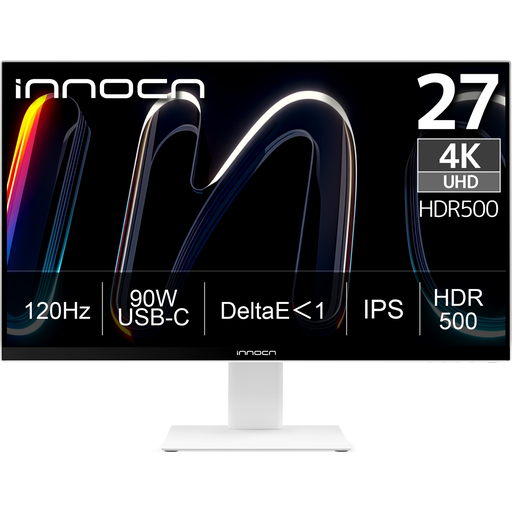
INNOCN CB27U1 27-inch 4K UHD monitor
An option for arranging code and test output on a 27-inch screen and connecting a laptop over USB-C.
Joybuy lists a resolution of 3840 × 2160 pixels, USB-C with up to 90 W Power Delivery, PIP/PBP and a height-adjustable stand. The charging output may not be enough for some laptops.
View at Joybuy
 No image available
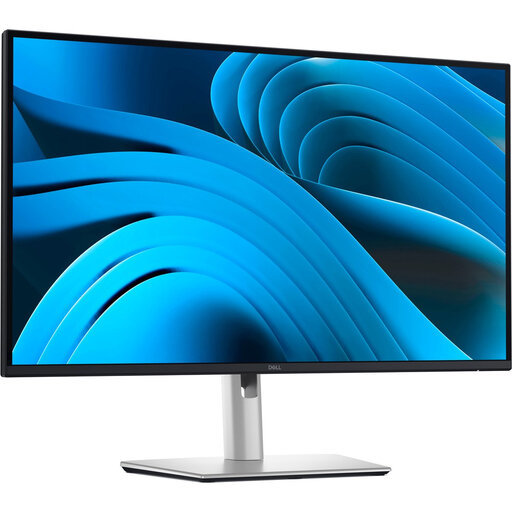
Dell Pro Plus P2725DE 27-inch QHD monitor
A 27-inch QHD option if you want to arrange test code and other work windows side by side and connect a compatible laptop over USB-C.
Dell lists a resolution of 2560 × 1440 pixels at 100 Hz and USB-C power delivery of up to 90 W. The product information also mentions RJ45 Ethernet; check that the charging output suits your laptop.
View at Joybuy
 No image available
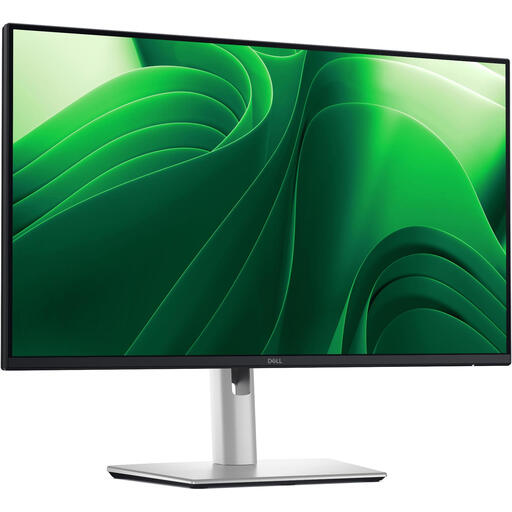
Dell Pro Plus P2425D 24-inch QHD monitor
A more compact screen to consider if desk space is limited and you want QHD resolution.
The product information lists a resolution of 2560 × 1440 pixels, a 100 Hz refresh rate, and height, tilt, swivel and pivot adjustment.
View at Joybuy
 No image available
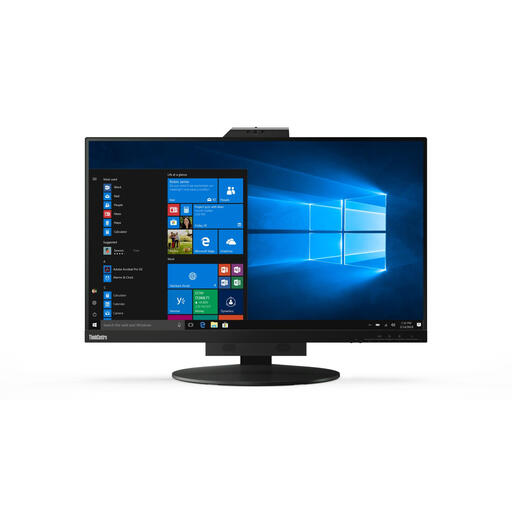
Lenovo ThinkCentre Tiny-In-One 27 QHD display
A 27-inch QHD screen if you want to position windows side by side and adjust the screen on a shared desk.
The product title lists a resolution of 2560 × 1440 pixels. The product information mentions an anti-glare screen and height adjustment of up to 11 cm. The power adapter must be purchased separately.
View at Joybuy
 No image available
LG 27GS85Q-B 27-inch QHD monitor
A 27-inch QHD option for arranging code and other windows on screen and adjusting the screen position.
The product information lists a resolution of 2560 × 1440 pixels, a matte anti-glare screen and 110 mm of height adjustment.
View at Joybuy
Frequently asked questions
Do you need a 27-inch QHD monitor to write unit tests?
No. Choose this size if you want to arrange multiple windows side by side at your usual text size and have enough room for the monitor on your desk. If you mainly use one window at a compact desk, a 24-inch 16:10 monitor could also be an option.
Can any laptop display video and charge through a single USB-C cable?
No. Check whether the laptop supports video through the relevant USB-C connection, how much charging power it needs and what features the monitor's port offers. Dell lists 90 W power delivery for the P2725DE; according to Dell, the P2425's USB-C downstream port is intended for data.
How should you set up a monitor in a shared office?
Adjust the screen position for the user and assess reflections and contrast in the actual workspace, especially near windows. Arboportaal highlights adjustability, lighting and avoiding reflections when setting up screen-based workstations. The right approach also depends on the workspace and the employer's policies.
Which Dutch workplace health and safety rules apply to screen-based work?
For employees who work at a screen for more than two hours a day, Arboportaal states that the screen and keyboard must not be attached to each other. This applies to setting up an employee's workstation; it is not a general technical minimum requirement for everyone buying a monitor for personal use.
Are you automatically entitled to exactly two years of statutory warranty in the Netherlands?
No. According to the Dutch government, the Netherlands has no fixed statutory warranty period: a product must meet what you can reasonably expect of it. If a consumer product is faulty, the retailer is your point of contact; a manufacturer's warranty is separate.


