
Editor reviewing revisions alongside the text
You’re writing the introductory pack and want to review additions, deletions and comments clearly, without constantly switching views.


For reading a single document with tracked changes, a 27-inch QHD monitor is a practical starting point. An ultrawide screen is mainly worth considering if you often keep a source open alongside your draft and have enough desk space. Philips and Dell describe 27-inch models with QHD resolution; LG lists a resolution of 3440 × 1440 for the 34-inch 34WR55QK-B, but marks this model as discontinued. Tracked changes are managed in your word-processing software, not on the monitor. You should also check that the monitor’s connections are compatible with your laptop.
You’re writing the introductory pack and want to review additions, deletions and comments clearly, without constantly switching views.
You often keep an earlier pack or another source open beside the new document while writing. The amount of desk space available will help determine whether an ultrawide screen is practical.
You prioritise a suitable size, an adjustable viewing position and easy connectivity over the widest possible screen.
Choose this option: if you mainly read one document with revision marks and only occasionally need a second window.
Bear in mind: a higher resolution doesn’t guarantee that text will be comfortable to read at your chosen scaling setting.
Choose this option: if you often want your draft, comments and source material visible at the same time, and have enough desk space.
Bear in mind: the screen takes up more room; check the availability of the specific model too.
Choose this option: if your desk is small and you usually view one document at a time.
Bear in mind: there’s less screen space for displaying documents and wide revision margins side by side.
| What to consider | What to look for | Who is this most important for? |
|---|---|---|
| Readable text and revision marks | Compare screen size and resolution together, and try viewing your document at your preferred text scaling. | I want to read the text and revision marks at the same time without constantly switching views; around 39% of consumers say that being able to read revisions is their top priority. |
| Draft and source side by side | Measure the desk space available and test your window layout with your own text scaling. | When comparing my draft with an earlier pack or a source, I want to see both windows at once; around 31% of consumers say viewing documents side by side is their top priority. |
| Size and adjustable workstation | Check the dimensions, including the stand, and the adjustability of the exact model. | At a small or shared desk, I want to position and adjust a screen without taking up more room than necessary; around 15% of consumers prioritise a workstation that fits their needs. |
| Connection to your laptop | Check your laptop’s video output, cable and charging requirements alongside the monitor’s connections. | I want to connect my laptop easily and know in advance whether the connection will also meet my charging needs; around 15% of consumers say laptop connectivity is their top priority. |
Readability also depends on how the marks are displayed, the resolution and the text scaling. A larger screen alone won’t determine whether your document is comfortable to review.
Before choosing, view your own document with the marks and text scaling you intend to use.
USB-C features vary between monitors and laptops. The presence of a USB-C port alone doesn’t confirm that the connection will transmit video or provide enough power to charge your laptop.
Compare your laptop’s video output and charging requirements with the features of the exact monitor and the cable you’ll use.
Depending on the connections you already have, you may need a different cable or power adapter.
The Dutch government describes the statutory guarantee as your right to a product that works properly; there is no fixed statutory period for this in the Netherlands. Any manufacturer’s warranty does not automatically replace this right.
Check what additional rights a paid warranty package actually provides before taking it out.
The 27E1N1600AE/00 is a 27-inch QHD model to compare if you’re reading a single document with revision marks.
The Dell P2725DE is a 27-inch QHD USB-C hub monitor to include when comparing connectivity options.
The 34WR55QK-B is an ultrawide option for anyone who wants to keep documents open side by side.
The GW2790QT is a 27-inch QHD USB-C option if a hub and laptop charging are important to you.
The Essential S4 LS24D402GAUXEN is a compact monitor option to compare for a smaller workspace.
This selection at Joybuy includes 27-inch monitors for document work, ultrawide options for viewing windows side by side, and a more compact Full HD monitor. Compare the product specifications with your desk space, preferred text scaling and laptop connections.
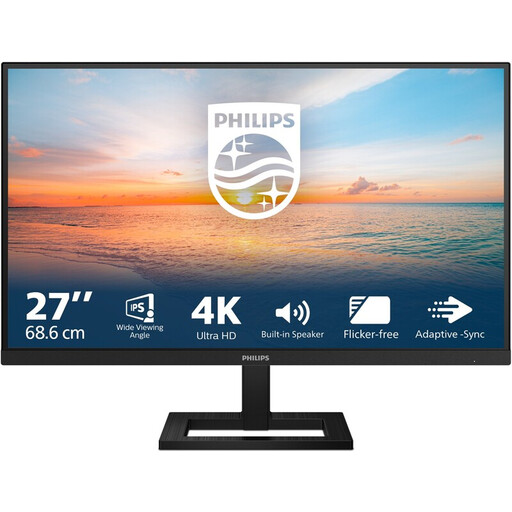 No image available
A 27-inch option to consider for reading a single document with revision marks.
4K UHD (3840 × 2160), 60 Hz, 4 ms, HDMI, DisplayPort and height-adjustable stand.
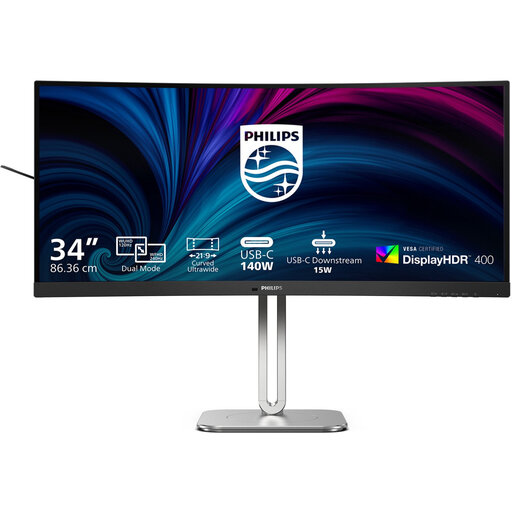 No image available
A 34-inch curved option to consider if you want to view documents side by side; measure your available desk space first.
34-inch curved Dual-Mode Business monitor. The two specified modes are WUHD 5120 × 2160 at 120 Hz and WFHD 2560 × 1080 at 240 Hz.
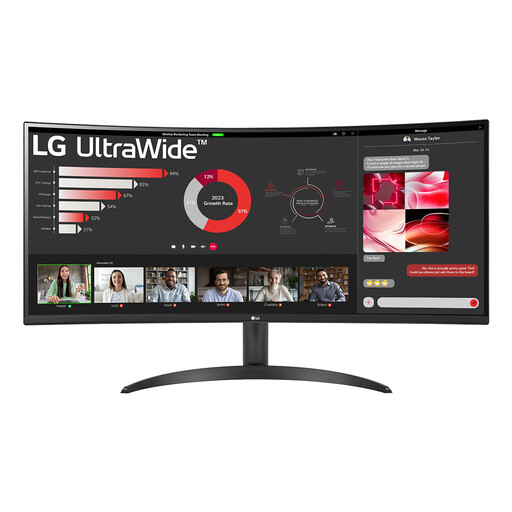 No image available
An ultrawide option to compare if you want to keep your draft and source material side by side.
34 inches, 3440 × 1440 pixels and a 21:9 aspect ratio.
 No image available
A 27-inch QHD option to consider for reading a single document with revision marks.
2560 × 1440 pixels.
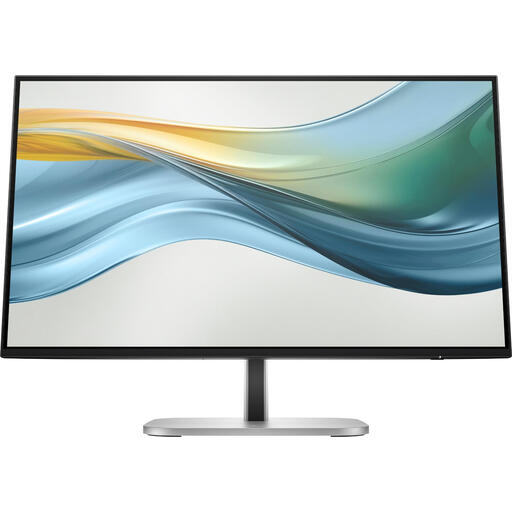 No image available
A more compact option to compare if you have limited desk space.
23.8 inches, Full HD and USB-C. The product description states that a charger is not included as standard.
No. In Word, you turn on Track Changes in the software and choose how the marks are displayed, as Microsoft Support explains. The monitor only determines how much screen space you have for that view.
Adjust your workstation to suit your body, make sure characters are easy to read, and avoid glare and light sources in your field of vision. Arboportaal also recommends varying your tasks and taking short breaks. These are workstation recommendations, not a promise that a particular monitor model will prevent discomfort.
No. According to the Dutch government, when you buy as a consumer you have the right to a product that works properly; there is no fixed statutory warranty period in the Netherlands. An additional warranty is mainly worth considering if its terms provide extra rights.
There is no generally required monitor model for every volunteer. The Dutch government lists specific situations in which the Working Conditions Act applies to volunteers, so a rule for employees cannot automatically be applied to every volunteer club editor.