
If you compare models side by side
You regularly compare articles, models and tables, and want to work out how much readable screen space you need.


For reading long texts alongside port logistics models, an adjustable 27-inch QHD monitor is a good starting point. If you have a small desk, a more compact 16:10 screen may be a better fit. Choose 4K if you can set the scaling so that text remains comfortable to read, or an ultrawide monitor if you often use several windows at once. Also check the screen’s position and whether its ports and power delivery are compatible with your laptop.
You regularly compare articles, models and tables, and want to work out how much readable screen space you need.
You read a lot of text and want to adjust the screen position and text size to suit your workspace. No particular screen specification can guarantee that you won’t experience discomfort.
You want to keep space free for books and notes, and are weighing up a compact or rotatable screen against the extra width of larger models.
A good fit if: you have limited desk space and usually keep one reading document centred on screen.
Bear in mind: there’s less horizontal space for viewing large tables alongside an article.
A good fit if: you switch between articles, notes and models, or view them side by side.
Bear in mind: the usable workspace also depends on the text size you find comfortable.
A good fit if: extra pixels are useful for small text or detailed diagrams, and you can set a readable scaling level.
Bear in mind: more pixels don’t automatically make text larger or more comfortable to read.
A good fit if: you often want to view a document, model and reference material side by side.
Bear in mind: the monitor needs more desk width; also check the adjustment options on the specific model.
| Consideration | What should you check? | Who is this important for? |
|---|---|---|
| Room for windows | Open your usual PDF, table and notes side by side at your preferred scaling level. Compare the screen size and resolution. | If I want to view sources, a table and a model at the same time, I’m looking for a practical balance between width and readable text. Around 36% of consumers say having room for windows is their main purchase priority. |
| Reading comfort and posture | Check the height and tilt adjustments, and whether you can set text on your computer to a large enough size. Arboportaal advises positioning the screen so that its top edge is just below eye level. | During long reading sessions, I want to read comfortably and position the screen correctly. Around 29% of consumers prioritise reading comfort and posture. |
| Size for your desk | Measure the available width and depth, including the stand. If you plan to use the screen in portrait orientation, check whether the specific model can rotate. | With books and notes on a small desk, I want to keep enough workspace free. Around 21% of consumers prioritise a size that suits their study space. |
| Connecting to your laptop | Compare your laptop, monitor port and cable: check for video over USB-C, the required charging power, and whether you need HDMI or DisplayPort. | I want to connect my laptop and charge it if needed, without having to guess what a port can do. Around 14% of consumers prioritise a laptop connection that suits their needs. |
USB-C ports can have different functions. Dell specifies that the P2425’s USB-C downstream port is for data only; the shape of the connector doesn’t prove that the monitor can receive laptop video or supply enough power.
Check the specifications of the laptop, monitor port and cable separately. For video over USB-C, your laptop must support a suitable video mode.
Depending on your connection, you may need a different cable, an adapter or a separate laptop charger.
With a higher resolution, you still need to set your preferred text size separately. If you enlarge the text, the space available for windows may change.
Try your own documents at a comfortable scaling level, then see how many windows actually fit side by side.
A wide screen can take up space you use for books or notes. Adjustment options also vary between models.
Measure the available space, including the stand, and decide whether extra width or a rotatable screen would suit your reading better.
The Dell models mentioned offer a compact 16:10 option and a 27-inch QHD model with a USB-C hub.
The models in this comparison include a 34-inch ultrawide option, as well as 27-inch 4K and QHD screens.
The 27-inch models mentioned offer a choice of QHD or 4K resolution.
The GW2790QT is a 27-inch QHD model worth comparing if you’re looking for adjustability and USB-C.
These monitors suit the 27-inch 4K, compact QHD and ultrawide options for reading long texts and viewing models side by side.
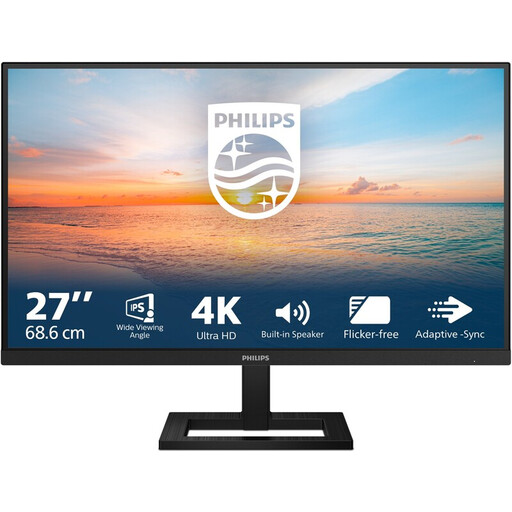 No image available
The stated 4K resolution may suit you if you want extra pixels and can set text to a readable size.
27 inches; 3840 × 2160 pixels; 60 Hz; height-adjustable stand.
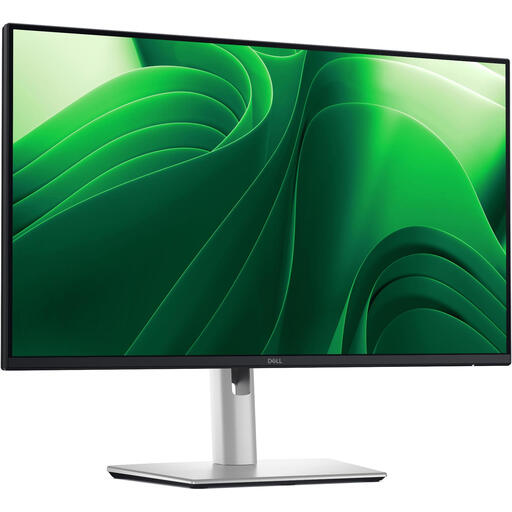 No image available
The 24-inch size may suit you if you want to compare QHD resolution with a more compact screen.
24 inches; 2560 × 1440 pixels; the product description lists height, swivel, tilt and pivot adjustment.
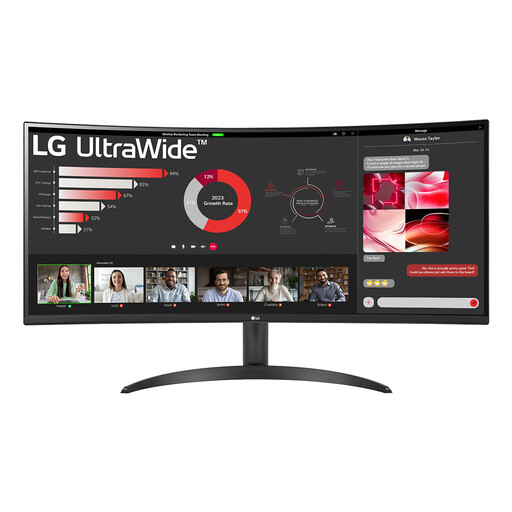 No image available
An ultrawide screen may suit you if you often want to view an article and other windows at the same time; measure your desk first.
34 inches; 21:9; 3440 × 1440 pixels; Reader Mode is mentioned in the product description.
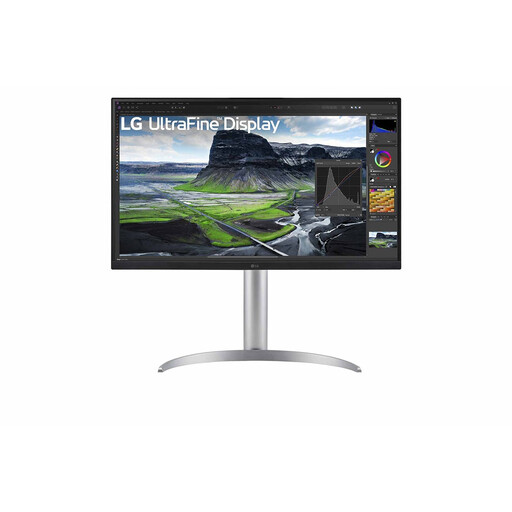 No image available
The stated 4K resolution may suit you if you want extra pixels; check that text is comfortable to read at your chosen scaling level.
27 inches; 3840 × 2160 pixels; 90 W USB-C power delivery. Check that your laptop supports USB-C video and that the power output is suitable for it.
 No image available
This 27-inch QHD model may suit you if you want to view reading material and tables on an adjustable screen.
27 inches; 2560 × 1440 pixels; the product description lists height, tilt, swivel and pivot adjustment.
No, you don’t need 4K to read long articles. Adjust the text and apps on your computer so that they remain readable; Windows provides scaling settings for this.
No, it depends on the functions of the monitor port, cable and laptop. Dell specifies that the P2425’s USB-C port is downstream and for data only; check whether your laptop supports USB-C video and whether the charging power is sufficient.
Position the screen directly in front of you and adjust its height so that the top edge is just below eye level. Arboportaal also advises tilting it so you can look straight at the screen; this is practical workspace advice, not a guarantee that you won’t experience discomfort.
It depends on the available width and depth, including the stand. Measure your workspace and allow for the room you need for books and notes.
For a standard online consumer purchase in the Netherlands, you generally have a statutory 14-day cooling-off period from delivery, subject to applicable exceptions. ACM ConsuWijzer also states that the seller is responsible for the statutory guarantee if a product is faulty; this is separate from any manufacturer’s warranty.