
Readers of lengthy field notes
If you mainly read text and tables, consider readability, reflections and how easily you can position the screen. The Arboportaal identifies small text, glare and lighting as factors that can affect readability.


Start by considering the space available on the table and how easy the screen is to read from each seat. A compact 24-inch 16:10 screen suits mostly text, while a 27-inch QHD monitor gives you more room for documents side by side. Choose 4K or USB-C features only if you need more detail on maps or a particular laptop connection. Also check the adjustability and ports on the exact model.
If you mainly read text and tables, consider readability, reflections and how easily you can position the screen. The Arboportaal identifies small text, glare and lighting as factors that can affect readability.
If table space is limited or several people take turns sitting there, compare screen sizes and adjustment options. Measure the available space, including the monitor stand.
If you switch between documents and detailed images, match the resolution to what you’ll be viewing. Also check that the monitor’s and laptop’s ports are compatible.
The Arboportaal identifies small text, reflections and poor lighting as factors that can reduce readability. So don’t just assess the resolution: consider the screen size, positioning and viewing conditions at the table too.
| What to consider | What should you check? | Who is this most important for? |
|---|---|---|
| Readability and workspace | Compare screen size and resolution. Try reading text at your usual viewing distance and with the window layout you prefer. | When I read lengthy notes, I want text to be easy to take in and, when needed, to be able to place documents side by side. Readability is the top purchasing priority for around 33% of consumers. |
| Positioning at the table | Measure the space, including the stand, and check the height adjustment and swivel. Consider the light from windows from each seat. | When several people use the same table, I want to be able to position the screen to suit different seats. The table setup is the top priority for around 25% of consumers. |
| Connecting and charging a laptop | Check USB-C video support, charging power, the cable and any hub features on the exact monitor and laptop models. | When I switch between laptops at the table, I want to know whether the monitor can connect to my device with the features I need. Around 25% of consumers give connecting and charging the highest priority. |
| Detail in maps and images | Consider whether the source material needs extra detail. Check your laptop’s output resolution and whether colour-critical work requires calibration. | When viewing maps or images with fine detail, I want to be able to judge whether the extra resolution really makes a difference. This is the top priority for around 17% of consumers. |
USB-C ports can support different functions. For example, Dell specifies that the P2425 has a USB-C downstream port for data at up to 15 W. This is not the same as a connection that supports laptop video and provides enough power to charge it.
Check that both the monitor and laptop support video over USB-C, and confirm the required charging power and cable.
Some combinations may need a separate adapter or power supply, so check before choosing a monitor.
More pixels won’t automatically fix a screen that’s at the wrong height, reflections or text that’s too small. The Arboportaal identifies glare, small text and poor lighting, among other things, as factors that can reduce readability.
Measure the space, including the stand, and assess screen height, text size and light from windows from the seats where the monitor will be used.
A service plan is not the same as your right to a product that meets legal requirements. According to the Dutch government, the Netherlands has no fixed statutory guarantee period. If a product is faulty, you can contact the seller.
Read which situations an additional service plan actually covers, and compare that cover with your statutory rights.
The P2425 and P2725D offer different options: a compact 24-inch screen and a 27-inch QHD monitor respectively.
The 27E1N5600AE/00 is a 27-inch QHD model for anyone looking to work with documents and connect via USB-C.
The GW2790QT is a 27-inch QHD option with a matte finish, adjustable stand and USB-C hub.
The 27UP850K-W.AEU offers a 27-inch 4K option for anyone viewing maps or other images with fine detail.
The ThinkVision T27h-30 is a 27-inch QHD office monitor with USB-C docking, ethernet and DisplayPort output.
This selection includes compact monitors for notes, QHD models for viewing documents side by side, and larger ultrawide or 4K screens for anyone who wants more window space or image detail. Make sure you have enough room on the table for larger models.
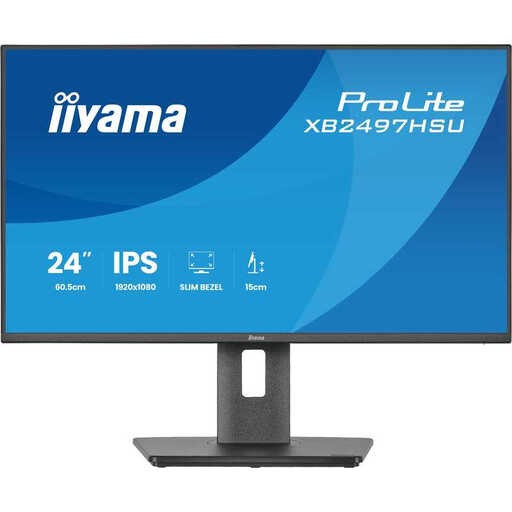 No image available
A compact option to compare if text notes matter more to you than a large screen area.
The product name specifies 24 inches, Full HD, IPS and 120 Hz. The listed stand offers height, tilt, swivel and pivot adjustment.
 No image available
A 27-inch QHD screen could suit you if you want to view notes and documents side by side and have enough table space.
The product name specifies QHD, IPS and 144 Hz. Check that the screen size and connections suit your setup.
 No image available
The wide screen could be useful if you want to view several windows at once. Bear in mind that it needs more table space than a more compact model.
The product name specifies an adjustable stand and PiP and PbP features. Check how much space you have before choosing this size.
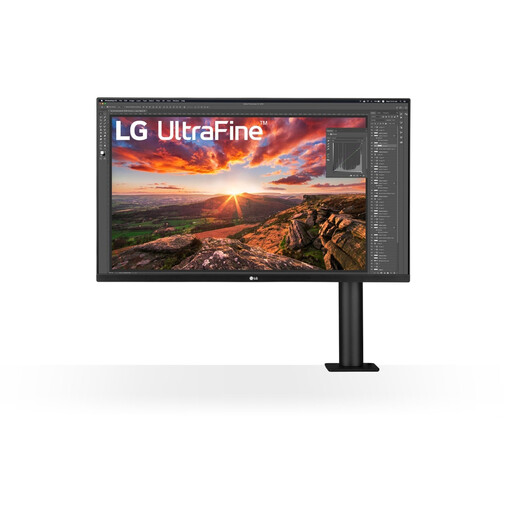 No image available
A larger 4K screen could suit you if maps or other images need extra detail. It takes up more table space than compact models.
The product name specifies 32 inches and 3840 × 2160 pixels. The product information lists an adjustable monitor arm; check that it suits your table setup.
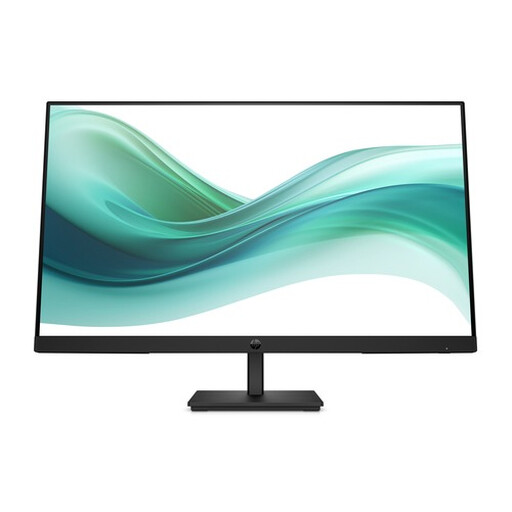 No image available
A 27-inch screen is worth comparing if you share the table with others. Check that it fits the space available.
The product name specifies Full HD, IPS and 100 Hz. The product information lists an anti-glare finish and DisplayPort, HDMI and VGA connections.
Not just for reading notes. Compare 1920 × 1200 and 2560 × 1440 models too. Extra detail can be useful for maps or images, but check how large text appears at your viewing distance.
No. Dell specifies that the P2425 has a USB-C downstream port for data only, at up to 15 W. By contrast, BenQ lists USB-C with DisplayPort Alt Mode, data and 65 W Power Delivery for the GW2790QT. Check the monitor, laptop and cable as a combination.
Start with a stable position and choose a height and viewing distance that work from each seat. Check for reflections from windows and lighting in the actual setup. The Arboportaal identifies glare, small text and poor lighting as factors that can reduce readability.
Compare the EU energy label and product information for the exact models, rather than looking only at screen size. The European Commission states that electronic displays carry an energy label from A to G, and that EPREL provides additional model information. Your personal annual cost also depends on how many hours you use the monitor and your electricity tariff.
According to the Dutch government, the Netherlands has no fixed statutory guarantee period: you’re entitled to a product that meets legal requirements and can contact the seller if there’s a fault. For eligible online purchases from a business, the cooling-off period is generally 14 days. Paid-for extra cover does not replace these statutory rights.