What should you look for when choosing?
Start with the text size and screen space you need for your notes and maps. Then consider screen positioning, reflections and compatibility with your computer. Treat audible conversations as a separate issue.
| What to consider |
What to look for |
Who it matters to |
| Readable notes and two documents |
View your own notes and map at the intended screen size and scaling, and compare the resolution of the exact model. |
When I read notes alongside a map or table, I want to compare both without making the text uncomfortably small. Around 33% of consumers put readability and space for documents at the top of their list of purchase priorities. |
| Screen positioning and reflections |
Check whether the stand or a suitable arm lets you position the screen as you want, and consider windows, light sources and reflections. |
For long reading sessions, I want to position the screen properly and minimise distracting reflections. Around 25% of consumers prioritise posture and reducing reflections. |
| Background conversations |
Distinguish visual readability from audible distractions; a higher resolution won’t change the sound. |
If conversations interrupt my concentration while I’m reading, I need a suitable monitor as well as a separate way to manage the sound around me. Around 25% of consumers say their top purchase priority is being able to read without interruption despite conversations. |
| Connections and laptop charging |
Compare your laptop’s video output with the monitor’s input, USB-C video features and the charging power required. |
I want to connect my laptop without choosing features that aren’t compatible with it. Around 17% of consumers put ease of connectivity at the top of their list of purchase priorities. |
Joybuy monitors for reading
These Joybuy products are designed for visual tasks such as reading notes and viewing documents or map details. None of these monitors will block out background conversations.
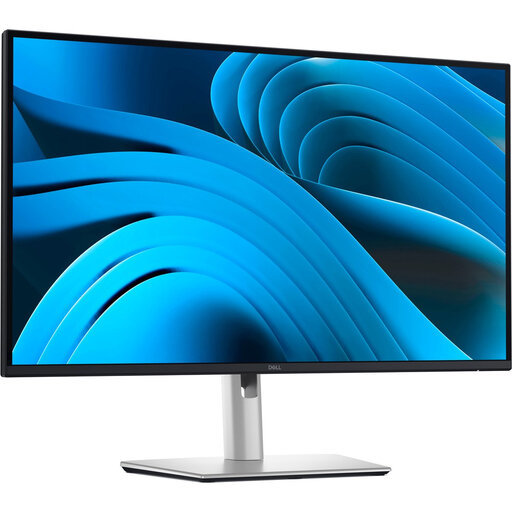 Image unavailable
Dell Pro Plus P2725DE, 27 inch, 2560 × 1440 pixels
An option to consider if you’re looking for QHD screen space and a USB-C connection for a compatible laptop.
QHD resolution: 2560 × 1440 pixels. Dell specifies 90 W power delivery over USB-C for this model.
View on Joybuy
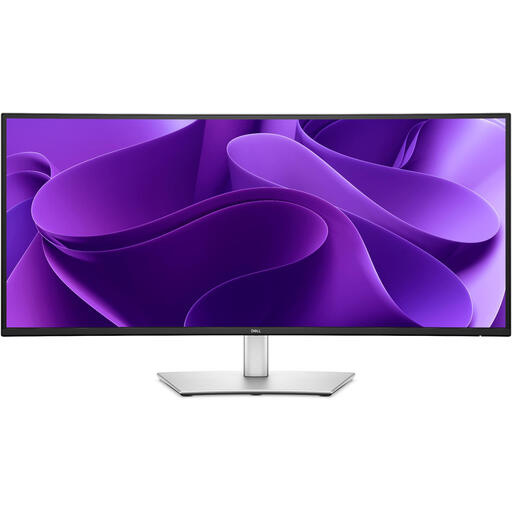 Image unavailable
Dell Pro Plus P3425WE, 34.1 inch, 3440 × 1440 pixels
The screen size and resolution may be useful if you want to view several documents side by side; check how much space you have on your desk.
34.1 inch; 3440 × 1440 pixels.
View on Joybuy
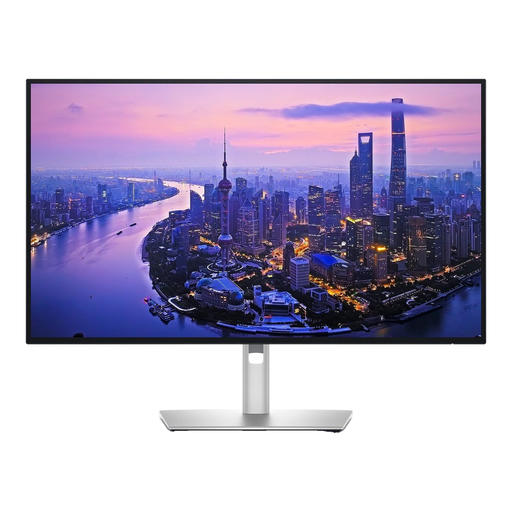 Image unavailable
Dell UltraSharp U2725QE, 27 inch, 3840 × 2160 pixels
A model to consider if fine details in maps or figures matter to you; assess text and scaling in the applications you use as well.
27 inch; 3840 × 2160 pixels.
View on Joybuy
 Image unavailable
LG 27GS85Q-B, 27 inch, 2560 × 1440 pixels
A 27-inch QHD option to compare if you want to view notes alongside a table or a second document.
27 inch; 2560 × 1440 pixels.
View on Joybuy
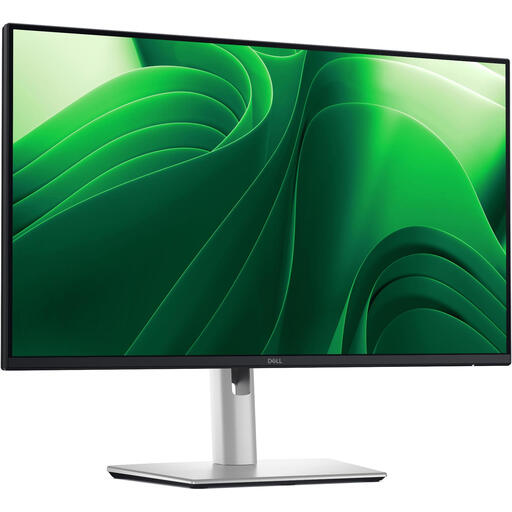 Image unavailable
Dell Pro Plus P2425D, 24 inch, 2560 × 1440 pixels
A smaller QHD format to consider if desk space is limited; compare the physical screen area with the text size you usually use.
24 inch; 2560 × 1440 pixels.
View on Joybuy
Frequently asked questions
Can a sharper monitor help with background conversations?
No, a sharper image won’t change what you can hear. Research into background speech while reading points to possible disruption of the reading task. If this is your main difficulty, address the sound around you separately.
How should you set up a monitor for extended reading?
Choose a text size that makes your notes easy to read, position the screen appropriately and minimise distracting reflections. Arboportaal identifies small symbols, reflections, light sources in your field of vision and poor ambient lighting as factors that can reduce readability.
Will every USB-C port support video and charging?
No, the connector shape alone doesn’t confirm this. Compare your laptop’s video output and charging requirements, and your cable, with the features and power rating of the exact monitor model. For example, Dell specifies 90 W over USB-C for the P2725DE.
What workplace rules apply if I use this monitor for work?
Employers have obligations relating to display screen work. Arboportaal describes requirements for the workplace, including additional conditions for more than two hours of display screen work a day. This is not a general statutory minimum specification for every personal monitor buyer.
Do you have a cooling-off period when buying online?
For eligible distance purchases from a business in the Netherlands, you generally have a 14-day cooling-off period. The Rijksoverheid lists exceptions and distinguishes, among other things, between buying from a business and buying from a private seller.


