What should you look for when choosing?
Start with how you’ll use your photos, then compare screen space and connections with your desk and computer.
| What to consider |
What should you check? |
Who is this important for? |
| Colour for online images |
Check sRGB display and how you can profile the monitor. |
If my product photos will mainly appear online, I want to assess colours within the colour space used by my workflow. About 33% of consumers give colour management for online images top priority. |
| Colour for print |
Check the stated Adobe RGB coverage, hardware calibration, and whether a measuring device is included with the monitor or needs to be purchased separately. |
If I also assess product colours for print, I want to know whether the monitor and my calibration workflow are suitable. About 27% of consumers prioritise colour assessment for print. |
| Detail and workspace |
Compare screen size and resolution, and check that the screen and stand will fit on your desk. |
If I edit photos with tools alongside the image, I want plenty of space on both my screen and desk. About 20% of consumers give detail and editing space top priority. |
| Connections and set-up |
Compare your computer’s video connection and power requirements with the monitor’s exact specifications, and check how adjustable the stand is. |
If I connect my laptop at my home workstation, I want the connection and screen position to suit my equipment. About 20% of consumers prioritise connectivity and workstation set-up. |
Joybuy monitors for photo editing
This Joybuy selection features 4K monitors for photo editing and home working, with different screen sizes and laptop connectivity options.
 No image available
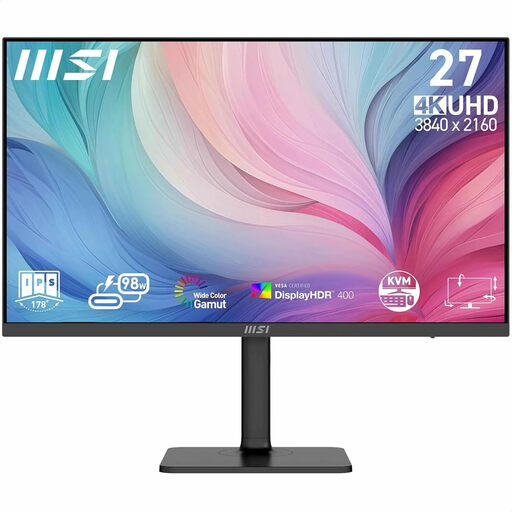
MSI Modern MD272UPHG
An option to compare if you edit photos and want to connect your laptop at the same workstation.
27 inch; 3840 × 2160 pixels; 94% Adobe RGB; USB-C with 98 W Power Delivery; adjustable stand; factory calibration.
View at Joybuy
 No image available
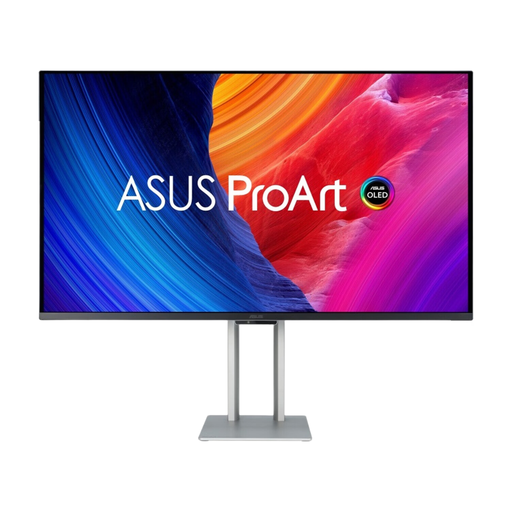
ASUS ProArt OLED PA32UCDM
A large screen to consider if you want plenty of space for image editing and need a laptop connection.
31.5 inch; 3840 × 2160 pixels; QD-OLED; Thunderbolt 4; up to 96 W Power Delivery; stand height-adjustable by up to 13 cm.
The product description notes that the QD-OLED panel may be susceptible to burn-in.
View at Joybuy
 No image available
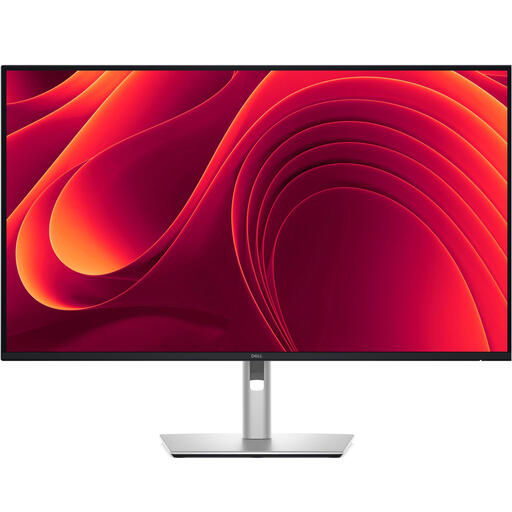
Dell Pro Plus P3225QE
An option to compare if you’re looking for a large screen and a laptop connection.
31.5 inch; 3840 × 2160 pixels; IPS panel; USB-C with 90 W Power Delivery; adjustable stand; RJ45 network connection.
View at Joybuy
 No image available
BenQ PD3205U
An option if you edit photos on a large 4K screen and want to connect your laptop via USB-C.
31.5 inch; 3840 × 2160 pixels; 99% sRGB; USB-C with 90 W Power Delivery; height and tilt adjustment; VESA mounting.
View at Joybuy
 No image available
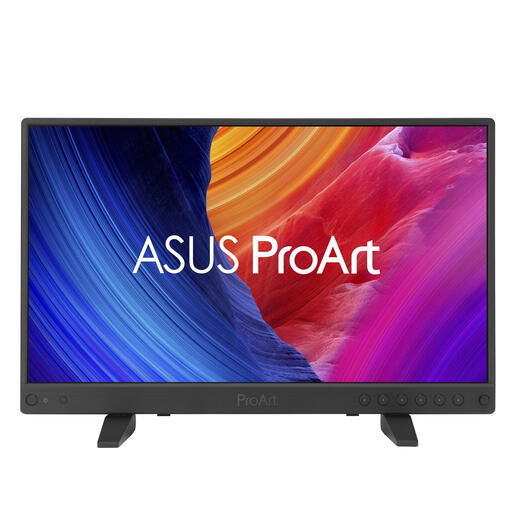
ASUS ProArt PA16USV
A more compact option to consider if you need a small 4K screen for photo and video editing.
15.6 inch; 3840 × 2160 pixels; 100% sRGB; factory calibration with ΔE < 2 according to the product description; USB-C with DisplayPort Alt Mode and 12G-SDI.
View at Joybuy
Frequently asked questions
Do I need 99% Adobe RGB for product photos that only appear online?
Not necessarily. First, find out which colour space your online workflow uses, and make sure you have colour management and a suitable monitor profile in place. Adobe RGB becomes more relevant when your editing and print workflow uses that colour space.
How do I maintain colour accuracy after set-up?
Set up colour management, then calibrate and profile the monitor for colour-critical work. Check which measuring device is required for the hardware calibration you’ve chosen; EIZO lists a calibration measuring device as an optional accessory for the CS2740.
Do I have a cooling-off period and a guarantee when ordering a monitor online in the Netherlands?
ACM ConsuWijzer states that consumers buying online generally have a statutory cooling-off period that ends 14 days after delivery. Statutory guarantees also apply if, under normal use, the product doesn’t do what you could reasonably expect; a manufacturer’s guarantee doesn’t replace this right. Check the terms that apply to your purchase.
What responsibilities apply to a home-working space?
For employees, the Dutch government says that employers must provide a good and safe home-working space, while employees also have a responsibility to use it safely and in a way that supports their health. This is workplace health and safety information, not a monitor specification that applies to every buyer.


