What should you look for when choosing?
First measure the space available for the monitor stand. Then decide whether a clear view of text, colour accuracy or fewer cables matters most for your work.
| What to consider |
What to look for |
Who it matters most to |
| Fit and adjustability |
Compare the width and depth of the screen and stand with the space available on your desk. Check which adjustments the model offers. |
I want enough room for my keyboard and mouse, and to position the screen properly. Around 28% of consumers prioritise the physical fit. |
| Text and page overview |
Compare the resolution and aspect ratio: the 16:10 models mentioned have 1920 × 1200 pixels; the Full HD models have 1920 × 1080. |
When I proofread a lot of text, I want to see the page clearly. Around 27% of consumers give text and layout their highest priority. |
| Image and colour accuracy |
Consider whether colour accuracy matters for your work and check the specifications for the exact model. Manufacturer claims are not independent measurements. |
I also review newsletter images and want to know whether the stated colour coverage matters for my work. Around 18% of consumers prioritise image and colour accuracy. |
| Laptop connection |
Check whether USB-C supports video input and what charging wattage is specified; compare this with your laptop’s video output and power requirements. |
I want to connect my laptop with as few cables as possible, but only if video and power are compatible. Around 27% of consumers give the laptop connection their highest priority. |
Dell specifies a USB-C downstream data port of up to 15 W for the P2425, not a USB-C video input. EIZO lists a USB-C input with DisplayPort Alt Mode and up to 70 W power delivery for the EV2495; your laptop must also be compatible.
Joybuy monitors for editing newsletters
This selection includes monitors for reading text and viewing full pages in a compact workspace, alongside models with stated colour features or USB-C connectivity. Measure the space available for the stand and check that the specifications suit your work and laptop.
 No image available
ASUS BE248CFN, 24.1 inches, 1920 × 1200
The 16:10 resolution may be useful if you want extra vertical screen space while editing.
The product description lists height adjustment of up to 13 cm, a USB hub and HDR10. Check the stand’s dimensions against your desk.
View at Joybuy
 No image available
ASUS ProArt PA248CNV, 24.1 inches, 1920 × 1200
This model may suit newsletter work where you want to combine a clear view of text with visual checks of images.
The product description lists 100% sRGB, 100% Rec. 709, factory calibration and USB-C with 90 W Power Delivery. These are product specifications, not independent measurements. The stand offers height, swivel, tilt and pivot adjustment.
View at Joybuy
 No image available
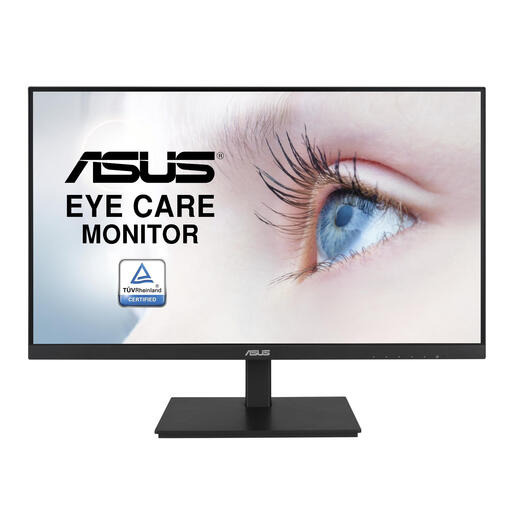
ASUS VA24DQSB, 23.8 inches, 1920 × 1080
A 23.8-inch Full HD screen may be a good option if you’re looking for a compact display for text and page layout.
The product description lists an IPS panel, built-in speakers, a USB hub and a height-adjustable stand. It has fewer vertical pixels than a 1920 × 1200 resolution.
View at Joybuy
 No image available
iiyama ProLite, 24 inches, IPS Full HD
This 24-inch Full HD model is worth considering if you’re looking for a monitor for text and layout work.
The product description lists an IPS panel, matte finish, 150 mm height adjustment and VESA mounting. The resolution is 1920 × 1080 pixels.
View at Joybuy
 No image available
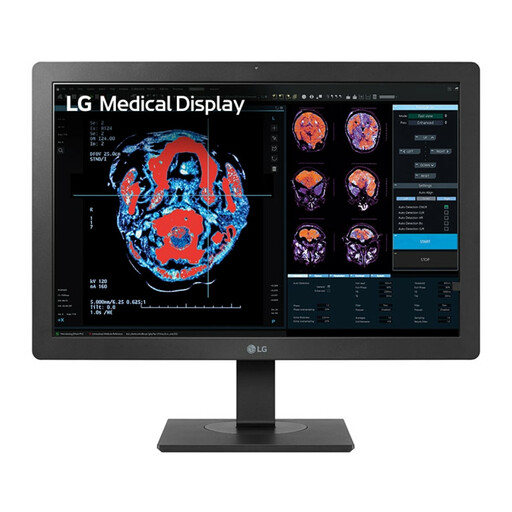
LG 24HR513C-B, 24 inches, 1920 × 1080
This 24-inch Full HD model may suit you if you’re looking for an adjustable screen for text and page work.
The product description lists an IPS panel, a USB hub and an adjustable, tilting stand. The resolution is 1920 × 1080 pixels.
View at Joybuy
Frequently asked questions
Do I need a design monitor to edit a newsletter?
Not if you mainly edit text. If you also review images and colours, the sRGB coverage and factory calibration stated by BenQ for the PD2506Q may be relevant; these are still manufacturer specifications, not a measurement of your individual unit.
How should I set up a monitor on a small desk?
First measure the space for the stand, keyboard and mouse, then position the screen to suit your workspace. Arboportaal outlines specific workplace requirements for employees who work at a screen for more than two hours a day; these do not automatically apply to every individual newsletter creator.
Can any USB-C monitor connect to and charge my laptop with one cable?
No. It depends on the monitor port and your laptop’s capabilities. Dell lists a USB-C downstream data port of up to 15 W for the P2425; EIZO specifies a USB-C input with DisplayPort Alt Mode and up to 70 W for the EV2495. Also check your laptop’s video output and power requirements.
What protections apply when buying a monitor online in the Netherlands?
According to the Dutch Government, distance purchases are often covered by a 14-day cooling-off period. You are also entitled to a statutory guarantee when buying a product. Check the terms of your specific purchase and distinguish your statutory rights from any manufacturer’s warranty.
Does Dutch law require a specific monitor size?
Arboportaal’s guidance on screen work does not specify a generally required screen size in inches. It outlines workplace requirements for employees and a separate condition for working at a screen for more than two hours a day; this is not a general size requirement for every personal purchase.


