
Musicians practising with notes and sheet music
If you want to view practice log notes, instructions and reference materials while practising, consider the screen space you need and whether the setup suits your practice space.


Choose a monitor based on how you want to view your practice log and reference materials. The 27-inch QHD models from Dell, BenQ and Philips are worth comparing, though an adjustable stand or the right laptop connection may matter more than extra pixels. Keep the log on your computer and arrange a separate backup there too; a monitor isn’t a storage device.
If you want to view practice log notes, instructions and reference materials while practising, consider the screen space you need and whether the setup suits your practice space.
Your monitor displays the log, but the files are stored on your computer. If you want to keep them locally, choose a location for the files and make a separate backup too.
If you regularly connect a laptop, check in advance that your laptop, cable and monitor support the display, peripheral and charging features you want.
First, decide how you want to view and fill in your log. Then choose a suitable connection and an adjustable workspace; manage local storage and backups on your computer.
| What to consider | What should you check? | Who is this important for? |
|---|---|---|
| Viewing your log and materials side by side | Compare the screen size, resolution and readability with the text size and window layout you use. | If I want to see notes and reference materials at the same time while practising, I’ll consider the screen’s space and readability. Around 28% of consumers give screen space the highest priority. |
| Local storage and backups | Check where the application saves files and whether you can restore a recent backup. A monitor hub isn’t storage for your log. | If you want to keep your log on your own computer and have a separate copy too, you’ll need to arrange storage and backups on that computer. Around 28% of consumers prioritise this kind of data management. |
| Posture while practising | Check the height and tilt adjustments, then assess the screen position in your own setup. | For longer practice sessions, I want to be able to position the screen properly at my desk; the stand and available space both matter. Around 22% of consumers give posture the highest priority. |
| Connecting a laptop and peripherals | Check that your laptop port and cable support the video features you want, and that the charging power is suitable for your laptop. | If I connect my laptop regularly, I want to know in advance whether the display, peripherals and charging will work with my equipment. Around 22% of consumers prioritise connectivity. |
A monitor hub can connect devices, but it won’t store your practice log by itself. If you rely on a single file on one computer, you don’t automatically have a separate copy.
Set the save location for your log on your computer, make a separate backup and check that you can restore it.
Dell distinguishes the QHD P2725D monitor from the QHD USB-C hub monitor, the P2725DE. So the model number alone doesn’t mean that they have the same connections.
Compare the full model number and ports with your laptop before ordering.
Depending on your computer, you may also need a compatible cable or adapter.
A higher resolution or refresh rate won’t manage note storage, backups or the log’s reading settings.
First, check how easy your own notes are to read, the window layout you want and the connections you need.
The Dutch models mentioned offer different combinations of QHD, 4K and USB-C hub features.
The BenQ GW2790QT is a 27-inch QHD model with USB-C and an adjustable stand.
The Philips 27E1N1600AE/00 is a 27-inch QHD model with USB-C.
This Joybuy selection includes 27-inch QHD and 4K monitors for viewing your practice log and reference materials. Keep the files themselves on your computer and back them up separately.
 No image available
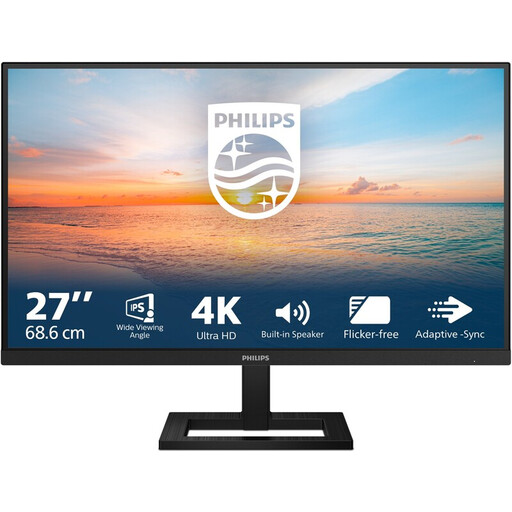
A 27-inch 4K UHD model to consider if you want to view your log and reference materials on the same screen.
3840 × 2160; 60 Hz; 4 ms; HDMI; DisplayPort; height-adjustable stand.
 No image available
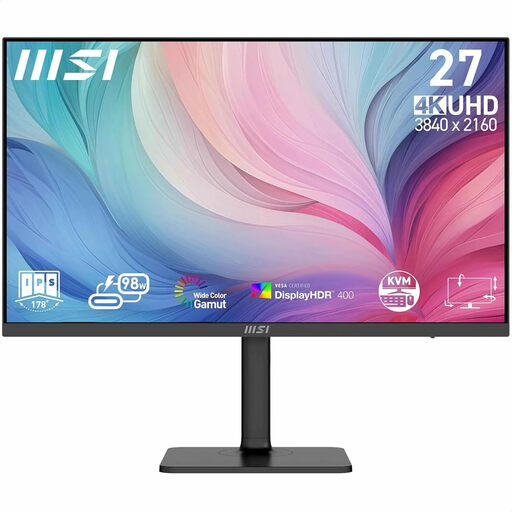
A 27-inch 4K option to consider if you’d like extra screen detail for your log and other practice materials.
3840 × 2160; 4K Ultra HD.
 No image available
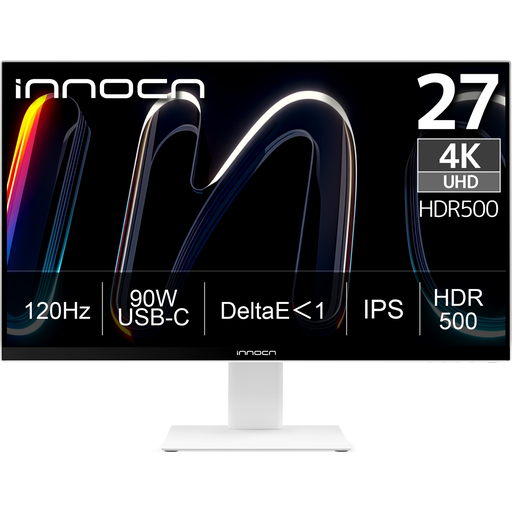
A 27-inch 4K UHD model to consider if you want to display your practice log and reference materials on one screen.
3840 × 2160; IPS; 120 Hz; USB-C with 90 W PD.
 No image available
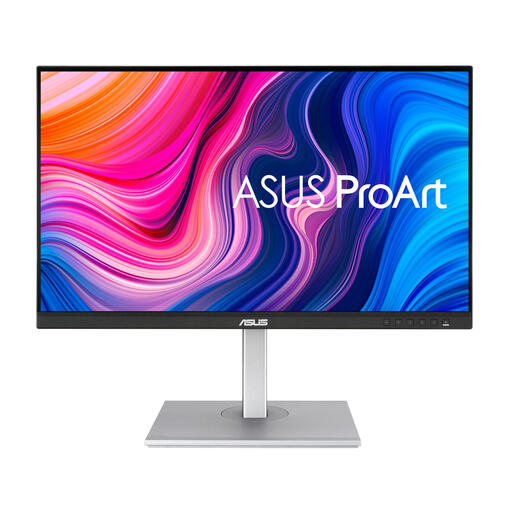
A 27-inch QHD option to compare if you want to view notes and reference materials together.
2560 × 1440; Quad HD.
 No image available
A 27-inch QHD model to consider for displaying practice notes and reference materials.
2560 × 1440; Quad HD.
No. Save the file on your computer using the application, and make a separate backup too; a monitor hub doesn’t replace these steps.
Only if the exact monitor, laptop port and cable support the features you need. Dell lists 90 W USB-C power delivery for the P2725DE, and BenQ lists 65 W for the GW2790QT; check how much power your laptop needs.
Regularly make a recent copy in a separate location and check that you can restore your files. VeiligInternetten lists an external drive as one possible place to keep a backup.
According to the Dutch Data Protection Authority, the GDPR does not apply to the processing of personal data solely for personal or household use. This doesn’t automatically apply if, for example, you process students’ data on behalf of a teaching practice or organisation.
For a standard online consumer purchase, you generally have a statutory cooling-off period of up to 14 days after delivery; exceptions depend on the purchase. ACM ConsuWijzer also explains that the statutory guarantee applies alongside the seller’s guarantee: the seller must put a valid problem right. Don’t assume there’s a fixed statutory guarantee period of two years.