Choose a monitor that lets you view a historical map and source text comfortably in your setup. Then compare the display settings, adjustability and connections. A monitor won’t dampen conversations in the room. Built-in audio features may be useful for your own online calls, but they won’t solve background noise.
Who is looking for a monitor for map study?
Comparing maps and sources
You compare historical maps with texts to study changes in the polder landscape, and want to examine details without constantly switching between sources. The Dutch Land Registry provides historical maps through Topotijdreis.
Reading on screen for long periods
You spend a long time reading and writing at the same screen and want to be able to adjust your workstation setup. Arboportaal outlines requirements for employees who work with display screen equipment; these don’t automatically apply to every student studying at home.
Studying in a shared space
You study maps and texts while other people are talking, and want to distinguish between your choice of screen, your own online calls and distracting background noise. Research published by the American Psychological Association looked at distracting speech during memory tasks, not at monitors as a way to solve noise problems.
What should you consider when choosing?
Where possible, try a map extract and text similar to your study materials. Assess readability at your preferred screen size and text scaling, and check that your computer can output the chosen resolution through the available connection.
| What to consider |
What should you check? |
Who is this important for? |
| Map details and text |
Compare QHD and 4K using your own map extract and text; check your computer’s output capabilities. |
If I want to examine small map labels and fine lines, I need to be able to read them alongside the source text. Around 36% of consumers prioritise map details and small text. |
| Multiple sources at once |
Measure your desk space and see whether two windows will fit at a text size you find comfortable. |
I want to keep a map and its accompanying notes open at the same time, without the windows becoming too small to use. Around 29% of consumers prioritise space for multiple sources. |
| Adjustability and glare |
Check the height, tilt and any pivot adjustment on the exact model, and consider the position of windows in your setup. |
During long reading sessions, I want to adjust the screen position to suit my workstation and avoid distracting reflections. Around 21% of consumers prioritise adjustability and positioning. |
| Calls and personal audio |
Consider whether you make online calls and need a microphone or speakers for them; treat room noise as a separate issue. |
If I study in a room where other people are talking, I want to know which features support my own online calls. Around 14% of consumers focus primarily on the combination of a shared sound environment and their own call equipment. |
Common buying mistakes
-
Confusing microphone noise cancellation with sound insulation
A microphone feature describes how your voice is picked up during calls; it doesn’t show that you’ll hear less background noise yourself.
Choose call features only if you need them for your own computer use, and assess background speech separately.
-
Focusing only on the QHD or 4K label
Resolution alone doesn’t tell you whether a map extract and text will both be comfortable to read on your computer, at your chosen text size.
Check your computer’s video output and test a representative map with your preferred display settings.
-
Confusing model variants and warranty terms
The Dell P2725D and P2725DE are separate models. A legal guarantee is also different from any manufacturer’s warranty.
Compare the full model number and the connections on the exact version. Keep your proof of purchase and check the product’s warranty information.
Brands to consider as a reference
Dell
The P2725D is a 27-inch QHD IPS monitor for general map and text tasks.
- Dell lists height and tilt adjustment for the P2725D.
- Check the ports on the exact model: the P2725D is not the P2725DE USB-C hub version.
Philips
The Philips 27E2N2500/00 is a 27-inch QHD IPS model for anyone comparing documents and maps on a QHD screen.
- Philips lists a resolution of 2560 × 1440 and a 120 Hz refresh rate for this model.
- These specifications alone don’t tell you how comfortable it will be for long reading sessions or map analysis. Also check the stand and connections on the exact version.
ASUS
According to the manufacturer, ASUS designed the ProArt PA278QV for creators who also edit images.
- ASUS lists an anti-glare surface and a stand with height, swivel, tilt and pivot adjustment for the PA278QV.
- The 100% sRGB and Delta E < 2 colour figures are claims made by ASUS, not independent measurements in this article. The PA278QV is not the PA278QGV Gen2, and the PA278QV specifications don’t list a USB-C input.
BenQ
The GW2790QT combines QHD, USB-C and built-in call features.
- BenQ lists USB-C with DisplayPort Alt Mode and 65 W Power Delivery for this model, alongside a built-in microphone and speakers.
- Microphone noise cancellation doesn’t mean you’ll hear less of the conversations around you. Check that your laptop supports USB-C video and what charging power it needs.
LG
The LG 27UP850K-W is a 27-inch 4K IPS option for anyone viewing fine image details.
- LG lists 3840 × 2160 pixels and a height-adjustable stand for this model.
- Check that the text scaling and connections suit your computer; a reservation or availability message shown on the page isn’t a lasting guarantee of stock.
Joybuy monitors for maps and text
These models include 4K options for fine details and a QHD option for viewing maps and text side by side. Check that each model’s resolution, connection and display settings suit your computer and workspace.
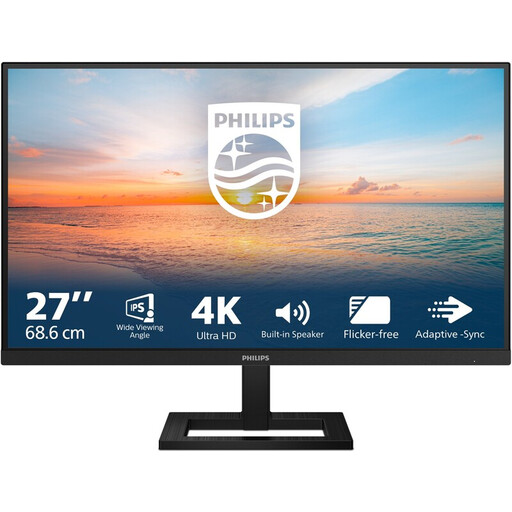 No image available
Philips 27E1N1800AE/00 27-inch 4K UHD IPS monitor
Well suited to anyone who wants to view map details on a 27-inch 4K screen; check that the text scaling and computer output suit your setup.
3840 × 2160 pixels; 60 Hz; 4 ms; HDMI and DisplayPort; height-adjustable stand. The product description also mentions an anti-glare screen and EasyRead.
Joybuy
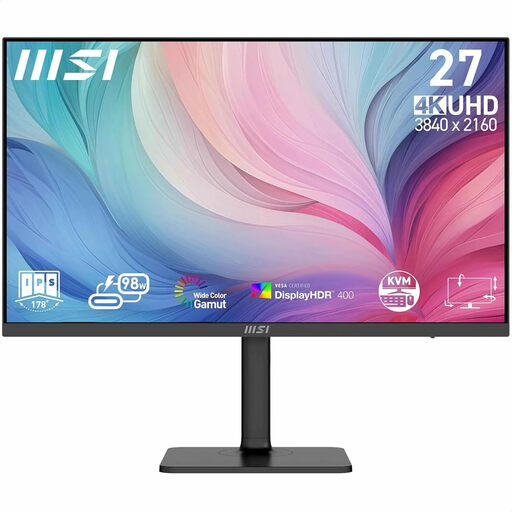 No image available
MSI Modern MD272UPHG 27-inch 4K UHD monitor
A 27-inch 4K option for viewing fine map details; check the text size against your own reading preferences.
3840 × 2160 pixels; 4K Ultra HD; black.
Joybuy
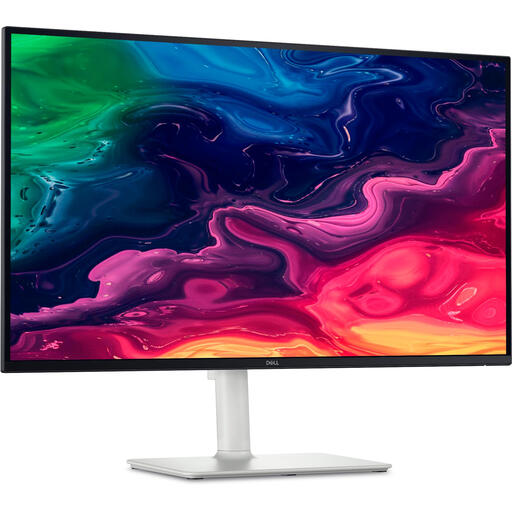 No image available
Dell Plus S2725QC 27-inch 4K UHD monitor
Well suited to anyone looking for a 27-inch 4K screen with an adjustable setup for maps and text.
3840 × 2160 pixels; IPS; USB-C; height- and tilt-adjustable stand.
Joybuy
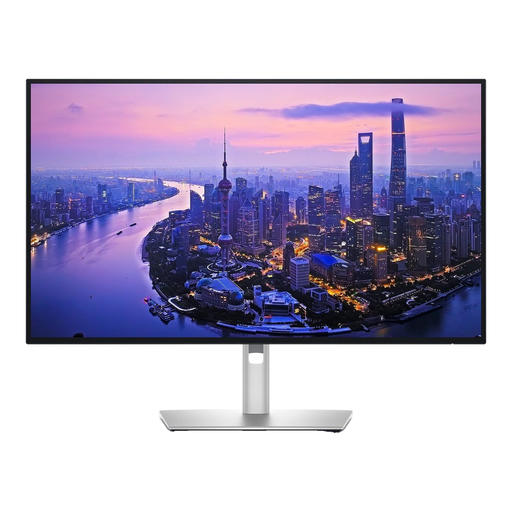 No image available
Dell UltraSharp U2725QE 27-inch 4K UHD monitor
A 27-inch 4K option for viewing detailed maps; check the text scaling and connections you need.
3840 × 2160 pixels; IPS Black; anti-glare screen; black and silver.
Joybuy
 No image available
LG 27GS85Q-B 27-inch QHD monitor
Well suited to anyone who wants to view maps and source text side by side on a 27-inch QHD screen.
2560 × 1440 pixels; Quad HD; the product description lists height, tilt and swivel adjustment.
Joybuy
Frequently asked questions
Is QHD or 4K better for old maps?
It depends on your map extract, preferred text size and computer output. The 27-inch QHD models mentioned have 2560 × 1440 pixels; according to LG, the LG 27UP850K-W has 3840 × 2160 pixels. Compare them using your own materials and viewing setup, rather than relying on the pixel count alone.
Will a monitor’s noise cancellation help with conversations next to my desk?
You can’t assume that you’ll hear less of the conversations in the room. BenQ lists a noise-cancelling microphone for the GW2790QT; this refers to the microphone feature, not proven noise reduction for the user.
How should I set up a screen for long reading sessions?
Adjust the height and position to suit your workspace, and watch out for reflections. Arboportaal outlines requirements for employees who spend more than two hours a day working with display screen equipment; these rules don’t automatically apply to every student studying privately.
How can I compare monitors’ energy use?
Compare the EU energy label and product information for the exact models. The European Commission states that electronic displays carry an energy label from A to G; comparing resolutions alone won’t give you a definitive answer about energy use.
What are my rights when I buy a monitor online in the Netherlands?
ACM ConsuWijzer states that online purchases generally come with a statutory cancellation period that ends 14 days after delivery, with some exceptions. Statutory protection also applies alongside any guarantee from the retailer or manufacturer: the product must meet what you could reasonably expect from it.


